MAX Operation & Service Manual 45MAX Operation & Service Manual Section4:UnderstandingTheTabletInterface45
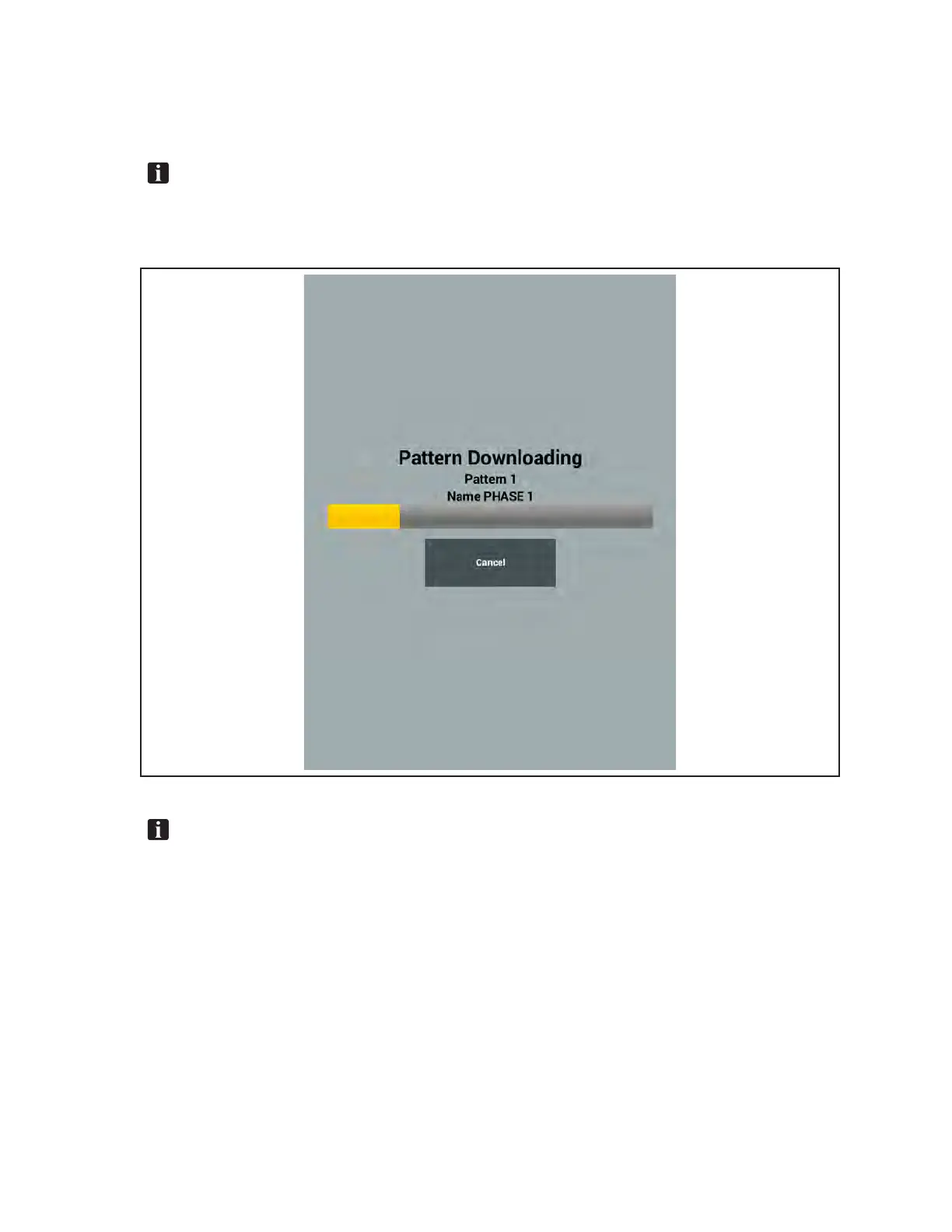
The download time is approximately 7 seconds. A download progress bar will appear along with the
pattern number and name. If necessary the download may be aborted by pressing “Cancel” on the
screen. Refer to Figure 4-14.
NOTE: Anyneworrevisedpatternmustbedownloadedfromthetablettothemachinecontrol
boardtoperformaconditioningrunusingthatpattern.Whenthepatternisdownloadedfrom
theOperatorscreenthemachinewillpreparetorunwhenthedownloadiscompleted.The
machinewillinstructtheoperatortoplacethemachineonthelane.
Figure4-14.DownloadProgressBar
NOTE: Allpatternsmustbedownloadedafterchangingtoadifferentconditionerselection.
Toavoidunnecessarydownloads,selectyourdesiredconditionerfromtheSystemmenubefore
downloadingpatterns.



 To Next Page