48 MAX Operation & Service Manual48 Section4:UnderstandingTheTabletInterface MAX Operation & Service Manual
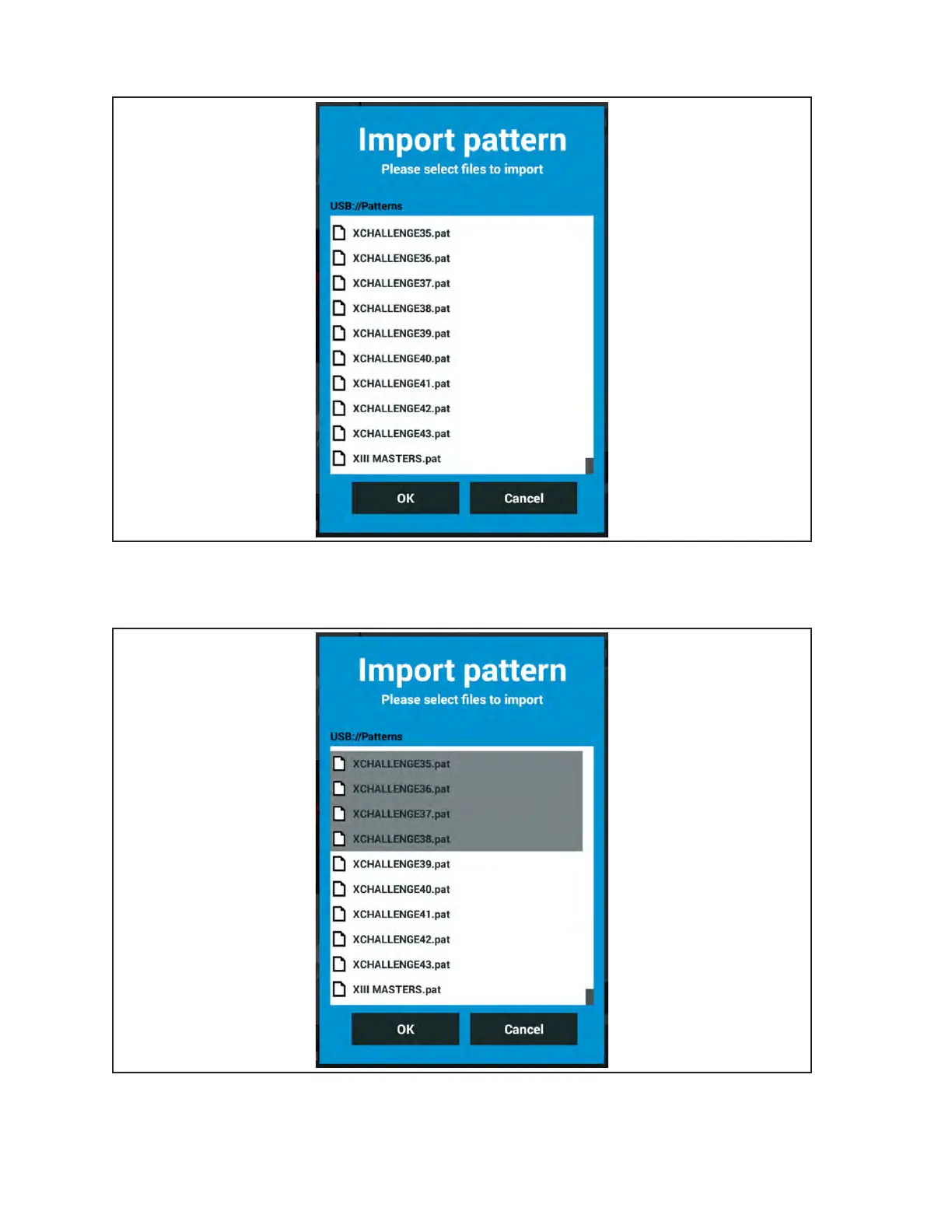
4. Select the le folder that contain the conditioner patterns to view them. Refer to Figure4-17.
Figure4-17.USBPatternFiles
5. Select the pattern you would like to Import into the tablet. You may select multiple patterns at
the same time. Refer to Figure4-18.
Figure4-18.SelectPatterns
6. When you have nished selecting patterns, press the “OK” button on the screen to transfer them
to the tablet.



 To Next Page