52 MAX Operation & Service Manual52 Section4:UnderstandingTheTabletInterface MAX Operation & Service Manual
Importing Patterns to the Cloud
1. Go to the Pattern menu and select Library.
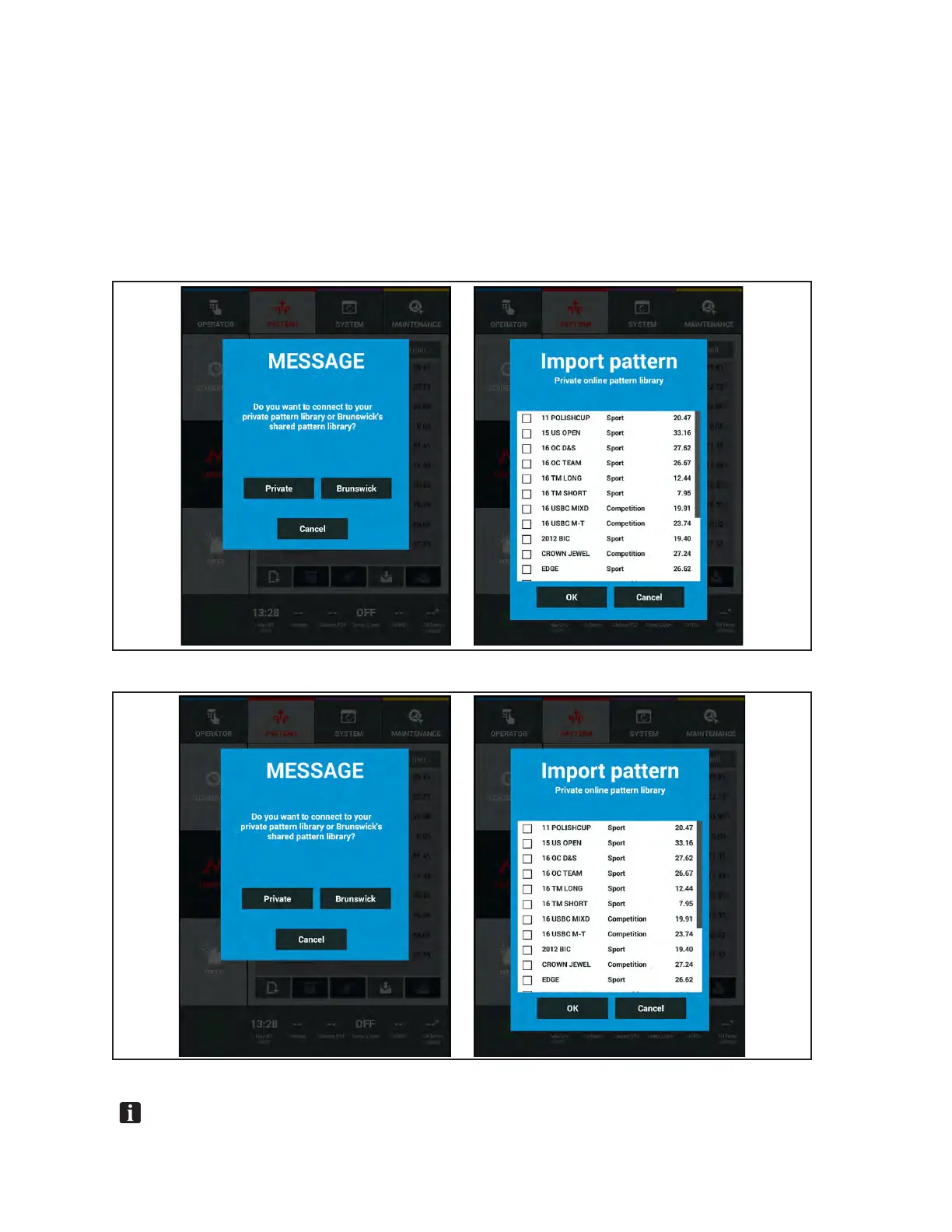
2. Press the highlighted “Import” button on the tablet. Refer to Figure 4-21
3. Select one of the two options.
a. “Private” to view patterns you have saved to the cloud. Refer to Figure4-23.
i. Select the patterns you wish to import into your tablet and press”OK”.
b. “Brunswick” to nd new patterns from the Brunswick Shared Library. Refer to Figure 4-24.
i. Select from the list of new patterns to import into your tablet and press “OK”.
Figure4-23.PrivateLibraryImportScreens
Figure4-24.BrunswickSharedLibrary
NOTE: PatternsfromotherversionsofDirect+lanemachinesmustbeconvertedtothe.PATle
extensionintheBrunswickPatternManagerSoftwareforuseintheMAXlanemachine.



 To Next Page