182 MAX Operation & Service Manual182 Section7:Troubleshooting MAX Operation & Service Manual
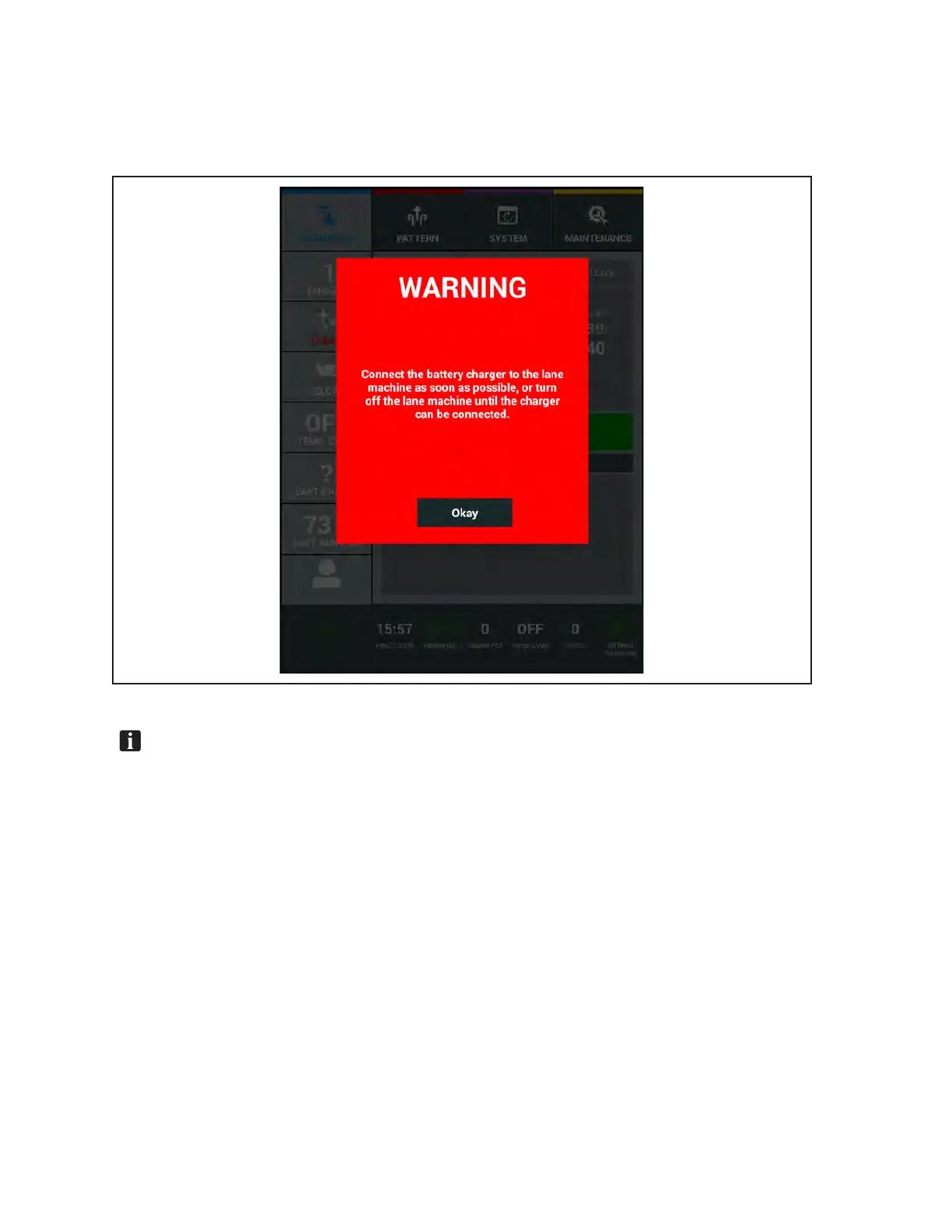
Warning messages are generated when you need to charge the machine or for maintenance messages
generated when a hardware counter expires. These messages mean that action must be taken before the
machine can no longer operate (error messages), requiring immediate attention and ensuring that the
machine is functioning properly for your customers. Refer to Figure 7-19.
Figure7-19.WarningMessages
NOTE:MaintenancelogscanbebackeduptotheBrunswickCloudoraUSBashdriveas
explainedearlierinSection4.TheselogsmaycontaininformationthatishelpfultoBrunswick
TechnicalSupportwhentroubleshootingissues.TheycanexplainhowtouploadtotheCloud,
attachbackuplestoane-mailorshiptheUSBashdrivewithyourcentermaintenancelogs.
Themaintenancelogs,countersandcriticalcenterdatacannotbeimportedbacktoyourTablet.



 To Next Page