7
Envelope Feeder Attachment-B1
7-25
Handling Options
5
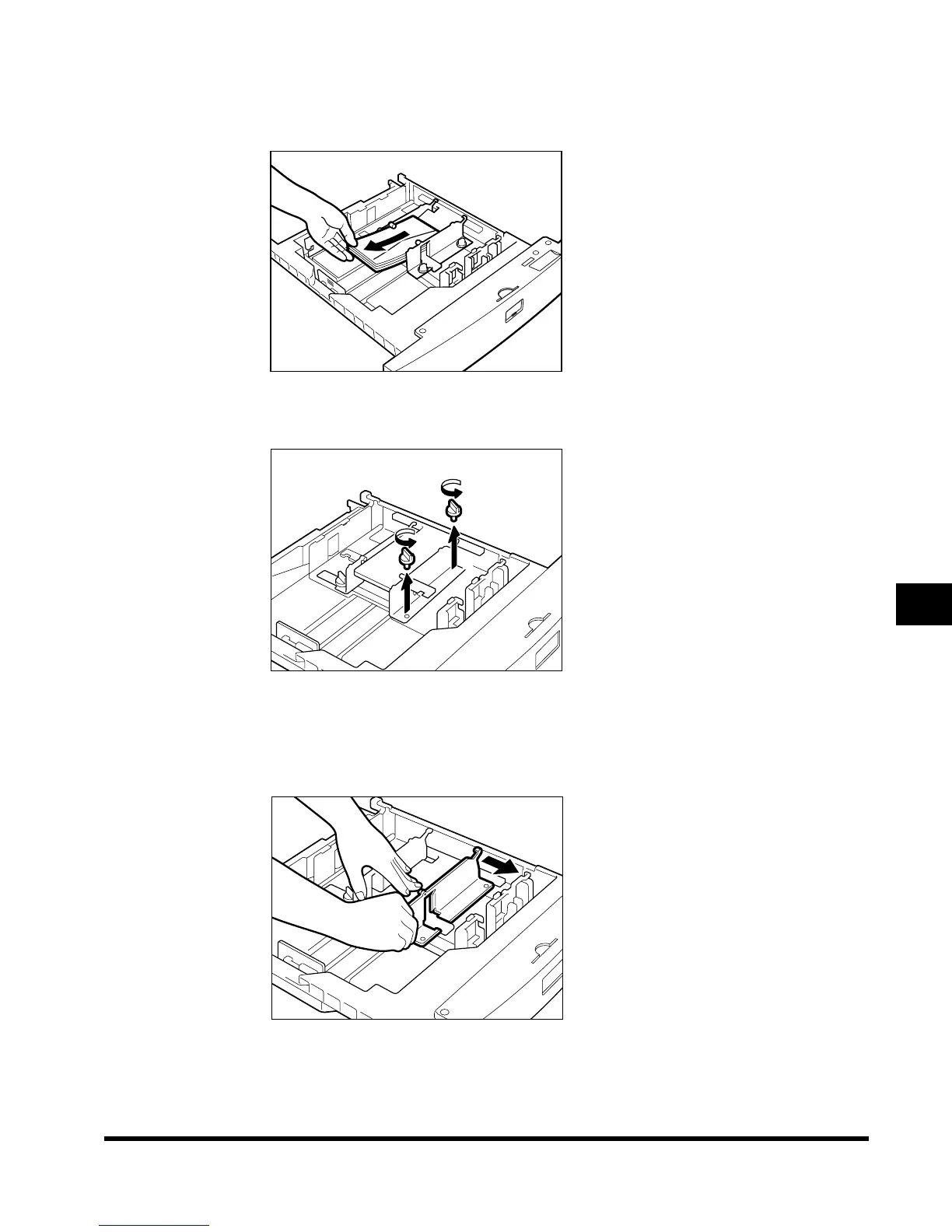
Pull out the left guide, and remove all envelopes already loaded in
the drawer.
6
Loosen the two screws fixing the front width guide of the cassette.
7
As shown below, push down on the envelope receptacle, and move
the front width guide so that they are aligned with the mark for the
desired type of envelope.
E1L_US_U_.book-INDEX Page 25 Wednesday, May 23, 2001 11:40 PM












 To Next Page