SECTION 4 - ELECTRICAL SYSTEM SERVICE
page 4-12
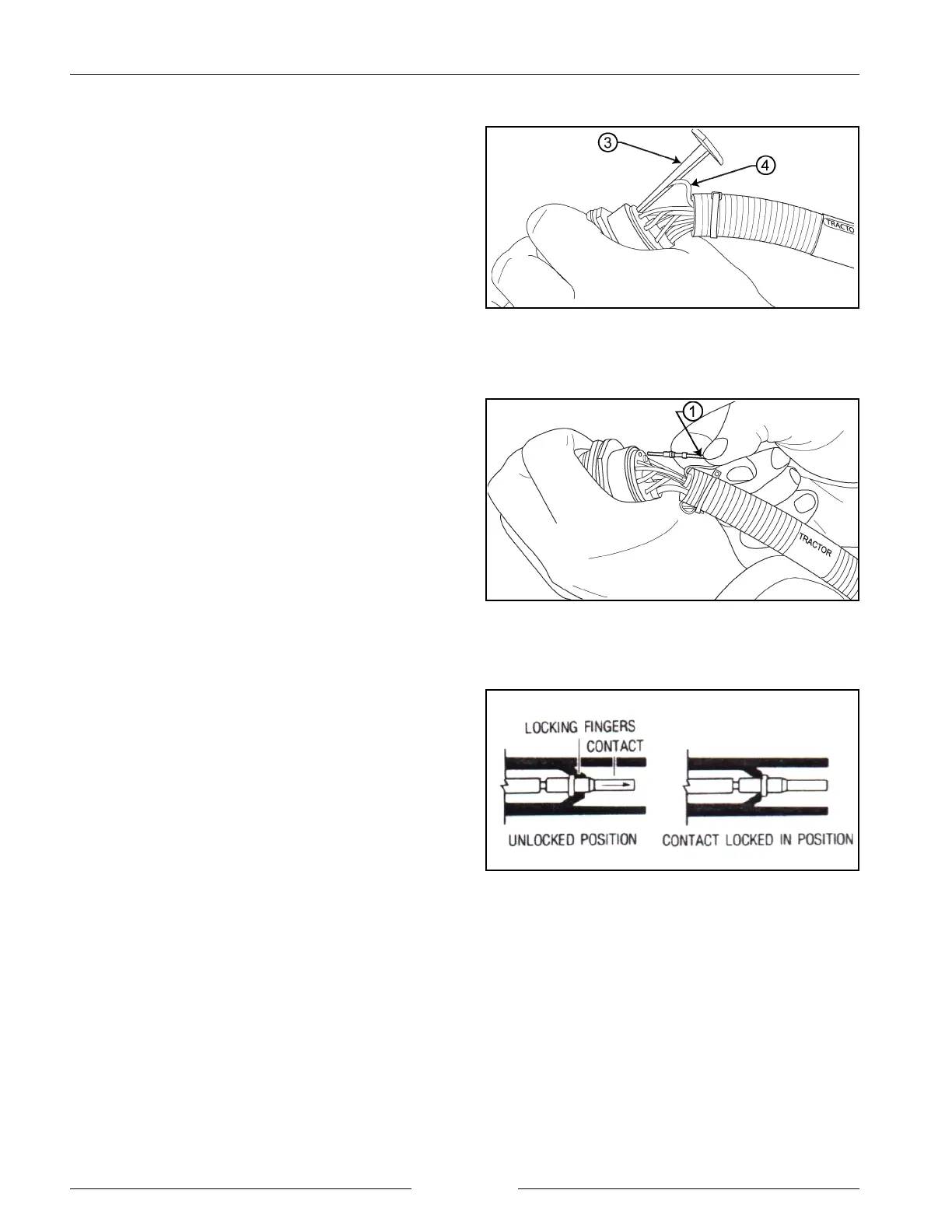
Remove Wire and Extraction Tool
902010M1
Insert Contact
902001M1
Inserting the Contact
902006S
3. Pull contact-wire (4) assembly out of connector with
the extractor tool (3).
CONTACT INSERTION (GROMMET)
1. Grasp contact approximately 25.4 mm (1") behind the
contact crimp barrel.
2. Hold the connector with the rear grommet facing you.
NOTE: For unused wire cavities, insert sealing plugs
for full environmental sealing.
3. Push contact straight into connector grommet until a
positive stop is felt. A slight tug will confirm that it is
properly locked in place.


 To Next Page