SECTION 4 - ELECTRICAL SYSTEM SERVICE
page 4-19
Insert the Contact
902019S
Replace the Receptacle
902018M1
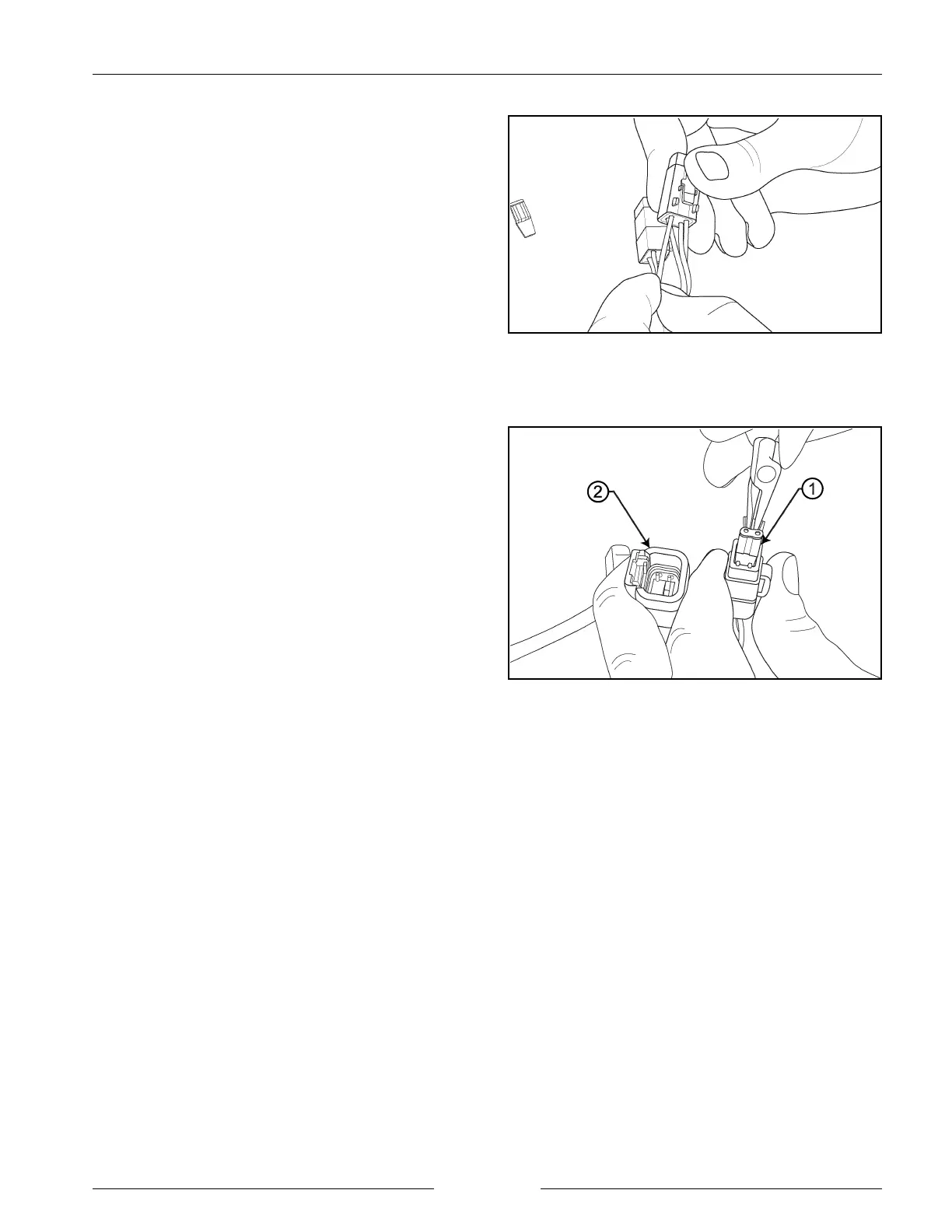
CONTACT INSERTION (DTM SERIES)
1. Grasp the crimped contact approximately 24.5 mm
(1") behind the contact barrel.
2. Hold connector with rear grommet facing you.
3. Push contact straight into the connector grommet until
a click is felt. A slight tug will confirm that it is
properly locked in place.
4. Once all contacts are in place, insert orange wedge:
receptacle (2) - with half holes aligning with contacts,
and plug (1) with contacts aligning behind full holes.
The orange wedge will snap into place.
NOTE: The plug (1) is shown. Follow the same
procedure for the receptacle (2).


 To Next Page