ProfiMessage
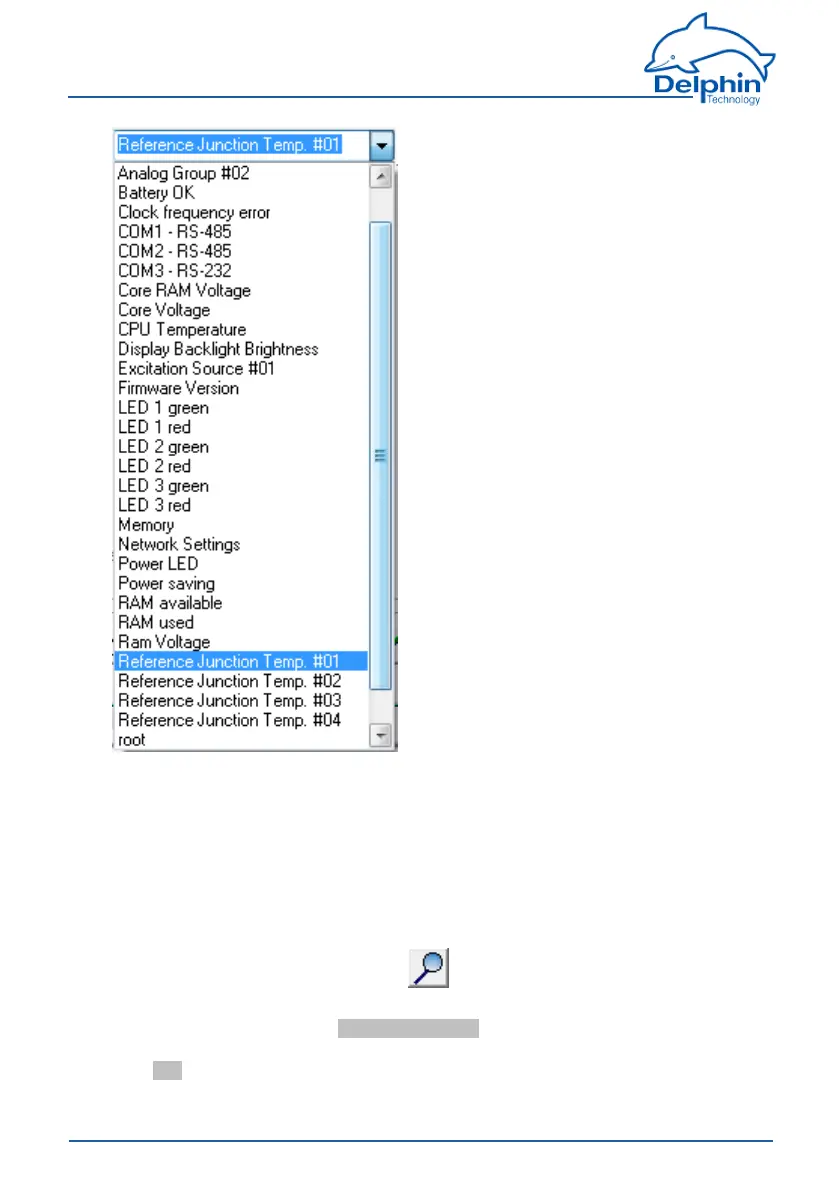
Clicktherequiredchannel.
Ifthechannelnameisknown,itcanbeinputfromthekeyboard.Thelistisfiltered
downwhilelettersarekeyedin,whichmakesselectioneasier.
4.4.5 Advancedchannelselection
Thismethodofdisplayandselectionismoreconvenientforalargenumberofcon-
figuredchannelsbecausetheadvancedfilteringfunctionenablesonlyspecific
channelstobesearchedanddisplayed.
Openthedialogueboxbyclickingon (thesymbolisshownnexttotheentry
field).Thechannelsaredisplayedbyname,descriptionandchannelID.
EnterafiltercriterionintheAdvanced search field.Therelevantselectionthen
appearsintheuppersectionofthedialogue.Selectedtherequiredchanneland
clickOK.
62
Delphin Technology AG
Dezember 2015
ProfiMessage Manual


 To Next Page