U60 Diagnostic Ultrasound System User Manual Installation Instructions
- 23 -
CAUTION
To ensure proper grounding and leakage current levels, it is the policy of EDAN to have
an authorized EDAN representative or EDAN approved third party perform all on-board
connections of documentation and storage devices to the U60.
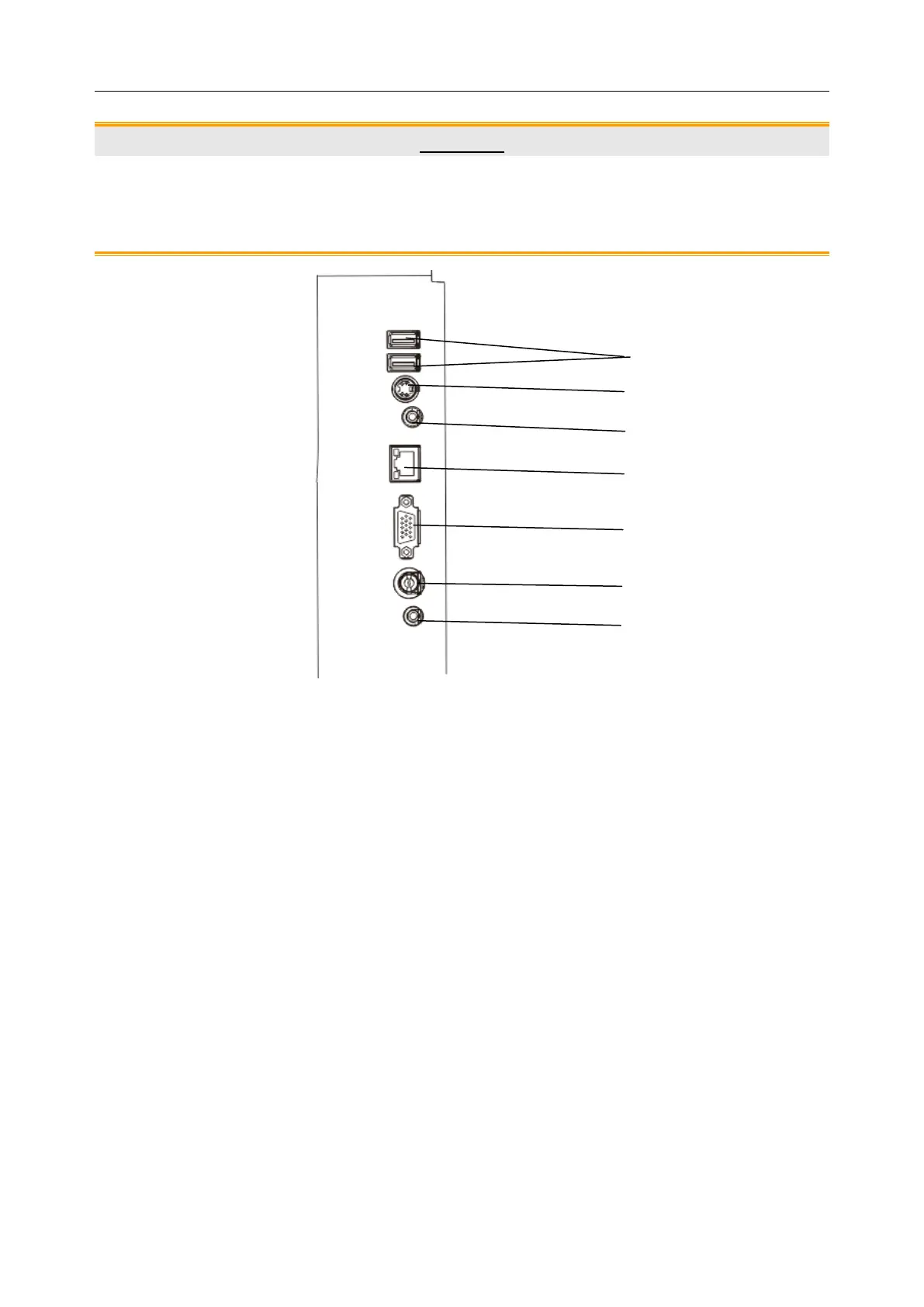
Figure 4-7 I/O Ports on the Left Panel
Peripheral ports:
5 VGA output port (15 pin)
4 Network port (DICOM 3.0)



 To Next Page