U60 Diagnostic Ultrasound System User Manual System Control
- 46 -
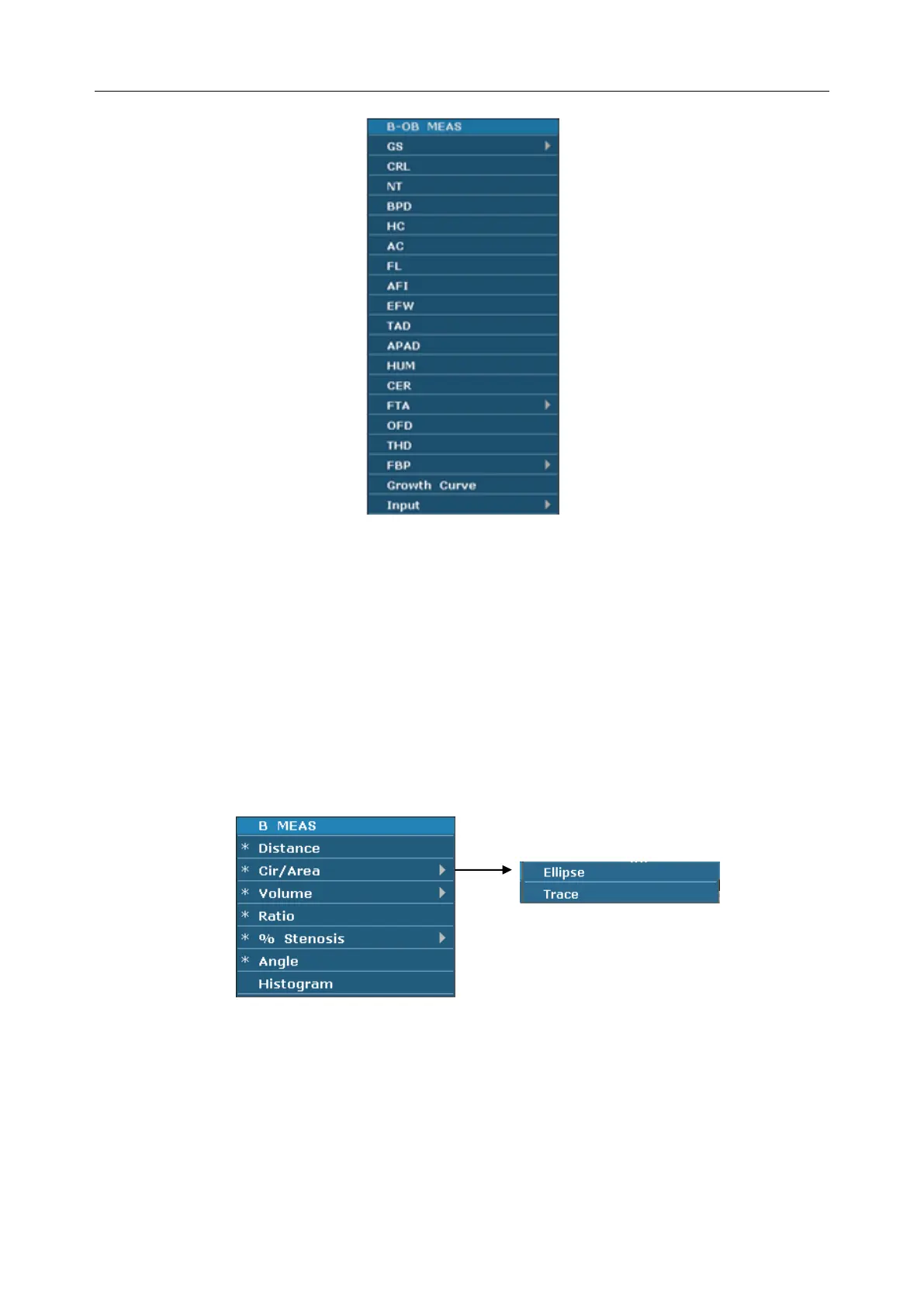
Figure 5-7 Obstetric Measurement and Calculation Menu in B mode
Submenu:
The symbol “►” indicates that there is a submenu associated with the menu option. Roll the
trackball to highlight the menu option with “►”, the system displays a submenu for the selected
option.
Example: The submenu of Cir/Area contains Ellipse and Trace, shown as below.
After entering B mode, press Caliper to display the menu below, and highlight the option
Cir/Area, the system will display the submenu Ellipse and Trace.
Figure 5-8 Submenu
Other menus:
Including preset menu, cine review menu, file menu, and needle guide menu.



 To Next Page