U60 Diagnostic Ultrasound System User Manual System Control
- 60 -
To create user-defined comments (take Abd tab for instance):
1. Press Abd tab to open the Abd comment library.
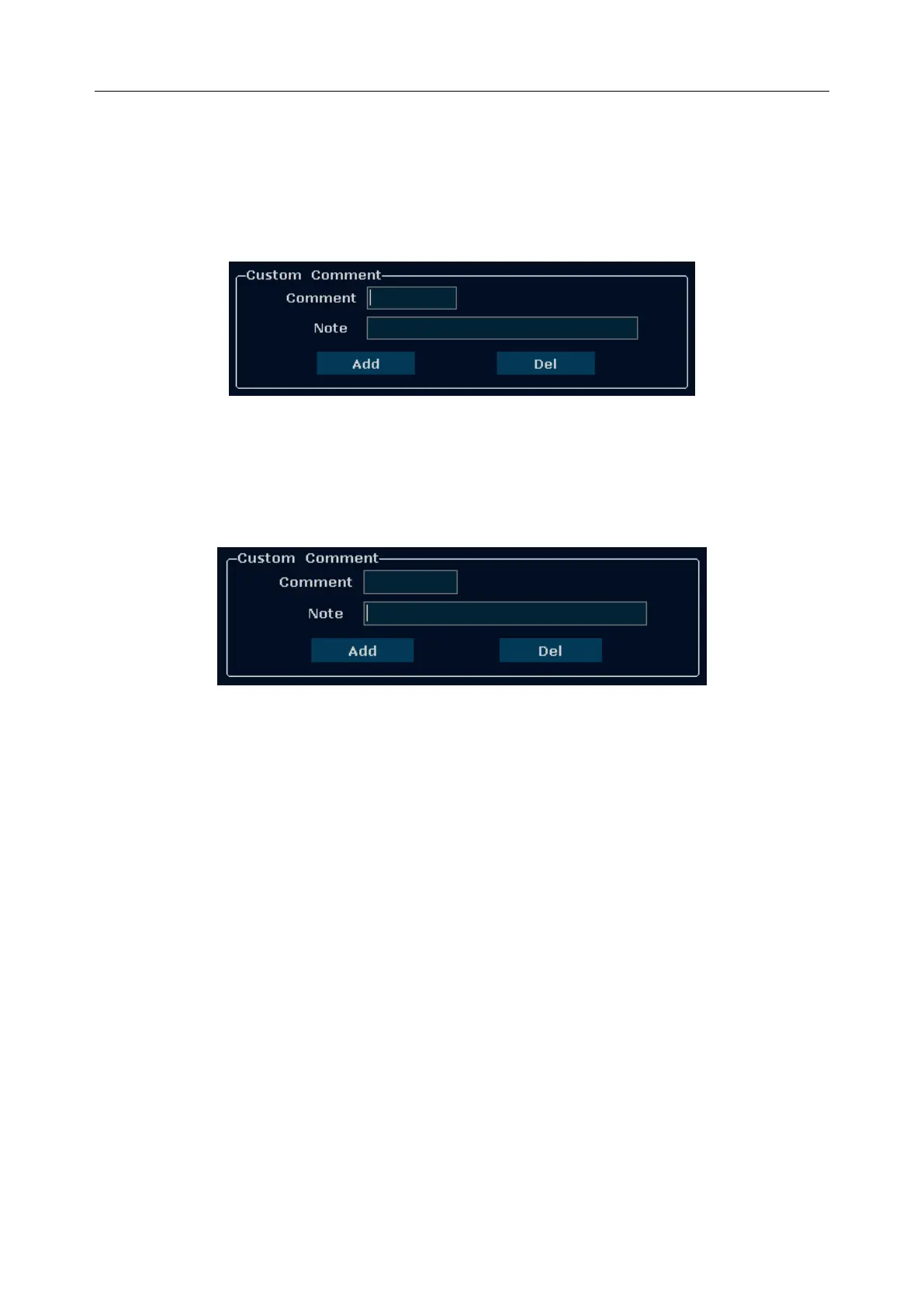
2. Roll the trackball to the Comment editable filed in the Custom Comment box, and press Set.
Then the cursor turns to “׀”, as shown below. You can enter comment with the keyboard.
Figure 5-19 Custom Comment Library
3. Roll the trackball to the Note editable field in the Custom Comment box, and press Set. Then
the cursor turns to “׀”, as shown below. You can enter some detailed help information about
the newly created comment with the keyboard.
Figure 5-20 Custom Detailed Information of Comment Library
4. Roll the trackball to highlight Add to add the newly created comment to one of the custom
comments of Abd. All the added user-defined comments are displayed below the
System-defined Comment Library.
5. Press OK to save the modification, or press Cancel to give up and close the dialog box.
To modify user-defined comments (take Abd tab for instance):
1. Press Abd to open the Abd comment library.
2. Roll the trackball to highlight a user-defined comment, and press Set.
3. Roll the trackball to the Comment or Note editable filed in the Custom Comment box, and
press Set. Then the cursor turns to “׀”, modify the name or detailed help information of the
user-defined comment with the keyboard.
4. Press OK to save the modification, or press Cancel to give up and close the dialog box.
To delete user-defined comments (take Abd tab for instance):
1. Press Abd to open the Abd comment library.



 To Next Page