U60 Diagnostic Ultrasound System User Manual Operation
- 89 -
interval and then press Set.
5. Roll the trackball and press Set to begin a new time measurement. You can
measure a maximum of eight groups of data. The outcome will be displayed in
the measurement result window, as shown below.
6. Press Caliper to finish and exit.
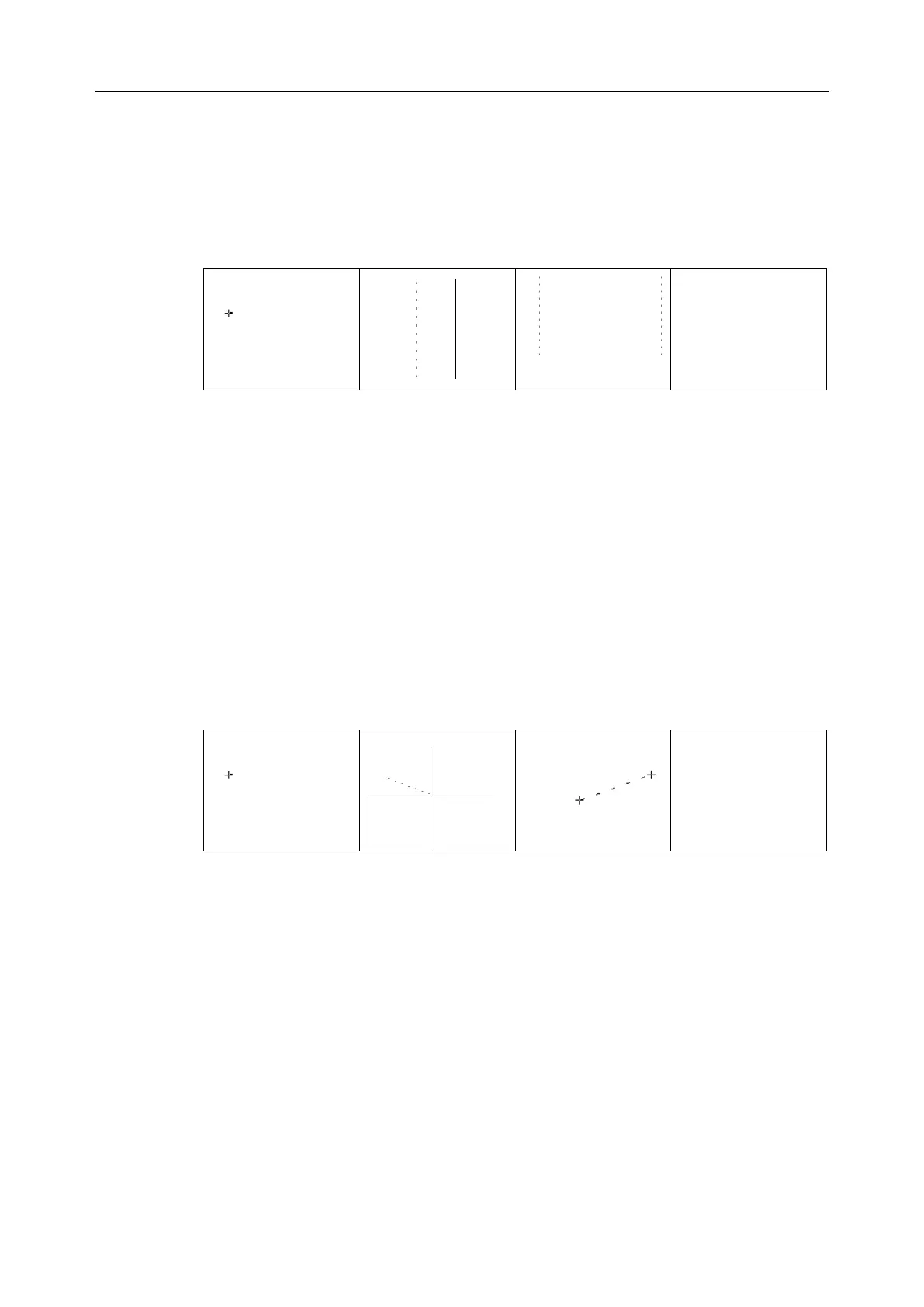
Figure 6-15 Time Measurement
To measure slope:
1. Press Caliper to activate a measurement cursor “+”.
2. Roll the trackball to highlight Slope and press Set and a big “+” is displayed.
3. Roll the trackball and press Set to anchor the start point, and displays a big “+”.
4. Roll the trackball and press Set to anchor the end point.
5. Roll the trackball and press Set to begin a new slope measurement. You can
measure a maximum of eight groups of data. The outcome will be displayed in
the measurement result window, as shown below.
6. Press Caliper to finish and exit.
Figure 6-16 Slope Measurement and the Results
To measure heart rate:
1. In the B+M mode, roll the trackball to change the position of the M Mark and
press Set to obtain a satisfying electrocardiogram, and then freeze it.
2. In the M mode, freeze the desired image.
Measure the distance between two peaks of cardiac cycles with the time
measurement method.
1. Press Caliper to activate a measurement cursor “+”.
2. Roll the trackball to highlight Heart Rate and press Set and a “+” is displayed.
3. Roll the trackball to move the first measurement maker on the first peak systole



 To Next Page