Fire Alarm Computer 8000C / M
Page 153
24 Commissioning / Servicing
24.1 Status display
In normal operation of the fire alarm control panel 8000C / M, the central display shows the status
with messages sorted according to their priority. In the case of an alarm, trouble or switch-off, the
display always shows the first and last message with equal priority.
Fig. 1: Status display
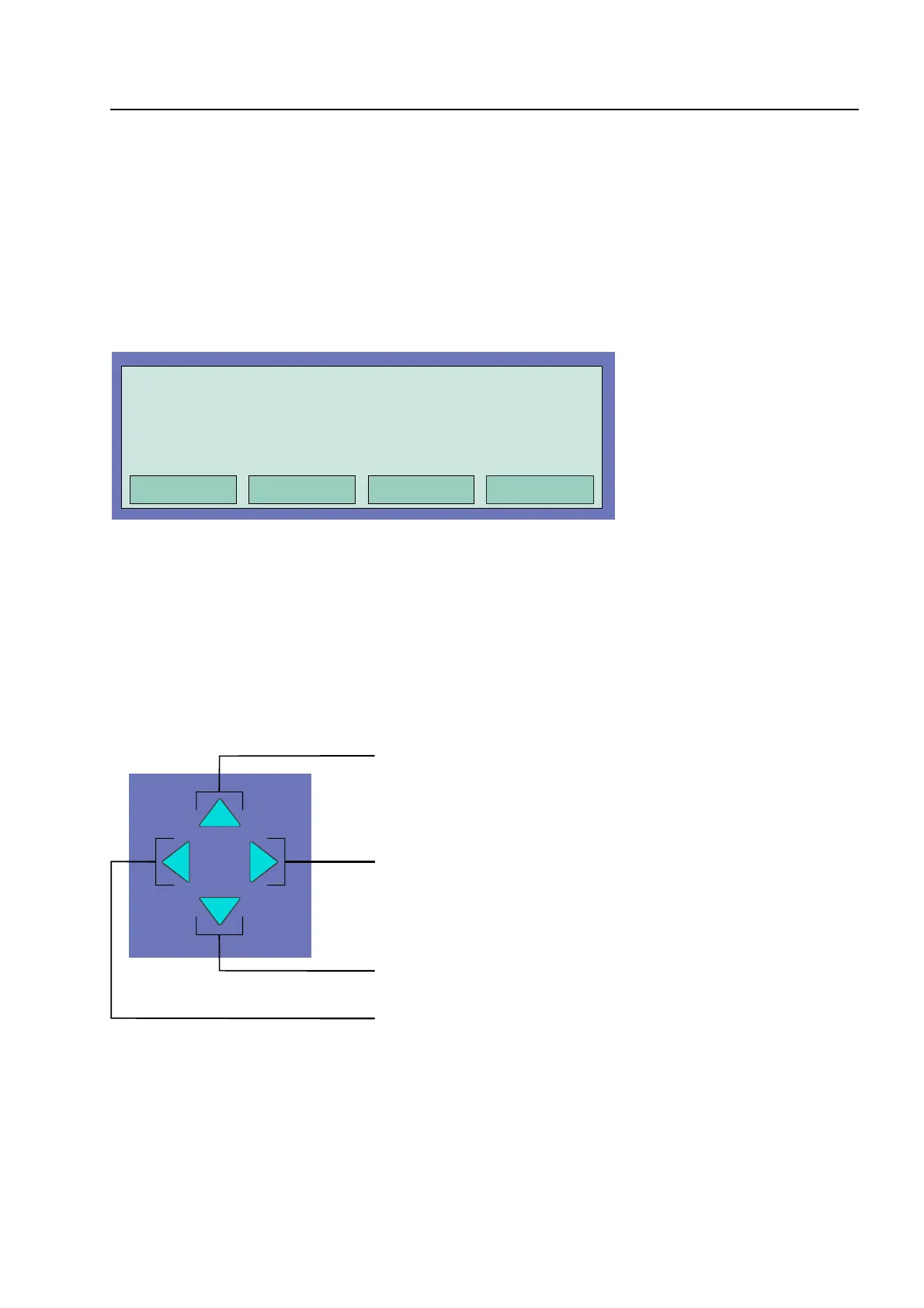
Using the cursor keys of the keyboard, the various messages of the display can be selected and
revealed.
If no key is pressed for longer than 20 seconds, the display returns automatically to the message
with the highest priority.
Fig. 2: Cursor keys
1) Initial / last message with next higher priority
2) Next message with equal priority
3) Initial / last message with next lower priority
4) Prior message with equal priority
Commissioning / Servicin
1. SWITCHED OFF Zone: 0004 Det.:15
Additional text line (client text)



 To Next Page