Fire Alarm Computer 8000C / M
Page 19
4 Operation
The following section describes the most important operating actions for a single fire alarm control
panel 8000C / M. If several processors are connected in a network through the essernet
®
,
deviations from this description are possible. In this case, please ask your specialised installer.
☞
The operation of an installed and operative fire alarm control panel may only be carried out
by authorised and trained personnel under observance of the safety precautions and, if
necessary, in co-operation with the relevant emergency services (e.g. fire department).
4.1 Function keys / selection menu
or param. / add. text
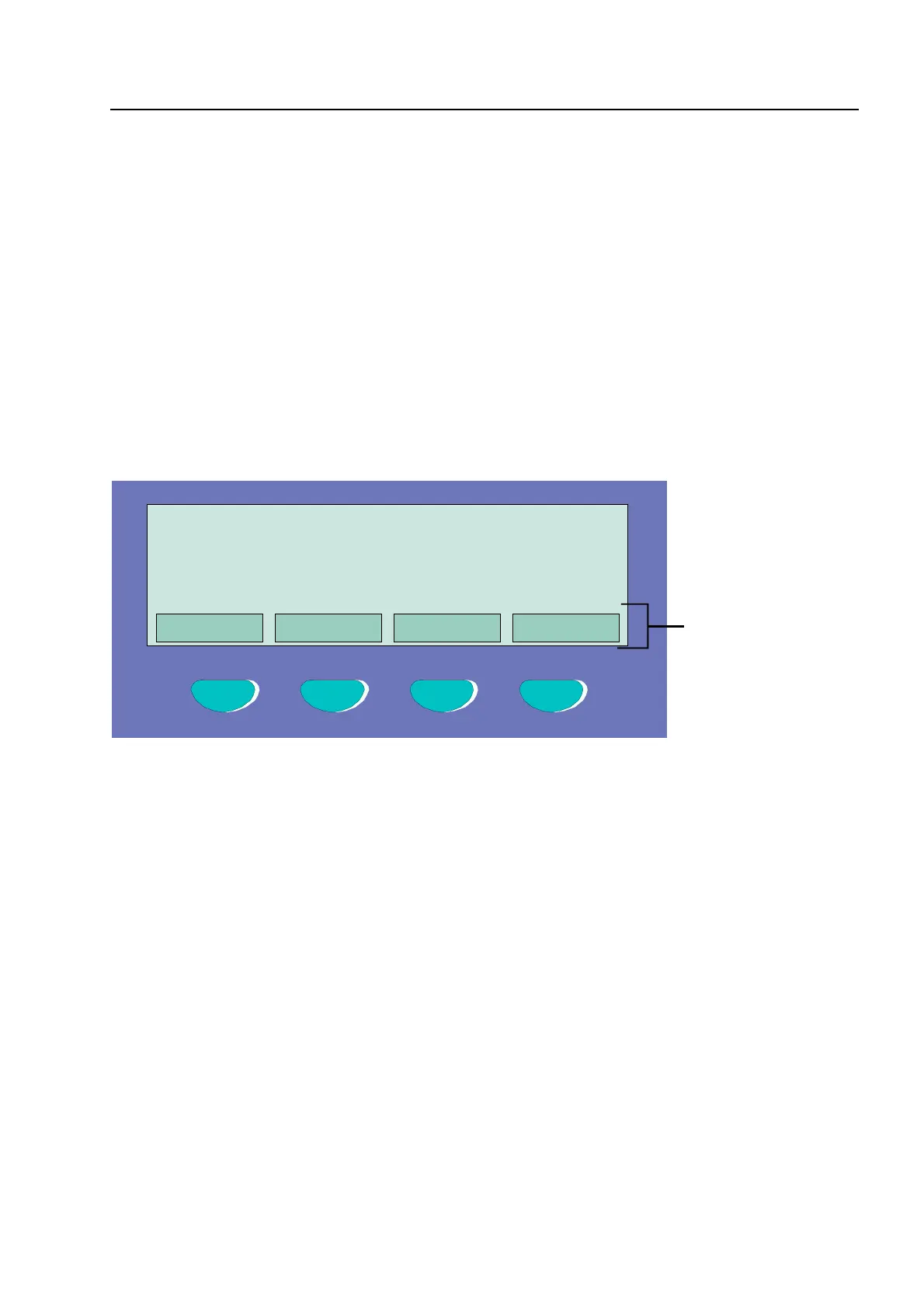
Fig. 10: Function keys / selection menu
Summary of the various menu options
The selection menu allows direct access to logically grouped menu options. When the keyboard is
unlocked, up to four menu options are constantly shown in the display, each of which can be
selected using the function key located below it.
Status
⇒
Status display of current messages in order of significance.
Summary
⇒
Group display and number of the various types of message, such as fire,
trouble, disconnection etc.
Service
⇒
Transfer to the service level to operate the primary loop functions such as
switching primary loops, sensors etc. on/off.
Operation
Overview Service Time func. Info
F1 F2 F3 F4



 To Next Page