Fire Alarm Computer 8000C / M
Page 27
4.3.2 Disconnect a detector zone
With the disconnection, the corresponding detector zone -incl. all fire alarms- is disconnected.
The detector zone is selected by means of the corresponding zone number.
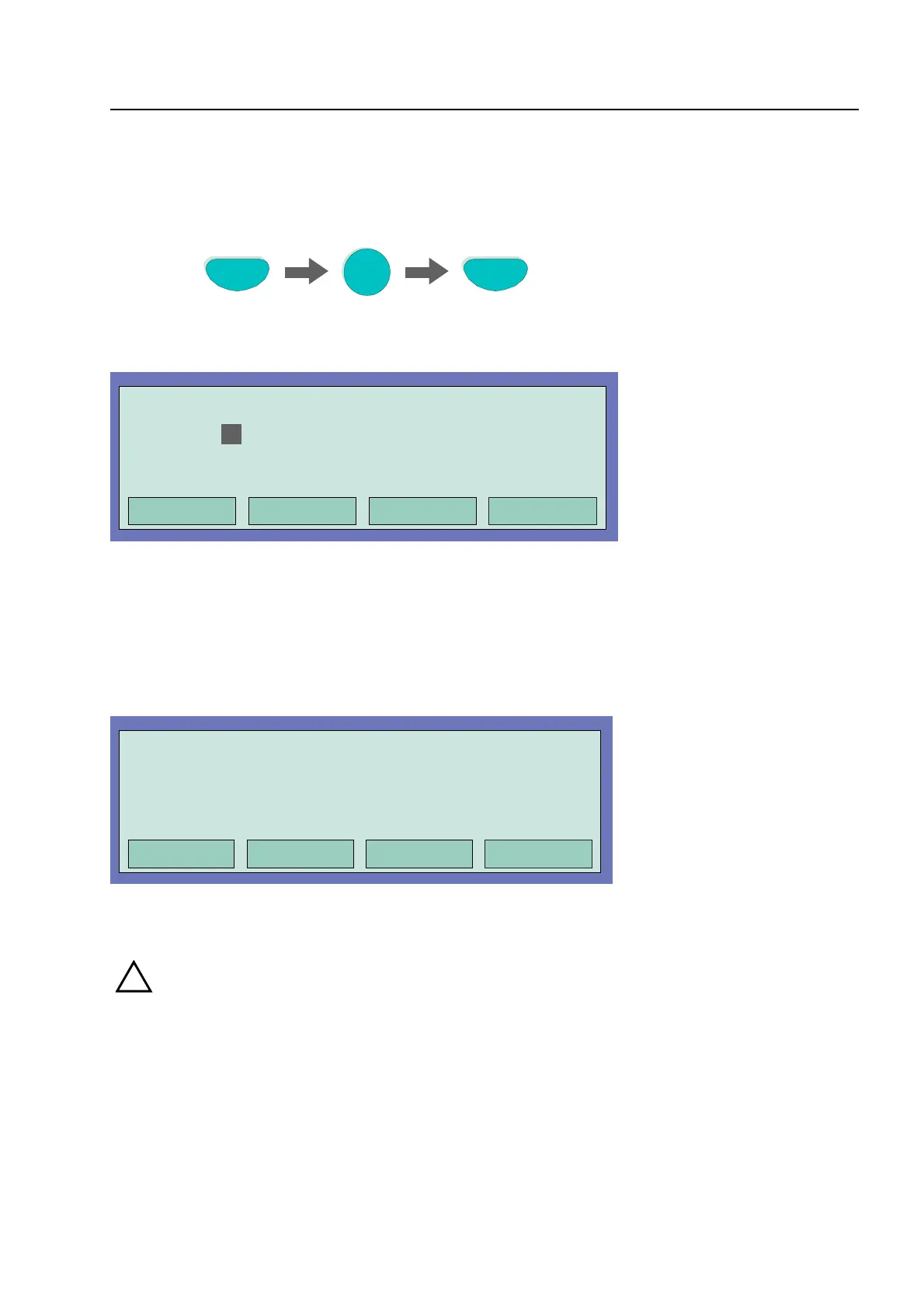
Press Key
Off
Zone
4
Fig. 18: Switching off / resetting a detector zone 4 (example)
Operation
Off
in progress
Zone:
4
Detector: 0
Fig. 19: Display switching off zone 4
In addition to the message on the display, the Disconnect is indicated optically by the common
display Disconnect on the control panel and the corresponding continuous lighting of the yellow
LED on the single zone indicator unit (if present).
Fig. 20: Disconnect to status display
!
A disconnected detector zone will not signal an alarm in the case of an event!
Detector zones
1. Disconnect Zone: 0004 Det: 15
Additional text (client text)
11:10 22:11
Overview Service Time funct. Info



 To Next Page