Page 34
Fire Alarm Computer 8000C / M
4.5.3 Status of a control
With this function, the current status, e.g. Normal, Activated, Disconnection or Trouble of the
corresponding control can be queried directly.
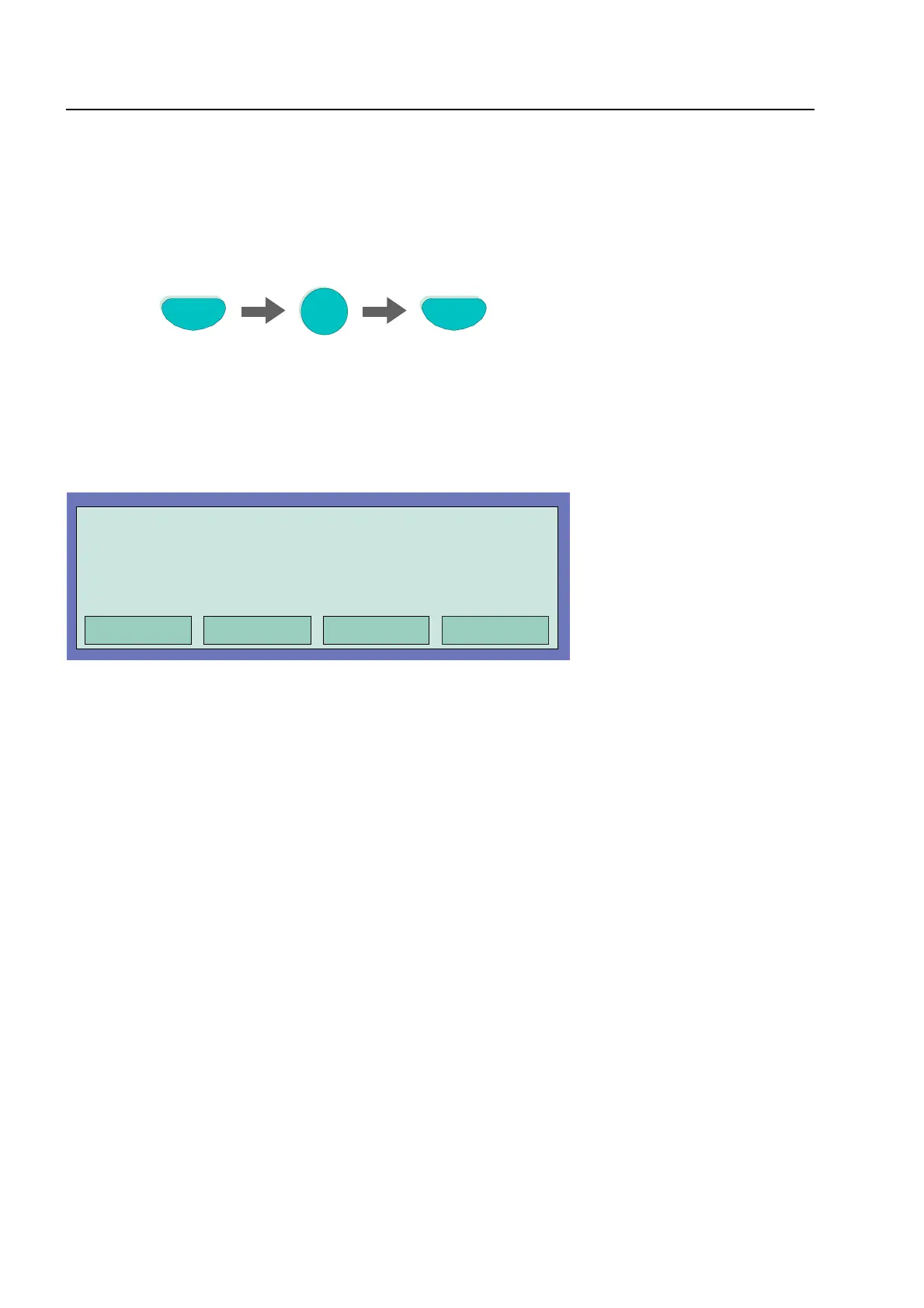
Press Key
Status query
Relay
2
Fig. 33: Status Relay 2 (example)
Fig. 34: Display status Relay 2
Relays may be set to inverse by means of customer data programming of the 8000C / M FACP. In
this case, the relays will be activated in the normal state of the FACP and deactivated in case of
the associated event.
In normal operation of the 8000C / M FACP, relays programmed for inverse activation are indicated
as 'active'.
Controls
End
Operation Relay : 0002
Status query: 0001 message



 To Next Page