Fire Alarm Computer 8000C / M
Page 93
10.9 Connecting the built-in printer
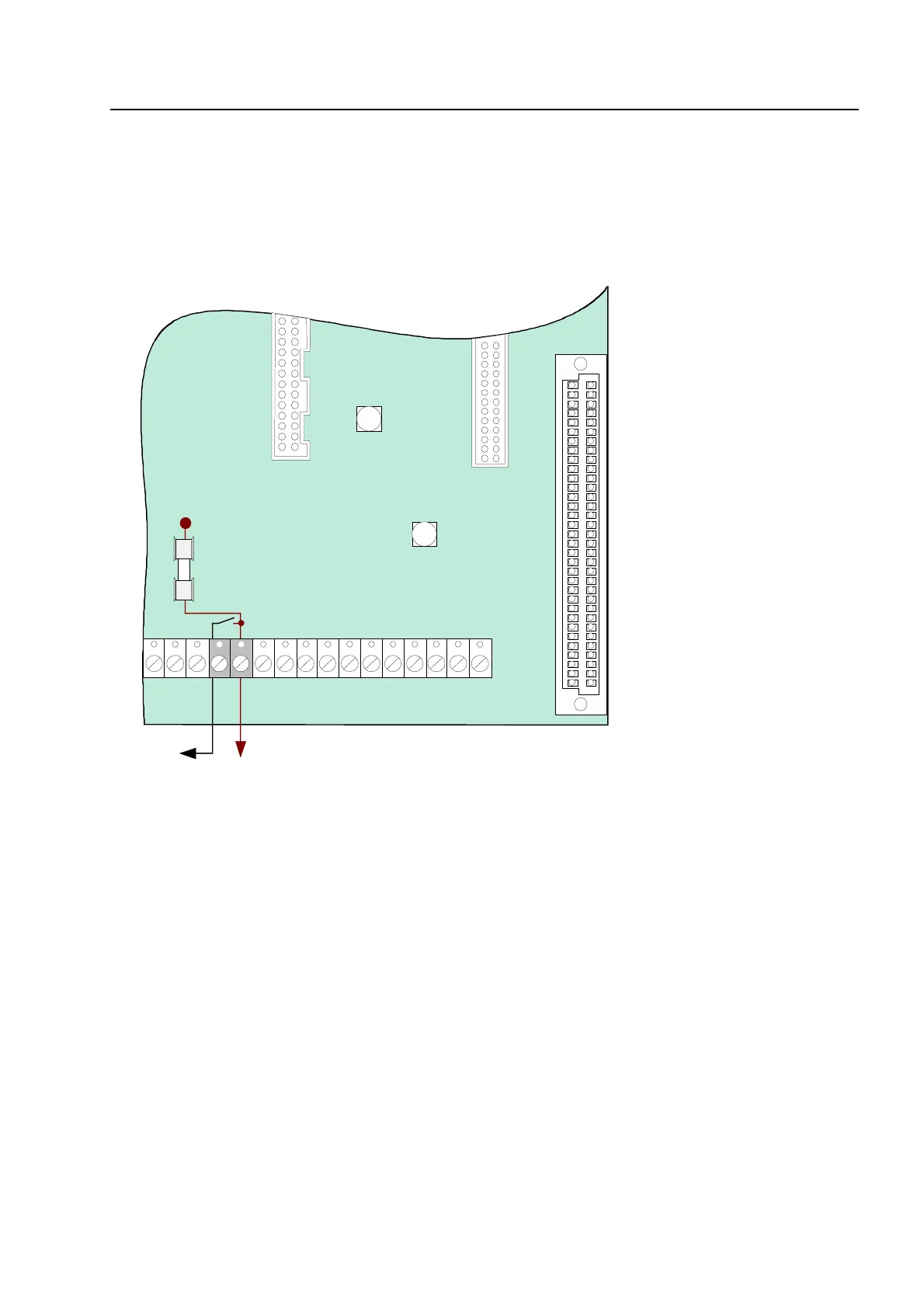
The built-in printer of the FACP 8000C is connected to terminal X 10 of the basic module via a
ribbon cable.
The power supply for the built-in printer is connected to the connection terminal Ub
ext
(+12V
DC/GND). A switched +12 V DC voltage is available for connecting the built-in printer.
Plug 2
Printer
Fig. 35: Connection terminals of the built-in printer
☞
Only the built-in printers approved by the manufacturer may be connected to these
terminals.
Basic modu



 To Next Page