Fire Alarm Computer 8000C / M
Page 33
4.5.2 Disconnect a control
With the disconnection, a control (relay, open collector) is disconnected. In addition to the plaintext
message in the display, the Disconnection of the control is indicated optically in the Common
display disconnect field.
Press Key
Off
Relay
2
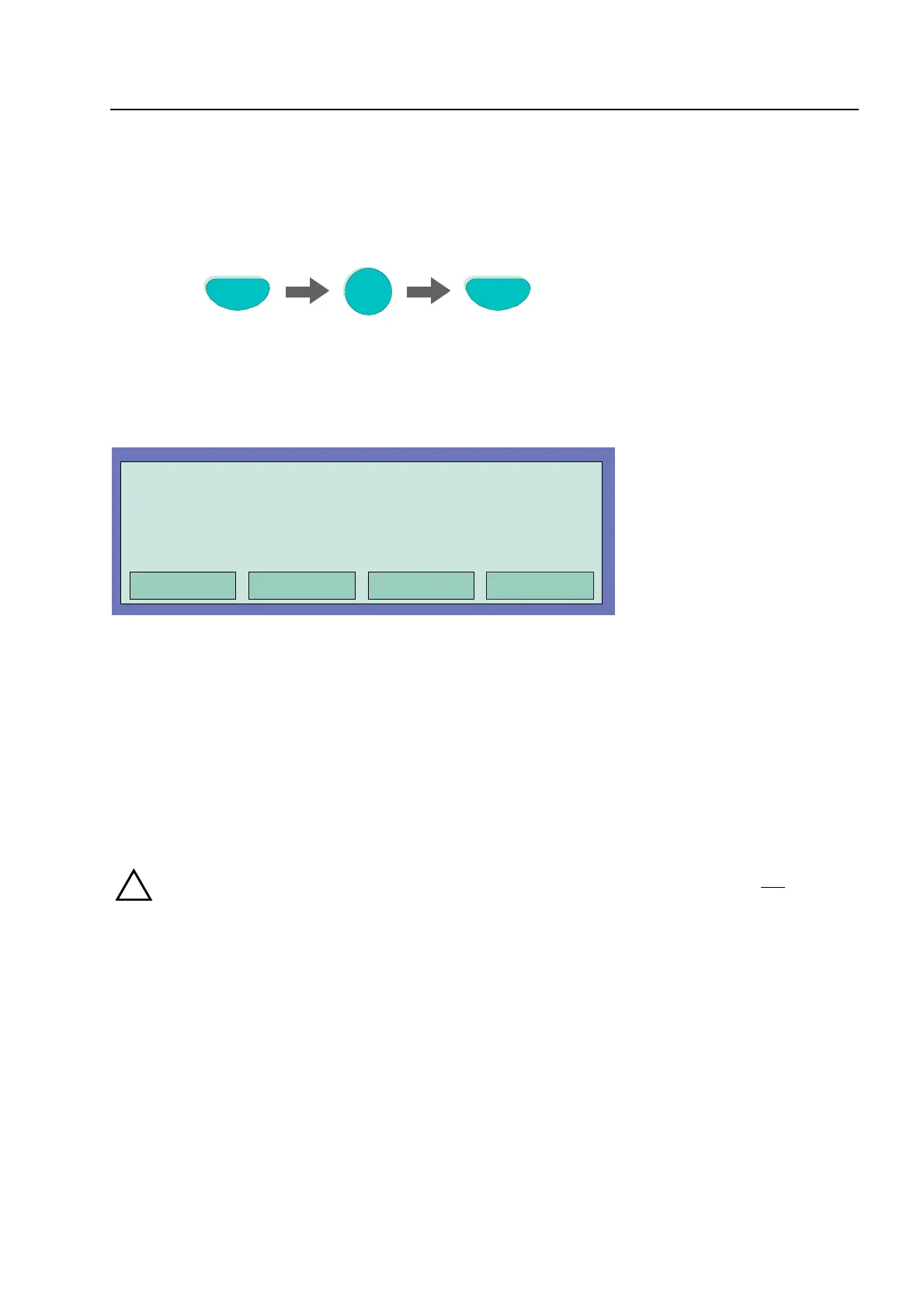
Fig. 31: Disconnect Relay 2 (example)
Fig. 32: Display disconnect Relay 2
Relays may be set to inverse by means of customer data programming of the 8000C / M FACP. In
this case, the relays will be activated in the normal state of the FACP and deactivated in case of
the associated event.
If a relay for which inverse activation has been programmed is disconnected, it will be deactivated.
Control of external equipment depends on the way in which it is connected to the NO/NC contacts
of the relay.
!
The equipment connected to a disconnection control (e.g. alarm devices) are not activated
in the case of an event.
Controls
Operation
Off
in progress
Relay : 2



 To Next Page