Fire Alarm Computer 8000C / M
Page 35
4.6 Common display of the status messages
In the common display Overview, all current messages such as Fire, disconnection, Trouble and
other conditions of the fire alarm control panel are displayed, sorted by priority.
If more messages are imminent than can be shown in the display, it is possible to "scroll" in the
display with the cursor keys.
Fig. 35: Display overview
For a detailed status display of a particular message, mark the corresponding message line with
the cursor and press the function key Status.
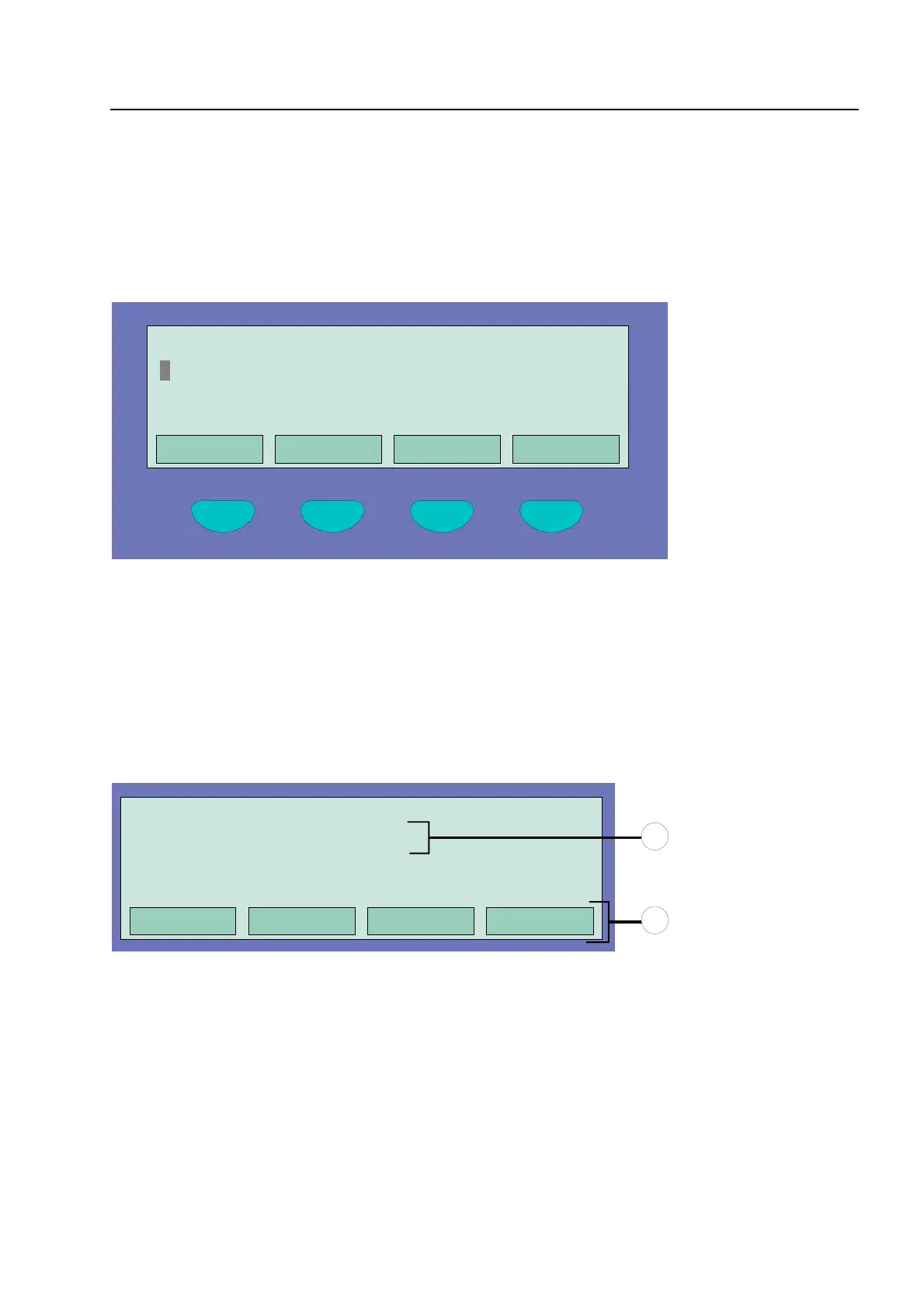
Fig. 36: Display for a detailed status message fire alarm (example)
c
Additional text line associated with the triggered zone/detector (example)
d
Additional information or parameters may be displayed by pressing function key Info.
Common display of the status messages
Status Service Time func.
Alarm counter
Overview 13:51 28:04
Fire
Switch-off
Switch-off AE
: 1 message
: 1 message
: 2 messages
Overview
Service Time func.
Info
1. FIRE Zone : 002 Det : 02 14:10 28:04
EDP room, paper store
1
2



 To Next Page