Page 174
Fire Alarm Computer 8000C / M
25.1.8 Display of the event memory
At the installer level, the event memory of the fire alarm control panel can be shown on the control
panel display by pressing the Event mem key. The last 200 events, such as alarms, malfunctions,
switch-offs and operating authorisations are stored in the event memory in chronological order.
The display shows the latest event.
The events are automatically numbered with consecutive report numbers. The higher the report
number, the more recent is the event (report number 001 = oldest event).
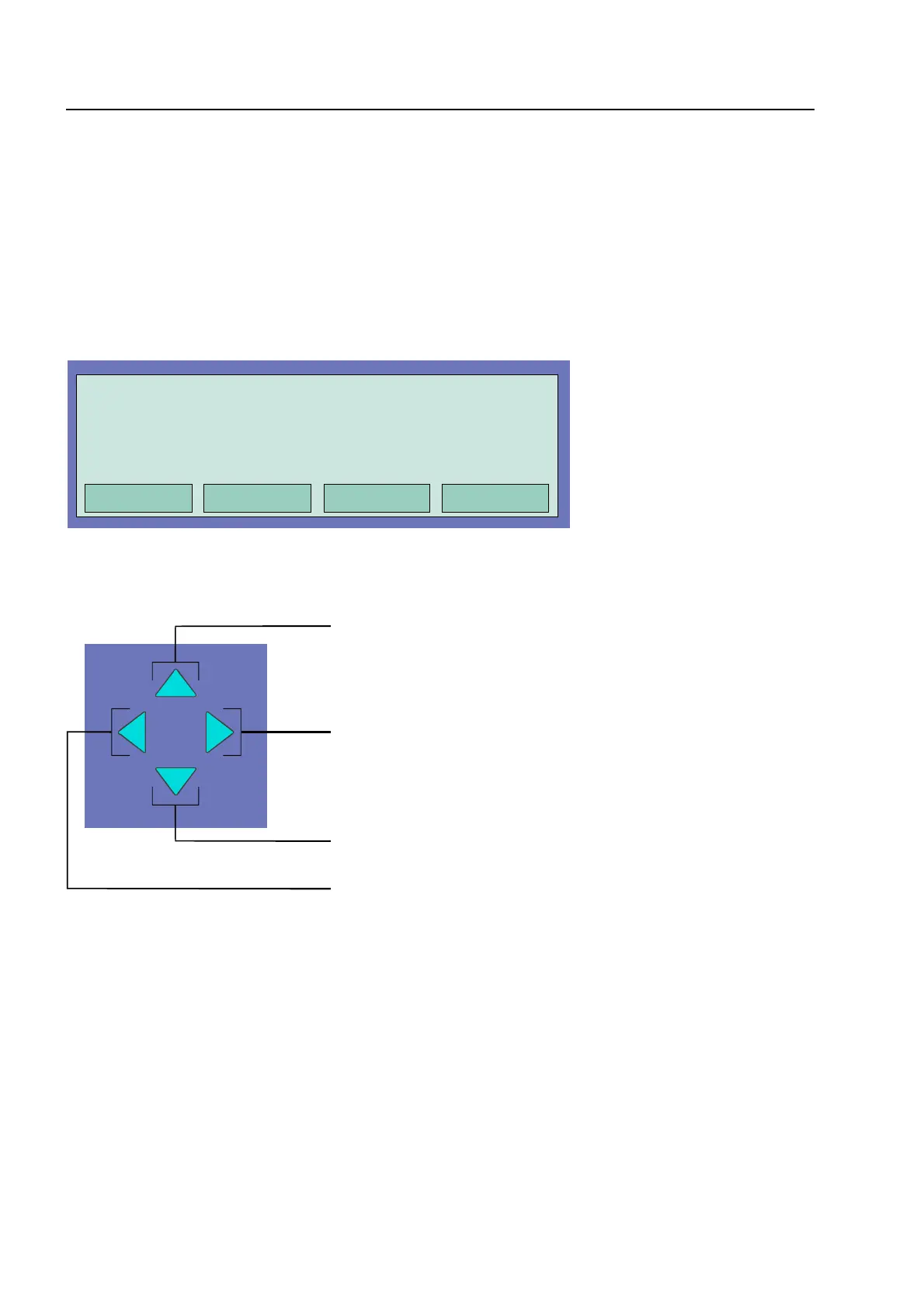
Fig. 19: Event memory
It is possible to browse the event memory for individual events using the cursor keys.
Fig. 20: Cursor keys
10 events forward
To next younger event
10 events backwards
To next older event
Printing the contents of the event memory
Pressing the
Printing
function key moves automatically to the
Printer functions
menu.
If an internal protocol printer is installed, the printer number is automatically allocated to this
Printer.
This allocation can be removed by pressing the
Zone
key and the desired printer number, e.g. for
an external protocol printers, can be entered. All entries (max. 200) of the event memory are
printed out ordered from the most recent to the oldest event. (see “Printing out the event memory“)
ommissioning / Servicing
3rd floor, conference room



 To Next Page