Fire Alarm Computer 8000C / M
Page 7
2.2 Function of the display and operating elements
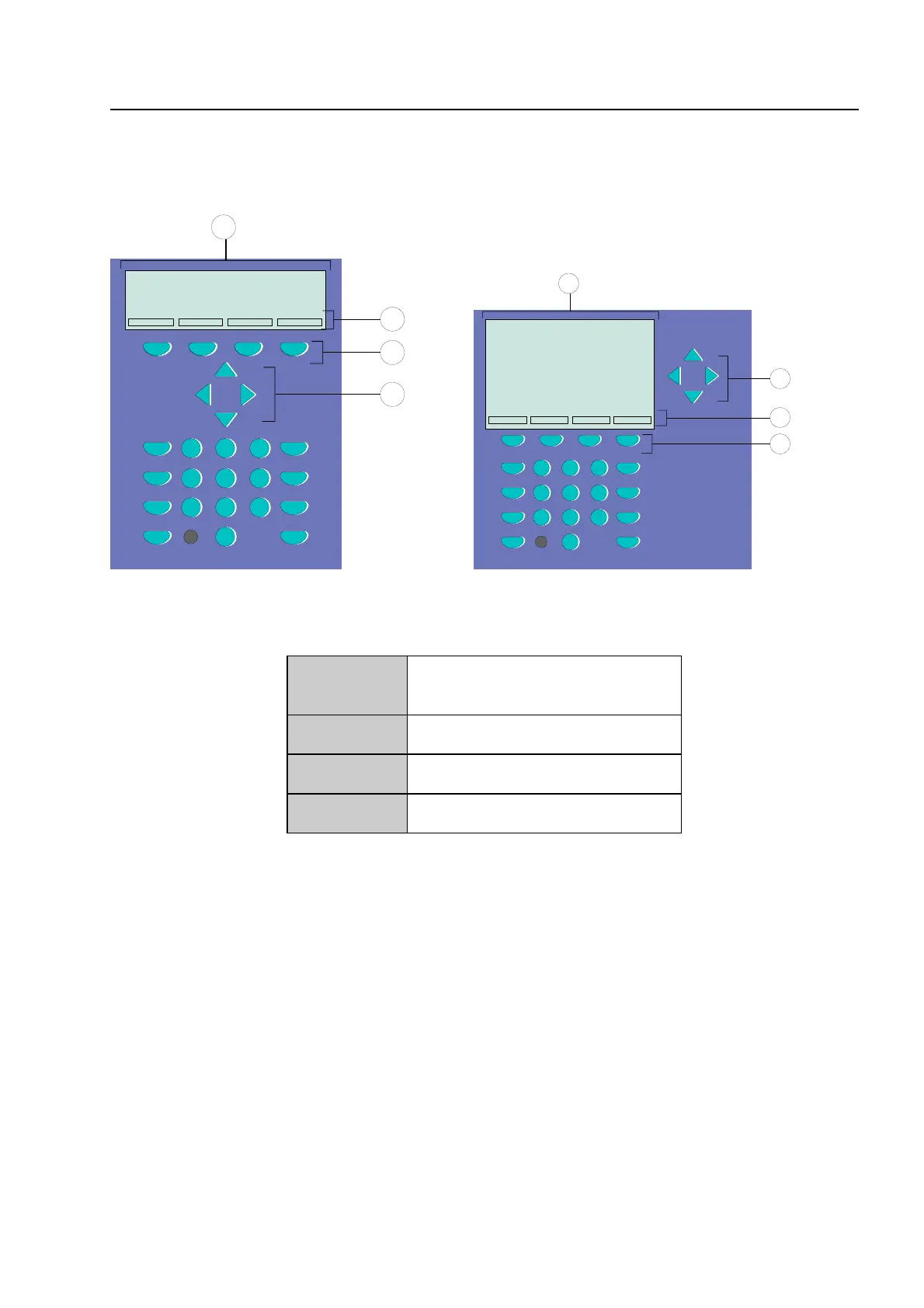
The Display System 8000 is available with standard and ¼-VGA-Display.
On
Off
Test
Status
Zone
Detector
Relay
123
456
789
0
3
4
2
1
4
2
1
123
456
789
0
3
Fig. 4: Operating elements - keypad - display Operating elements - keypad - 1/4 VGA display
1
Alphanumeric display
standard or ¼ VGA display
2
Menu
3
Function key
4
Cursor key
All received signals such as fire, trouble or switch-off are shown in the alphanumeric display in
alphanumeric form (8 lines, 40 characters per line).
Keyboard
By means of the key switch, the keyboard is unlocked for operation. With these keys, it is possible
to control panel functions such as switching detector zones and detectors on and off.
Function keys
With the four function keys, the menu options positioned above them in the alphanumeric display
are selected. Depending on the current state of the fire alarm control panel or the operation level,
differing menu options are shown in the display.
Function of the display and operating elements



 To Next Page