Page 88
Fire Alarm Computer 8000C / M
10.2 Connecting the micro module
Eight connection terminals are provided at slot X17/18 on the basic card for connecting the freely
selectable micro module.
Assignment of the eight screw terminals will depend on the micro module type used. Terminal card
assignment is described for each micro module in Section
Micro module
.
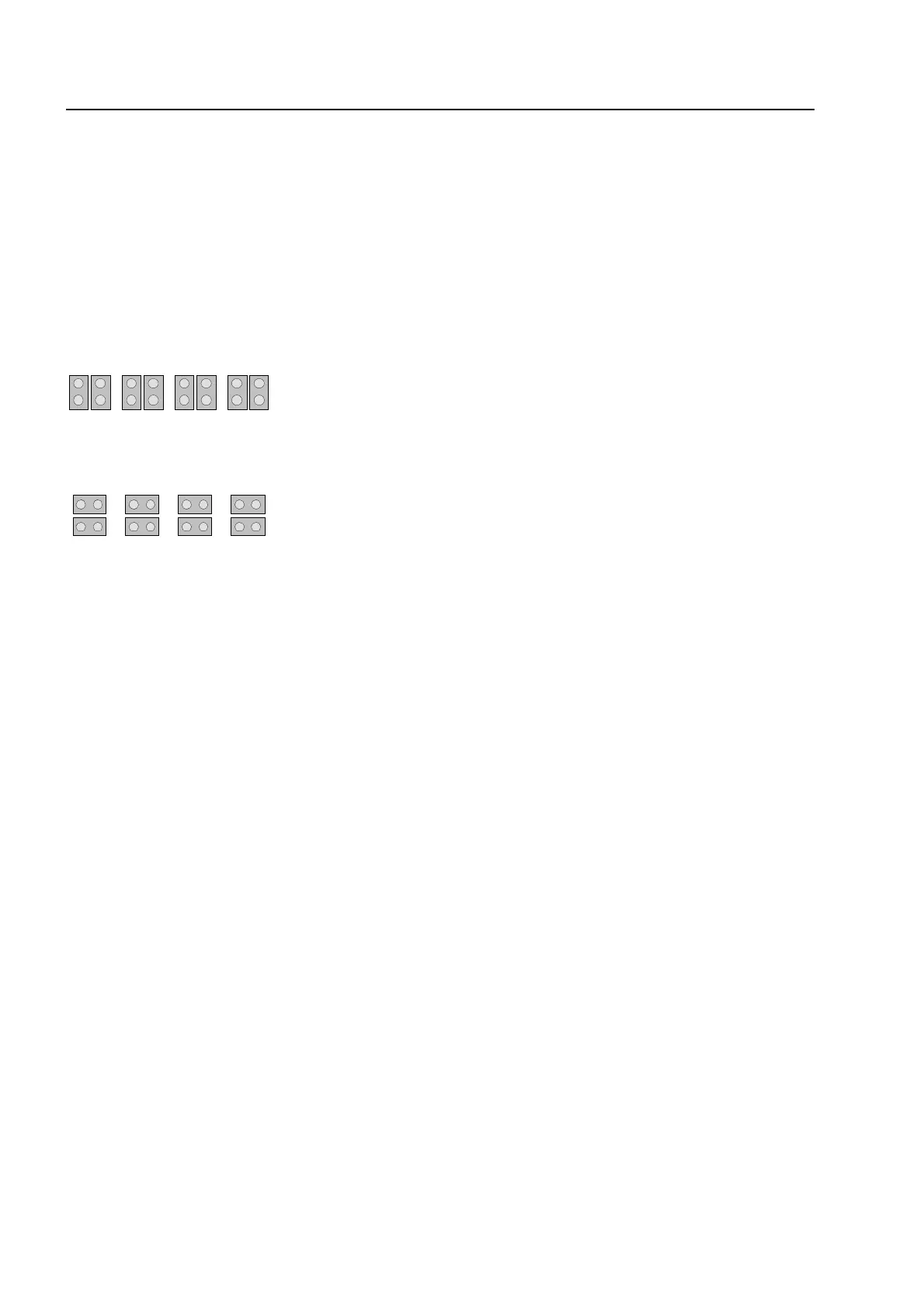
All jumpers in vertical position
⇒
EMC protection for this micro module connection
terminal is activated (factory default)
All jumpers in horizontal position
⇒
essernet
®
micro module
Only required for essernet
®
micro module. EMC
protection for this micro module terminal is
disabled.
☞
If a essernet
®
micro module is used in the micro module slot, the integrated EMC filter must
be disabled. EMC protection of the essernet
®
cabling has to be ensured by appropriate
external devices.
asic module



 To Next Page