Page 26
Fire Alarm Computer 8000C / M
4.3 Detector zones
4.3.1 Switching on / resetting a detector zone
With switch-on/reset, a detector zone which has been switched off -incl. all fire alarms- is switched
into the operative status or an operative detector zone is reset and any imminent messages such
as Fire or Trouble are deleted.
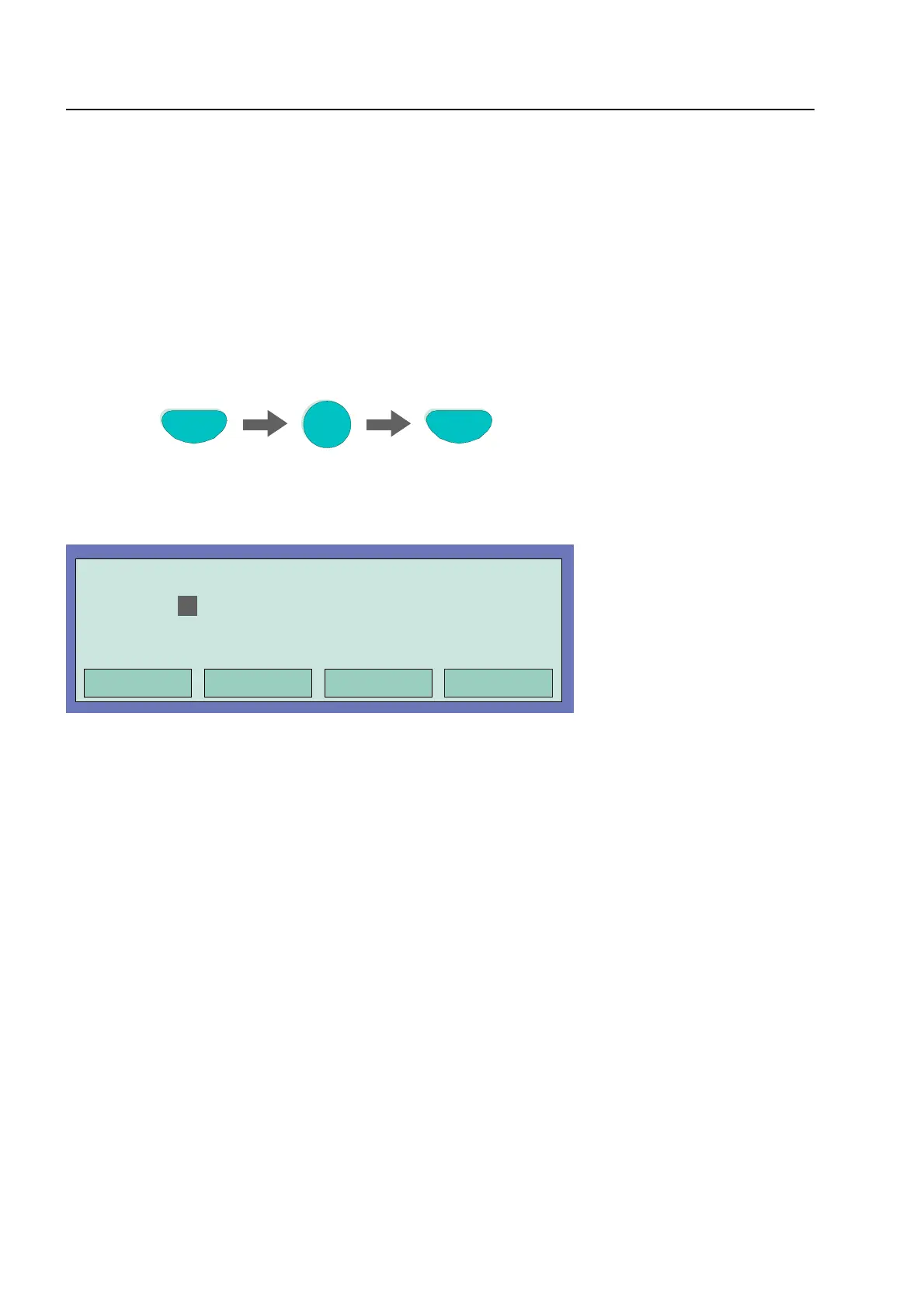
Press Key
On
Zone
4
Fig. 16: Switching on / resetting a detector zone 4 (example)
Operation
Off
in progress
Zone:
4
Detector: 0
Fig. 17: Display switching on zone 4
Detector zones



 To Next Page