Fire Alarm Computer 8000C / M
Page 175
26 Diagnostic display
26.1 Power supply values of FACP 8000C / M
The diagnostic display enables, e.g. a fast check of the power supply values of this fire alarm
control panel for service and maintenance work. In the control panel display, a diagnostic field with
individual measured values (analog measurement channels) which are automatically determined
by the control panel is displayed.
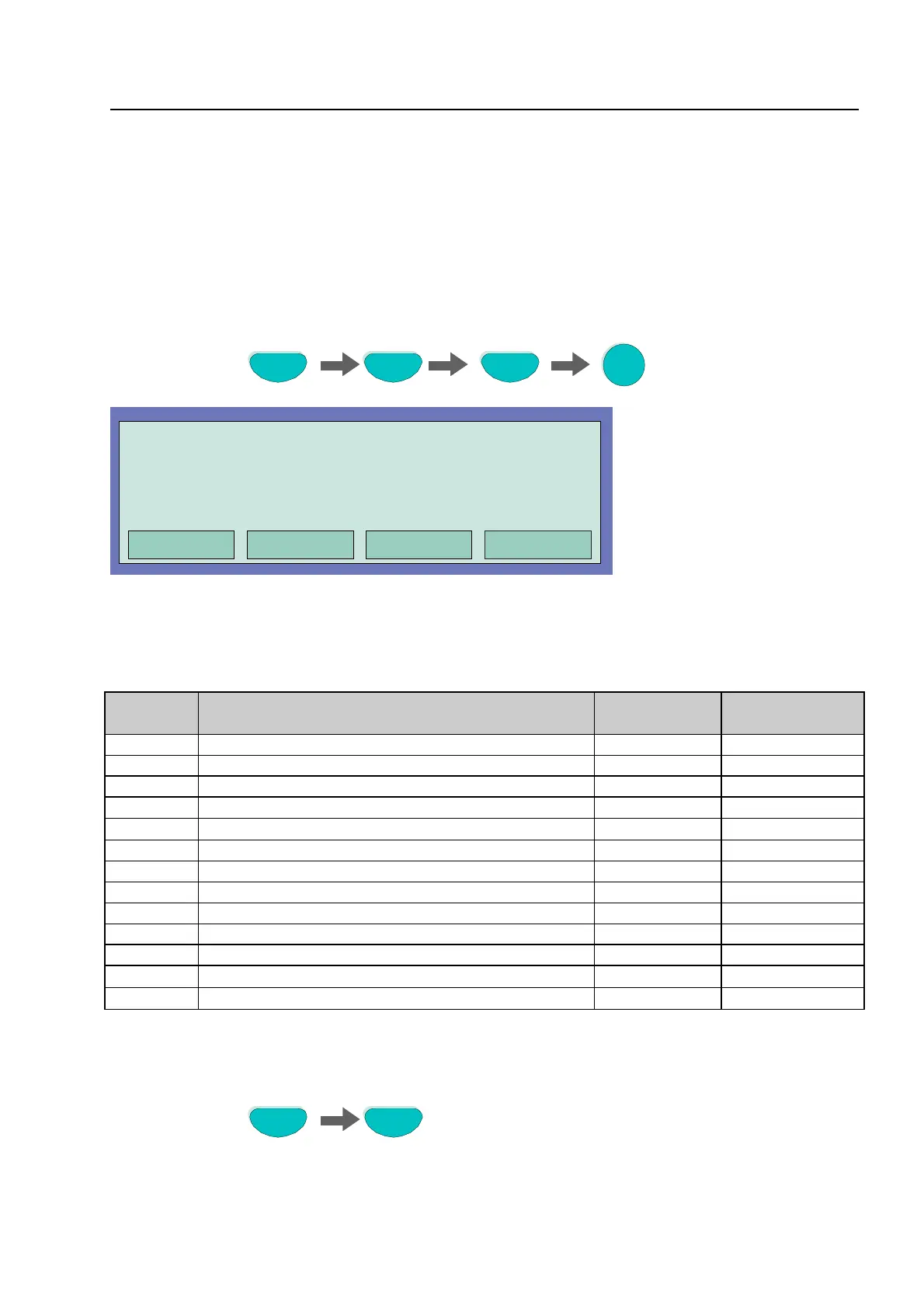
Key press sequence for switching on the diagnostic display Test-Test-F4-3
Press key
Fig. 21: Panel power supply values
The display is structured in a matrix for a quick survey. The significance of the individual analog
channels is shown in the table below.
Analog
channel
Designation Voltage
limitse
Value rangefor
OK
Analog 1 K2 Field device module expansion slot 1 --- 14 to 185
Analog 2 MB (K1) Field device module expansion slot 1 --- 70 to 120
Analog 3 Primary loop Field device module expansion slot 1
--- 70 to 120
Analog 4 -
Without function by FACP 8000C / M
--- ---
Analog 7 Test channel
2,5V
±
2%
125 to 130 nom. 12
Analog 8 Power supply, Secondary voltage 12 V DC 10V to 15V 82 to 152
Analog 9 Battery _1 10V to 14V 98 to 168
Analog 10
Battery _2 10V to 14V 98 to 168
Analog 11
Uop
extern
12V DC 10V to 15V 82 to 152
Analog 12
U
Linie
+ 27,5V 26V to 29V 108 to 149
Analog 13
Ground fault 10,5V to 14,6V
65 to 112
Analog 14
External power supply monitoring GND
≤
65
Analog 15
External power supply monitoring GND
≤
65
Switch off the diagnostic display with function key F1 or F4
Press key
Commissioning / Servicin



 To Next Page