Page 30
Fire Alarm Computer 8000C / M
4.4.2 Disconnect a detector
With the disconnection, an individual detector of the selected detector zone is disconnect. In
addition to the message on the display, the disconnection of the detector is indicated optically in
the Common display Disconnect field.
Individual detectors within a detector zone can only be disconnected if addressable ESSER series
9100 and 9200 detectors are used. Series 9000 standard fire detectors can not be disconnected
individually.
Please note that the zone number has to be entered ahead of the detector number.
Press Key
Detector
Zone
2 1
Off
2
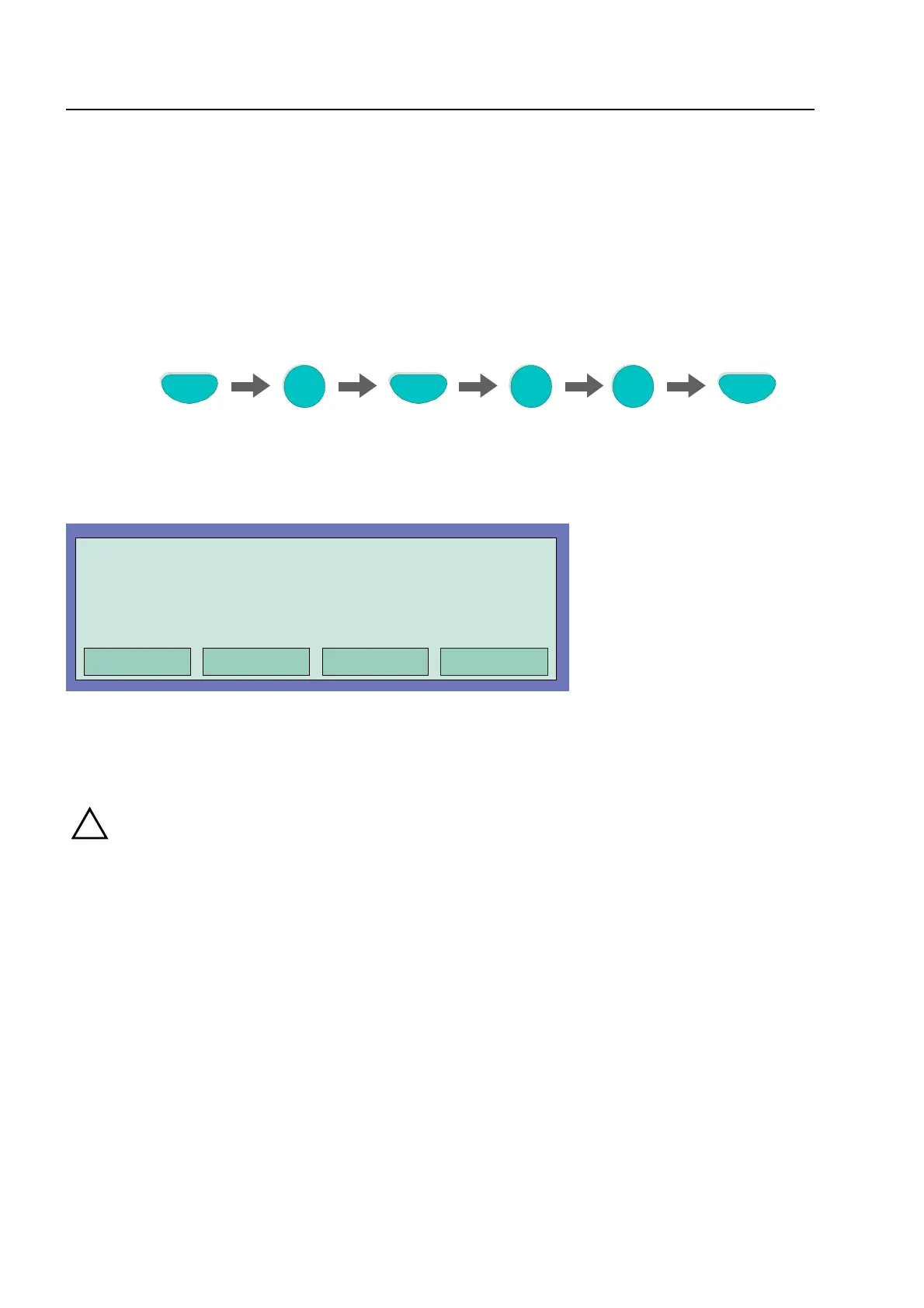
Fig. 25: Disconnect detector zone 2 /detector 12 (example)
Fig. 26: Display disconnect detector zone 2 / detector 12
!
A disconnected detector will not signal an alarm in the case of an event!
Detectors
Operation
off
in progress
Zone: 2
Detector: 12



 To Next Page