Fire Alarm Computer 8000C / M
Page 5
2 General view
locked
unlocked
Master Box (MB)
Delay
Verify
in Operation
CPU Failure
Relay Outputs
Master Box
Testmode
Fire Pre-Alarm Trouble Disconnection
Notify Fire Dept.
Delay
Panel
reset
Disconnect
Master Box
Verify
Buzzer off
Additional
Messages
Disconnect
Relay
On
Off
Test
Status
Zone
Detector
Relay
123
456
789
0
Releasing System
1 5432
9
8
7
6
Fire alarm
Disconn. / Trouble
Fire alarm
Power Supply
Disconn. / Trouble
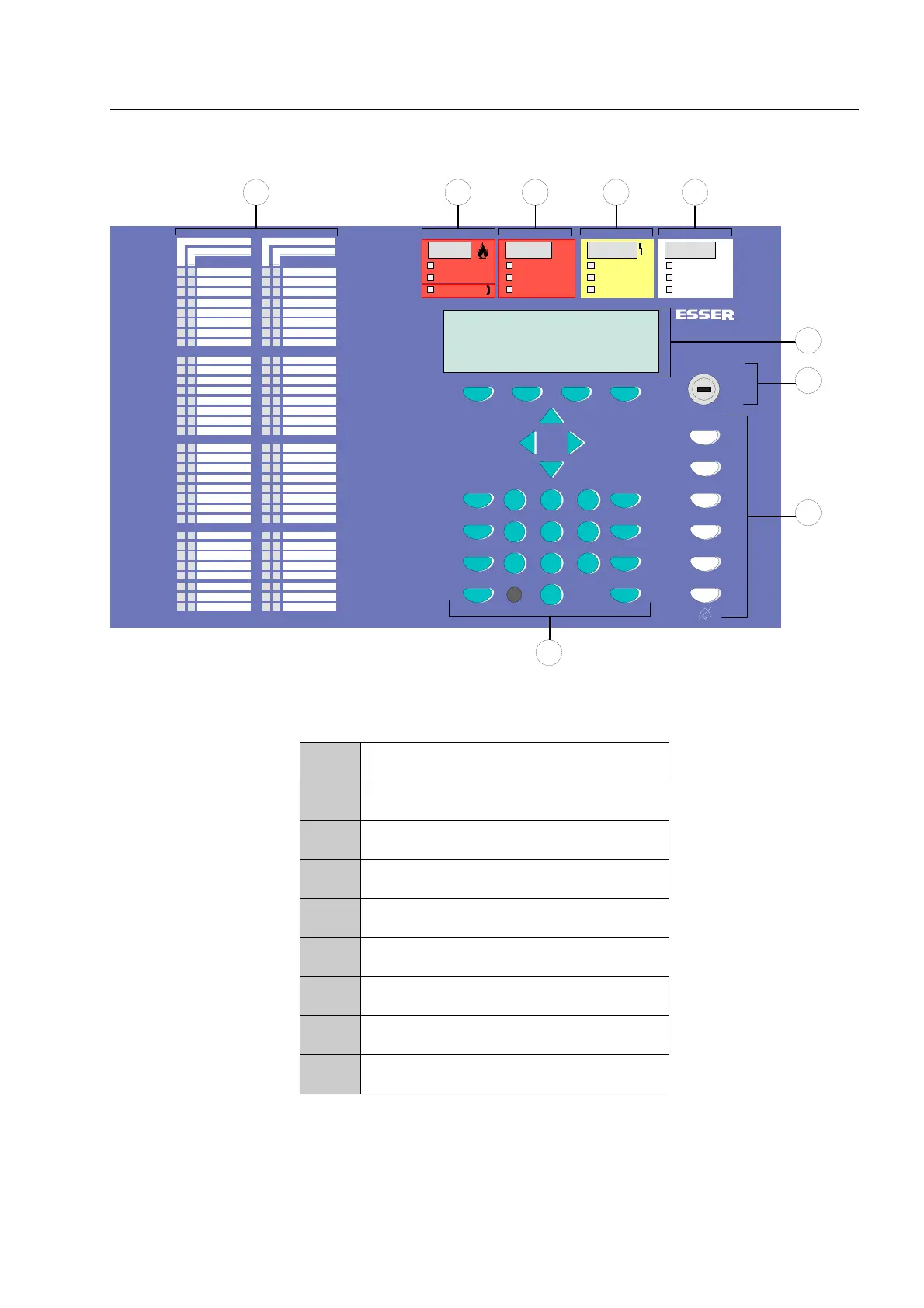
Fig. 1: General view of the display and operating elements
1
Single zone indicator units (GEA)
2
Common display FIRE
3
Common display PRE-ALARM
4
Common display TROUBLE
5
Common display disconnection
6
Alphanumeric display
7
Key switch
8
Operating elements
9
Function keys and keyboard
General view



 To Next Page