Fire Alarm Computer 8000C / M
Page 169
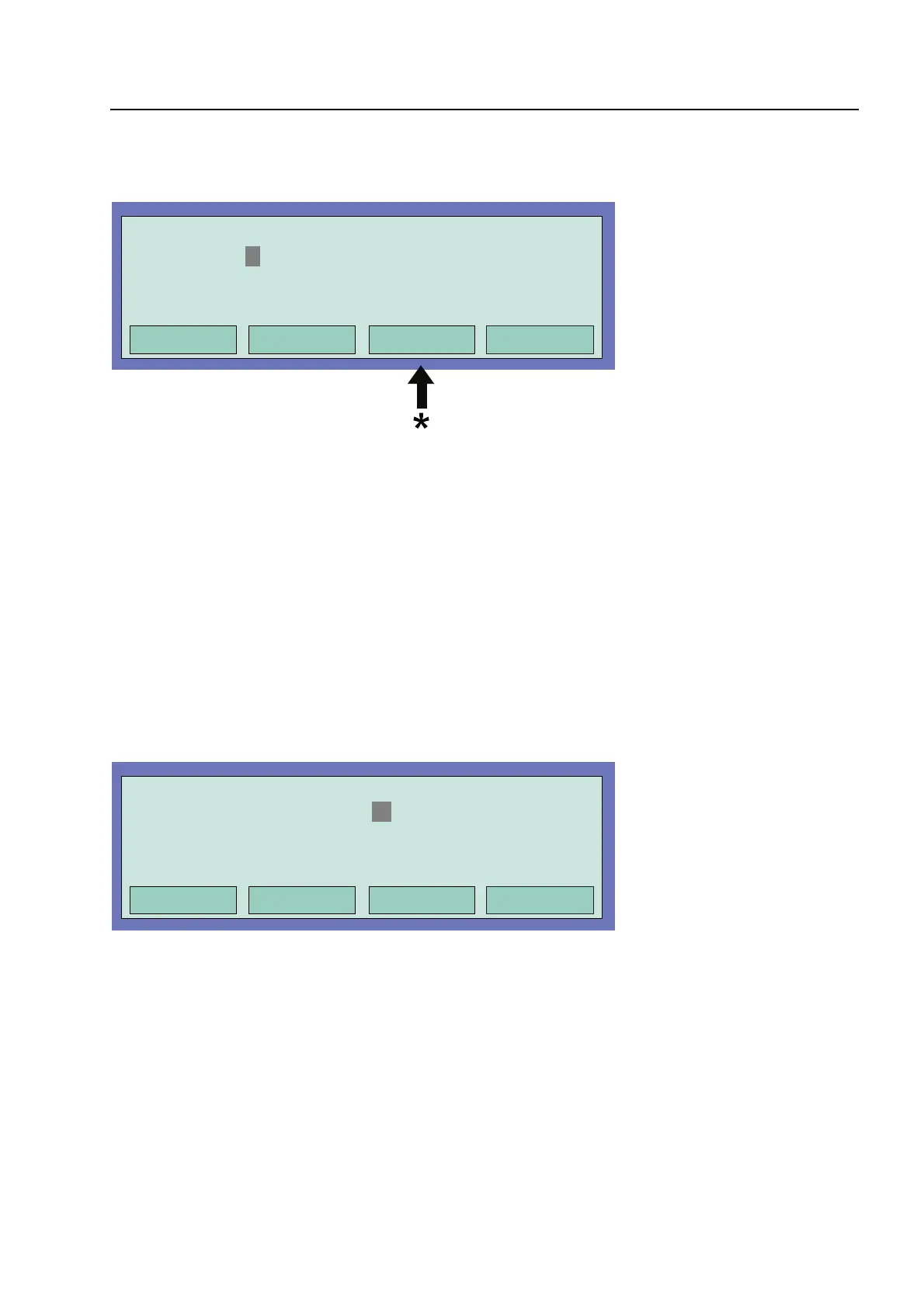
Fig. 12: Entering the control number
By pressing the Repeat key, the displayed control number is incremented by the value "+1
without the need of entering the new (next higher) control number on the keyboard.
♦
Enter the control number of the corresponding open collector or relay
♦
Press the Select function key
♦
Enter the number for the desired function ( 1 = Activate, 2 = Trouble, 3 = End test) or select
with the cursor keys and press the function key
function
to acknowledge the input
Fig. 13: Selecting a function
☞
To end this simulation, each individual control whose operating state has been simulated
must be terminated with the End test function !
Commissioning / Servicin



 To Next Page