Page 172
Fire Alarm Computer 8000C / M
Switching off the protocol printer
By the first activation of the menu options
Printer function
, the printer number is automatically
allocated to the internal protocol printer if installed. This allocation can be removed by pressing the
Zone
key.
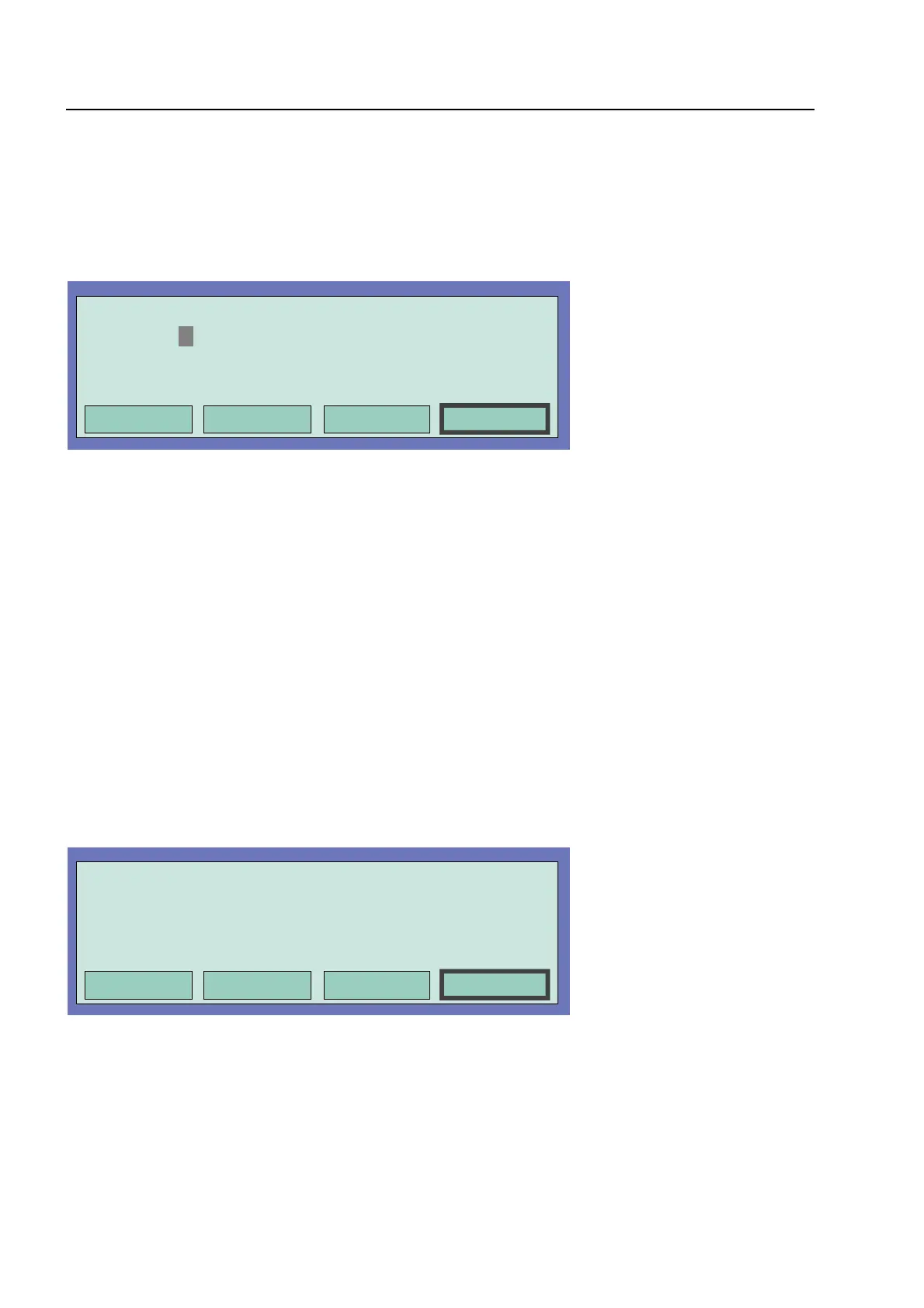
Fig. 16: Function menu
♦
Enter the number of the printer which is to be switched off (primary loop number of the serial
interface) and press the
Selec
t function key
♦
Enter the number of the desired function (1 = Switching off) or select the menu options
Switching off with the cursor keys and press the
Function
key
☞
A switched off protocol printer will not print messages or events !
Switching on the protocol printer
Fig. 17: Entering the number of the external (serial) printer
♦
Enter the number of the printer which is to be switched on and press the
Select
function key
♦
Enter the number of the desired function (2 = Switching on) or select the menu options
Switching on
with the cursor keys and press the
Function
key
ommissioning / Servicing



 To Next Page