Express Two Scene Preset User Manual, v.3.1 179
Working in spreadsheets
Cues, submasters, groups and focus points each have their own
spreadsheets. You can modify or delete in all spreadsheets and create in
all but the submaster spreadsheet. Channels and groups may be added to
all spreadsheets singly or in multiples or ranges. Channels may be set at
focus points and focus points may be added, singly and in multiples or
ranges, in all but the focus point spreadsheet.
In spreadsheets, it is not necessarily to press [Record] to record changes.
These changes are made immediately, but they don’t update in any cue,
submaster, group or focus point already displayed on stage until these are
replaced on stage.
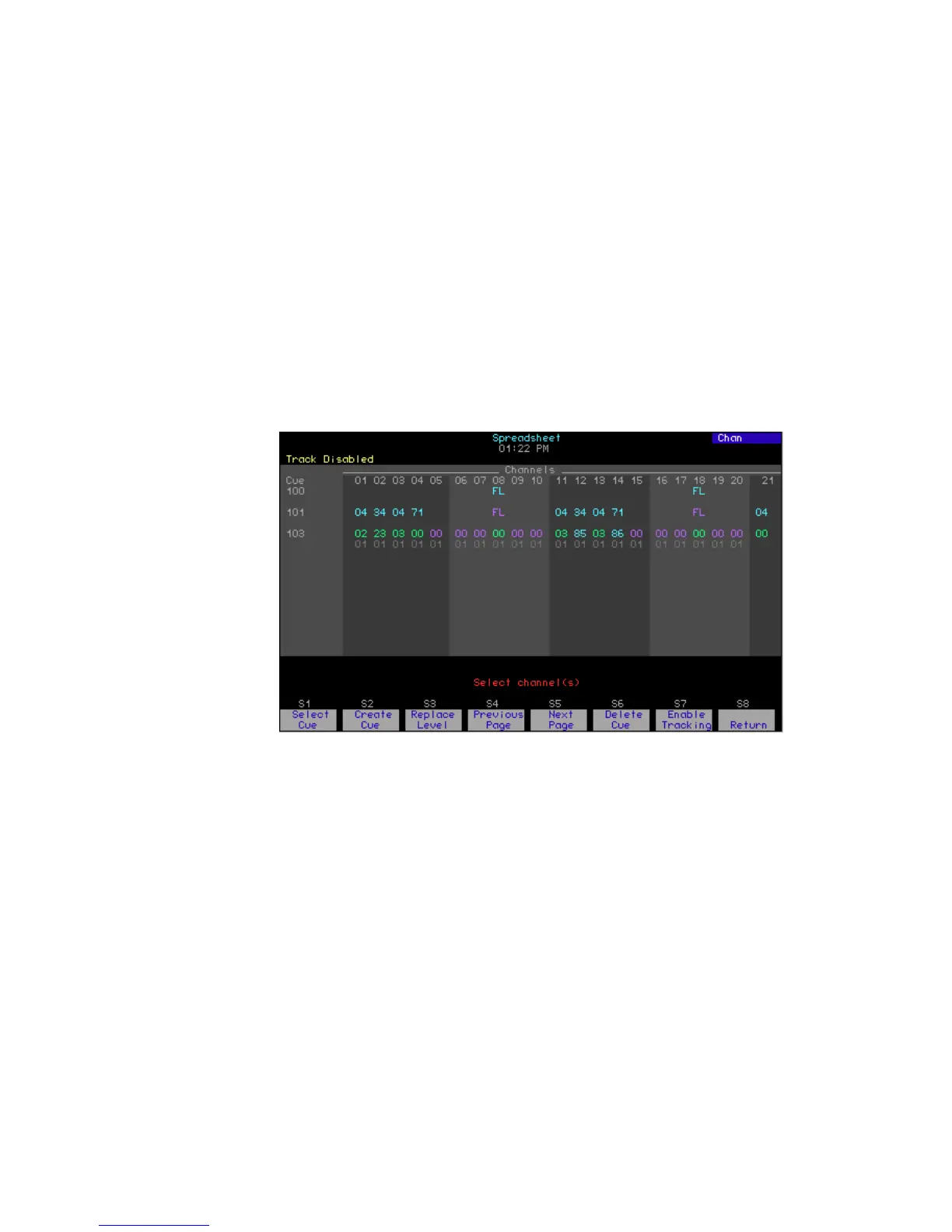
Cue spreadsheet
In the cue spreadsheet, you have the option of tracking any cues you
create or modify. Press [Blind] [S3], Spreadsheet, to go to the cue
spreadsheet.










 To Next Page