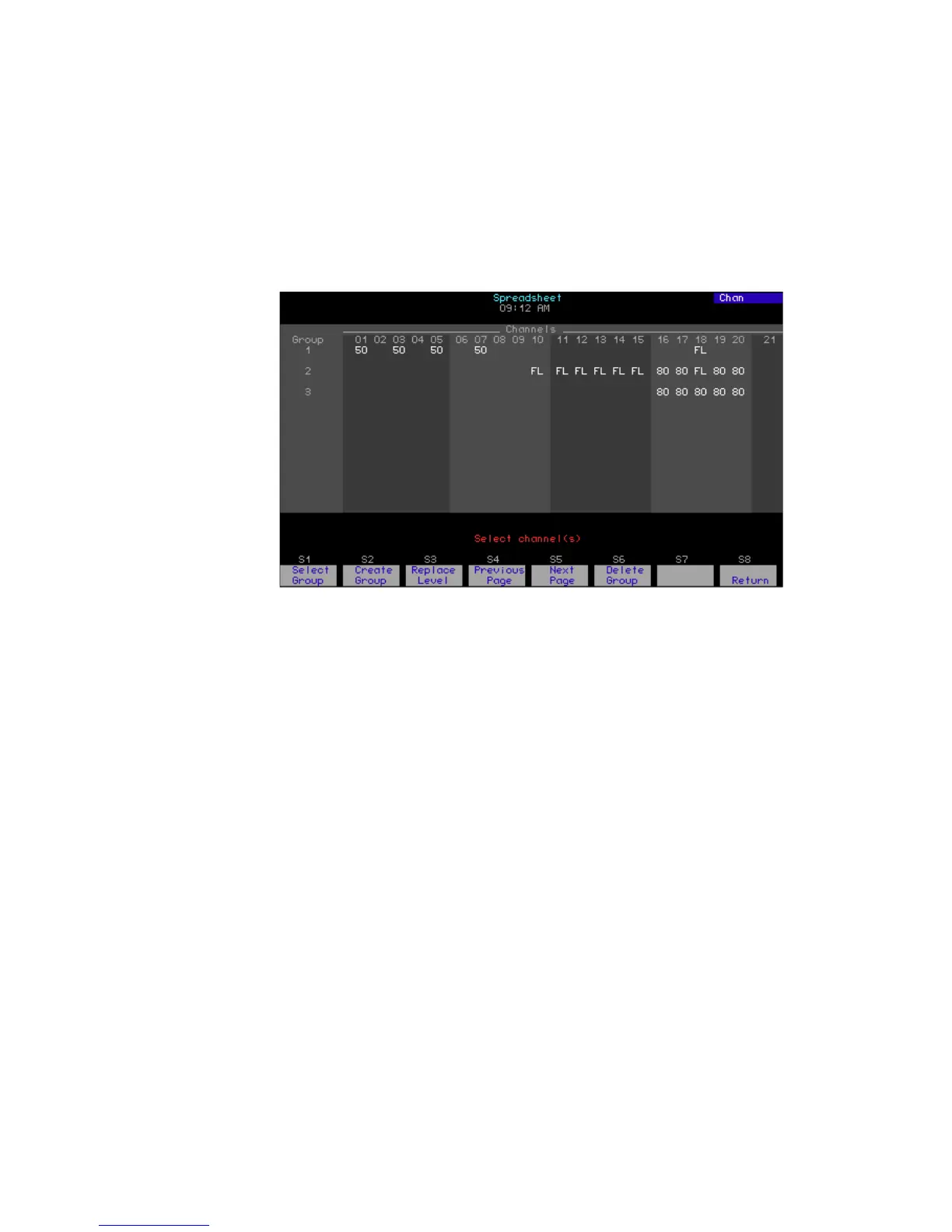
184 Chapter 14 Lists and spreadsheets
Group spreadsheet
Go to the group spreadsheet as follows.
Creating a group
After entering the group spreadsheet as explained above, create a group
as follows.
Keystrokes: Actions:
1. Press [Blind] [Group]
[Enter].
Selects the group mode of the blind
display
2. Press [S3], Spreadsheet.
Shows the group spreadsheet
Keystrokes: Actions:
1. Press [S2], Create Group.
Prompt reads:
To create a new group, select group
number and press ENTER
To cancel, press CLEAR
2. Press [5] [Enter].
Selects group 5
Prompt reads:
Select channel(s)
3. Press [5] [Thru] [1][0].
Selects channels to include
4. Press [Full].
Sets channels 5 through 10 to full
Prompt reads:
Enter intensity
5. Repeat steps 3-4.
Continue selecting channels and
setting levels until done










 To Next Page