Express Two Scene Preset User Manual, v.3.1 267
ETCLink displays
Dimming system status
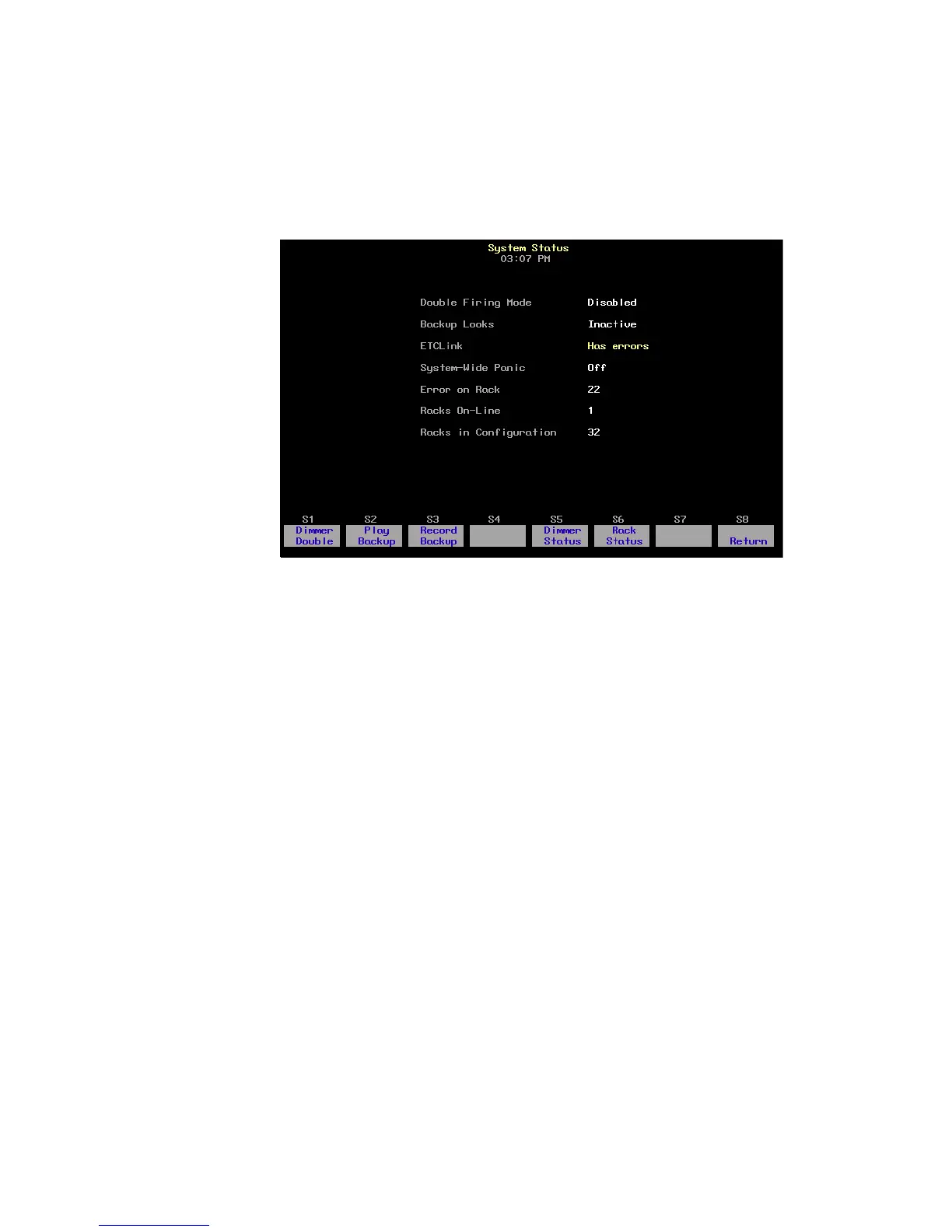
The System Status display provides information about your Sensor
dimming system. Press [Setup] [9] [Enter] [1] [Enter] to access the System
Status display.
• Double Firing Mode shows whether that mode is enabled or
disabled for your system. If Double Firing Mode is disabled, doubled
dimmers function as normal dimmers.
• Backup looks indicates whether a backup look is active, and, if so,
which one.
• ETCLink displays any ETCLink errors.
• System-wide panic displays status of system-wide panic.
• Error on rack displays the number of the rack with an ETCLink error.
If errors exist on multiple racks, the first rack with an error is
displayed.
• Racks on-line displays the number of racks presently on-line
throughout the ETCLink network.
• Racks in configuration displays the total number of racks in the
system.










 To Next Page