Express Two Scene Preset User Manual, v.3.1 287
Enabling / disabling real time programs
Real time programs are enabled by default. Follow the procedure below
to enable or disable real time programs:
Keystrokes: Action:
1. Press [Setup]. Selects Setup display mode
2. Press [6] [Enter]. Selects Options Settings menu
3. Press [1][1] [Enter]. Prompt reads:
Enable/Disable real time programs
(1 = enable, 0 = disable)
4. Press [1] [Enter]. Enables Real Time Programs.
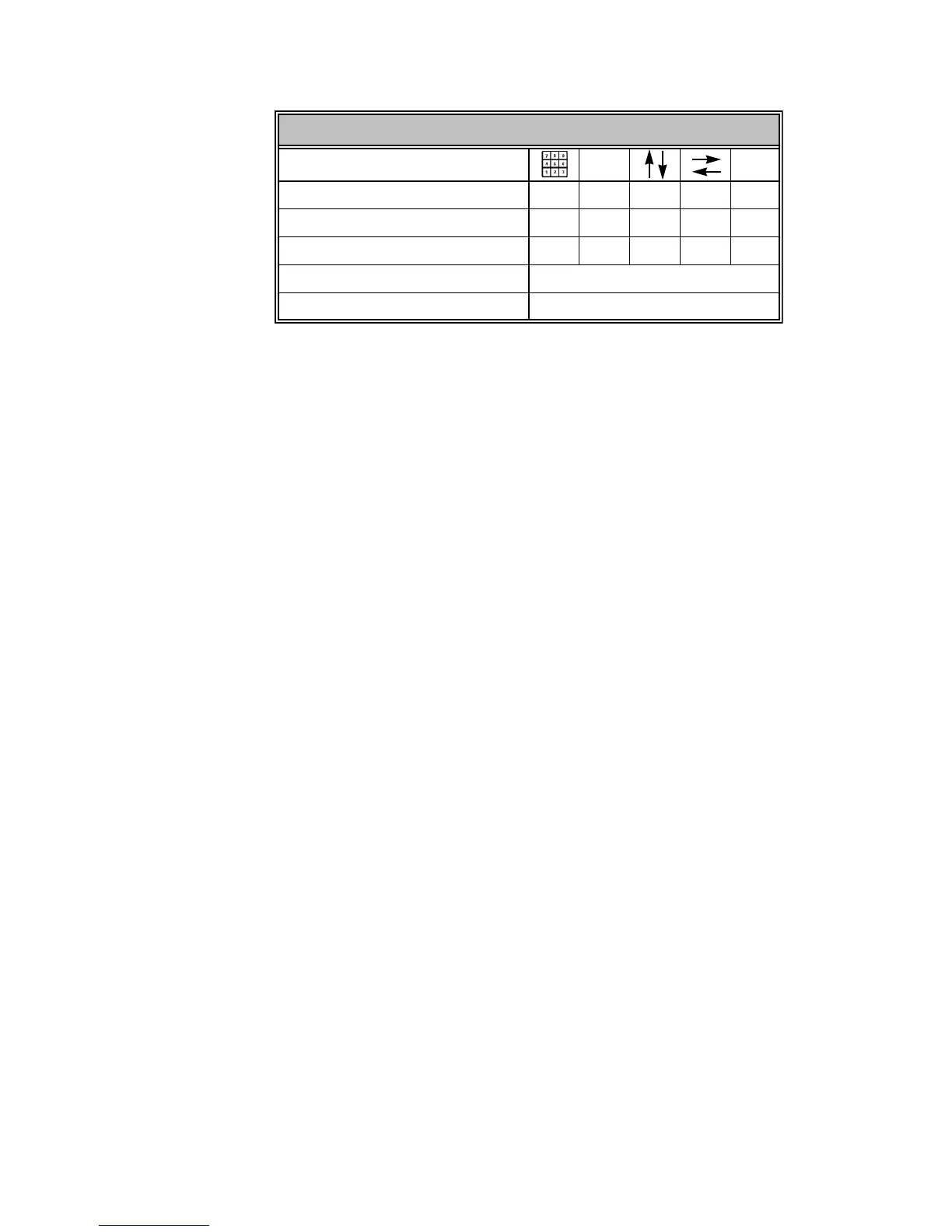
Navigation and Feedback - Real Time Programs display
[S]
±
Select a program XXX X
Select a field to edit XX
Select new field data X
White row Indicates program selected
Yellow coloration Indicates field selected










 To Next Page