Express Two Scene Preset User Manual, v.3.1 17
Fader
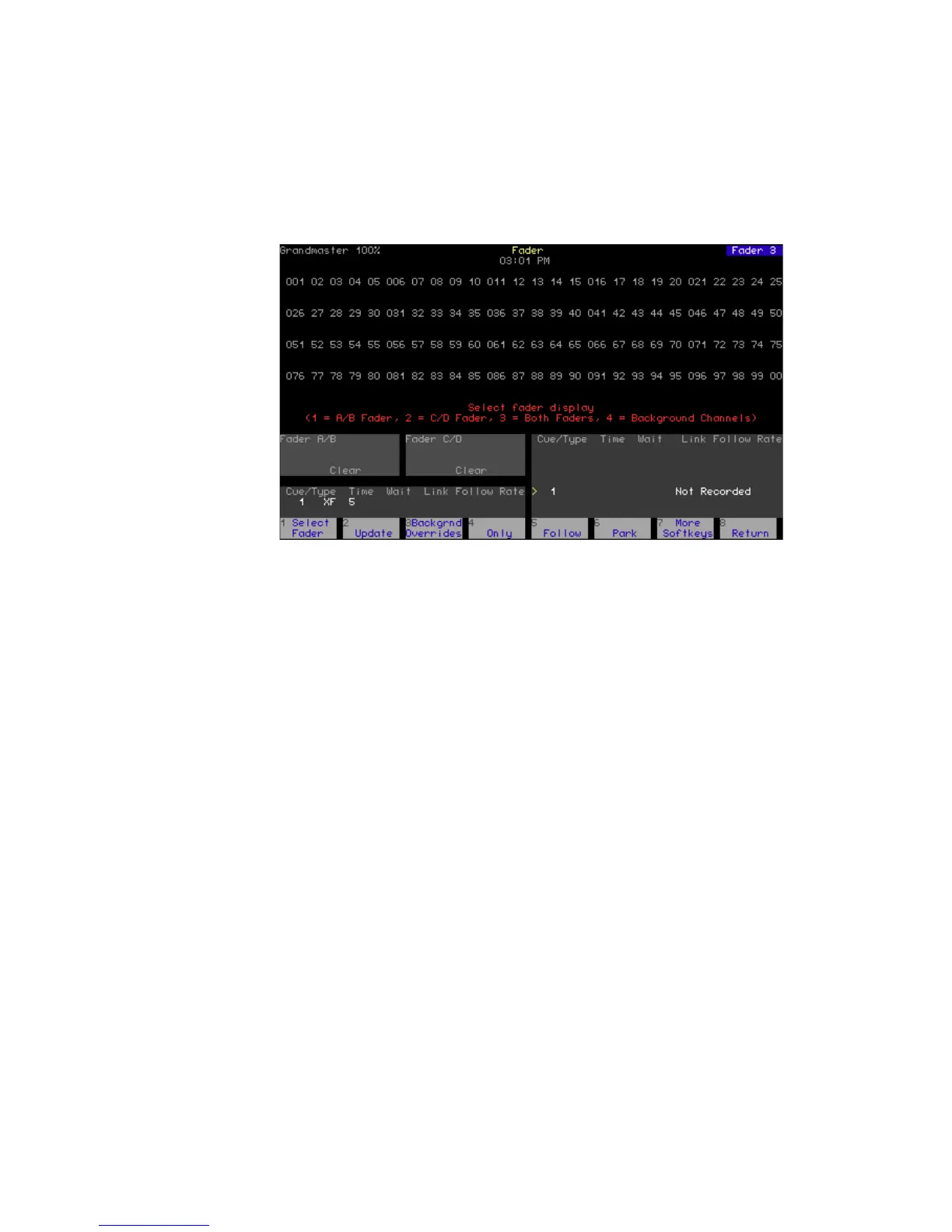
Express has a special Fader display that allows you to isolate channels in
the display according to whether they come from the A/B or C/D fader
pairs. You may also separately display channels in background faders.
Enter the Fader display from the Stage display as follows:
1. Press [S7], More Softkeys, until Fader appears at softkey S4.
2. Press [S4], Fader.
Upon entering the Fader display, you are prompted to select a display
from the four options listed below. You can re-select the display at any
time by pressing [S1], Select Fader.
1. A/B Fader
2. C/D Fader
3. Both Faders
4. Background Channels










 To Next Page