Express Two Scene Preset User Manual, v.3.1 259
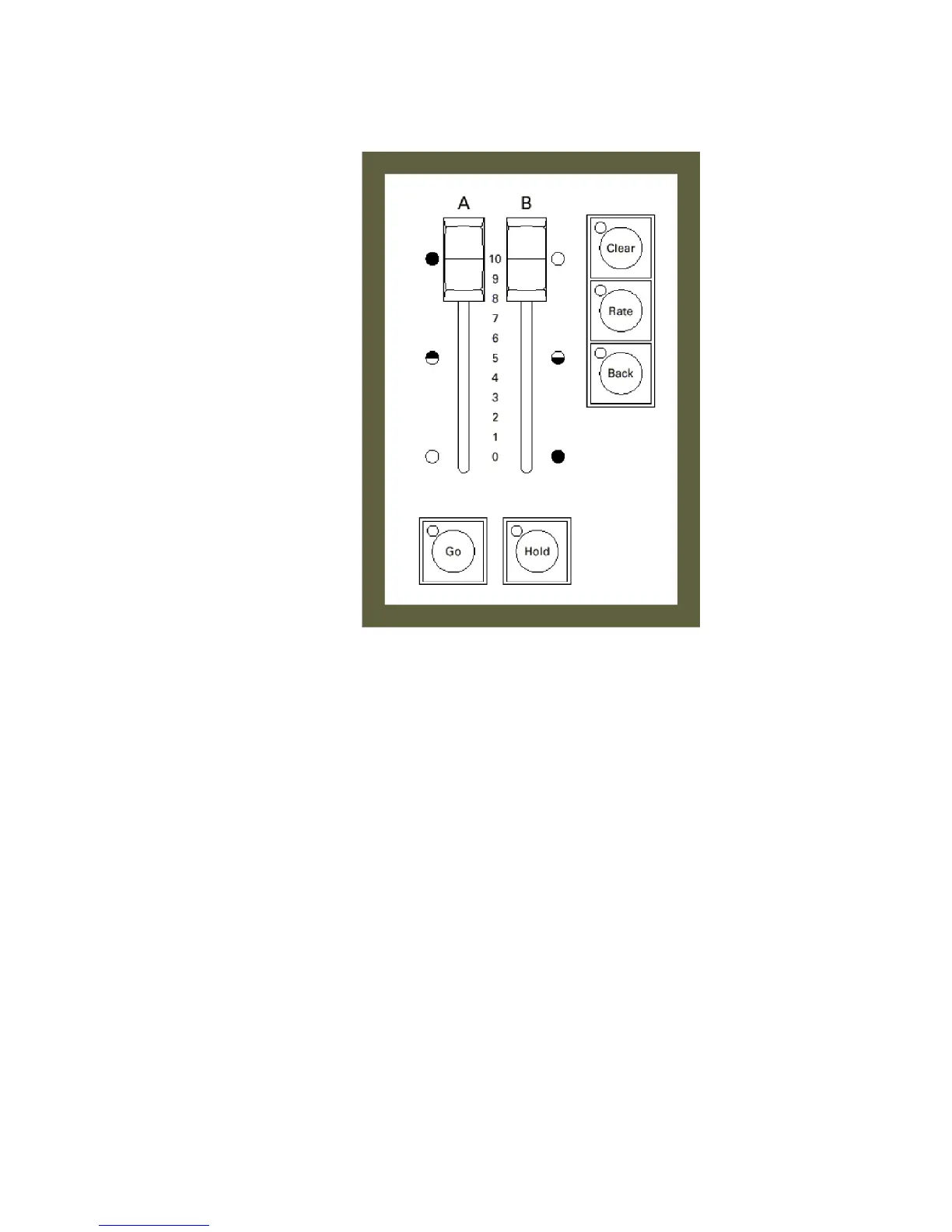
The two scene faders
When two scene mode is enabled, the A/B faders control the scenes and
function in reverse with respect to each other. When both faders are up,
as shown above, fader A is at full and scene A (controlled by the top row
of channel sliders) is up on stage. When the faders are both down, fader
B is at full and scene B (controlled by the bottom row of channel sliders)
is up on stage. Having the sliders function in reverse directions allows for
smooth manual crossfades with the use of only one hand.
The [Rate], [Go] and [Hold] keys allow you to run timed crossfades
between the scenes. The [Clear] and [Back] keys allow you to temporarily
flash scenes A and B on stage. These two functions are described later in
this chapter.










 To Next Page