64 Chapter 6 Adding moving lights to the show
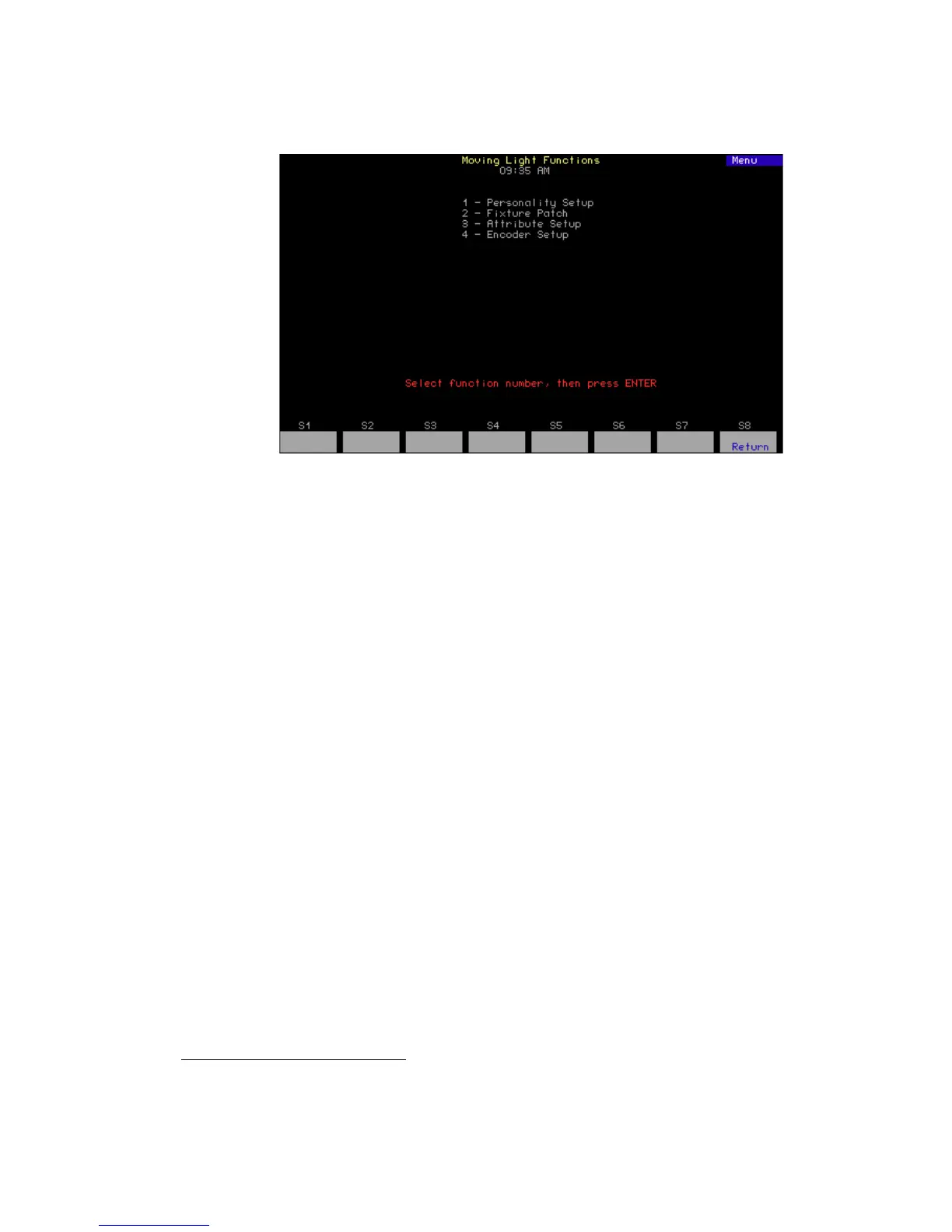
Moving Light Functions menu
Go to the Moving Lights Functions menu by pressing [Setup] [1][5] [Enter].
1. Personality Setup - The console comes with default personalities
already included in its system software code. These may not be
sufficient for your purposes, however, and you may need to add
additional ones. Work directly with personalities here.
2. Fixture Patch - Once you have the personalities in the console that
you need, begin the task of patching fixtures with those personalities.
In addition to patching, you can customize here by labeling and
modifying the standard patching.
34
3. Attribute Setup - Go to this display to customize the assignment of
fixture attributes to categories. Later during the creation of your show,
this categorization will help you grab the moving light attributes you
want by color, position or other traits to set levels, create cues, etc.
The attributes used in your show are highlighted in the Attribute Setup
display.
4. Encoder Setup - This display allows you to customize the assignment
of the trackpad to fixture attributes for greater level-setting
convenience. The console helps you here too by highlighting those
fixture attributes you are using so you can easily put them where you
want them.
34.
You can assign labels to dimmers in Expression Off-Line. See Expression Off-Line,
page 312.










 To Next Page