228 Chapter 18 Macros
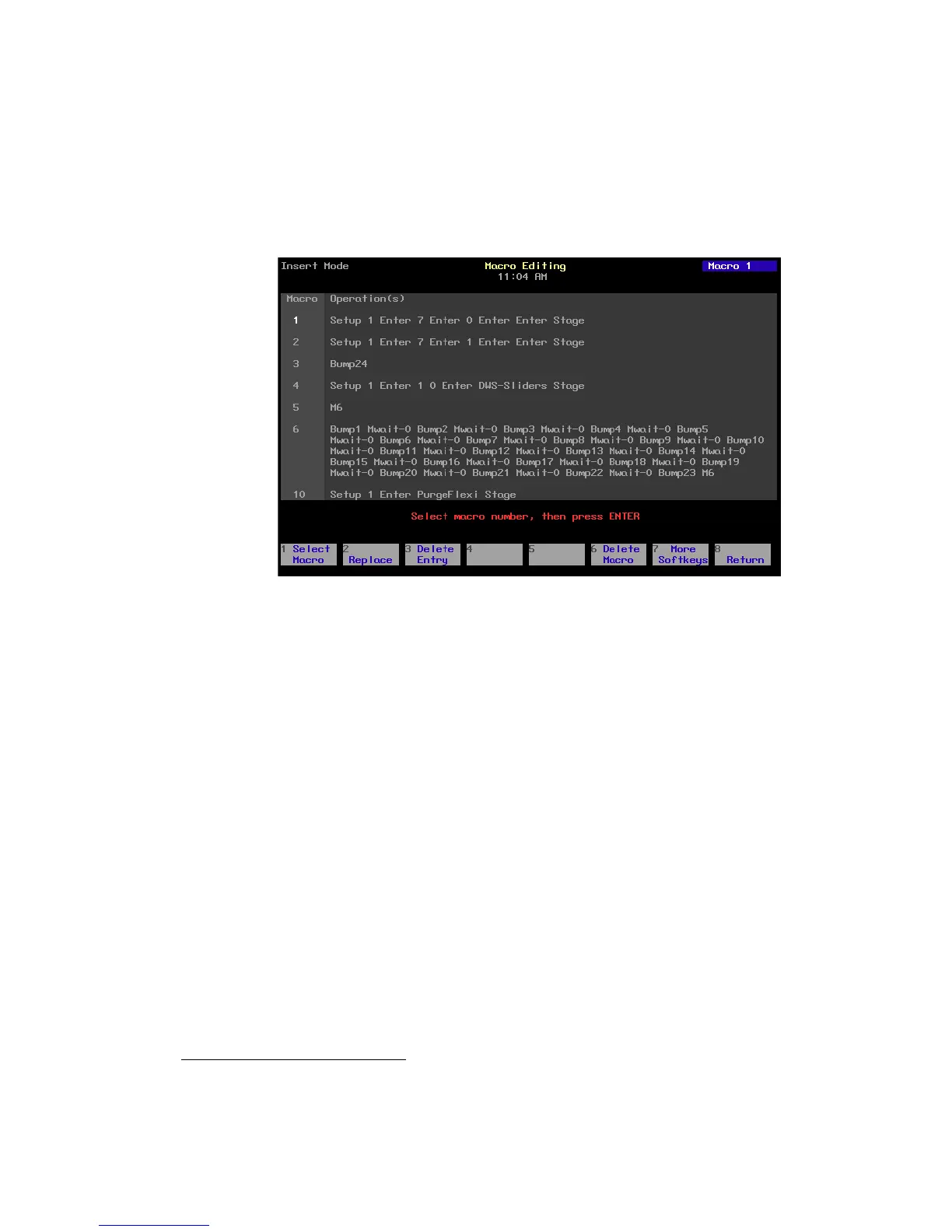
Using Macro Editing
The Macro Editing display allows you to create or edit macros without
affecting channel levels. Some of the softkeys in this display, such as [S2],
Replace, and [S7], More Softkeys, are for editing purposes only and
cannot be entered into a macro. Others, such as [S1], Select Macro, and
several softkeys available after first pressing [S7], More Softkeys, may be
entered into a macro. Three keys that cannot be entered into a macro in
the Macro Editing display are Enter Macro, [←], and [→].
97
97.
If your macro needs to contain softkeys that are unavailable in the Macro Editing
display, you must use Learn to create it.










 To Next Page