Software Control: Microscope Control Software
C O N F I D E N T I A L – FEI Limited Rights Data3-36
19. Advanced Patterning tab Modules
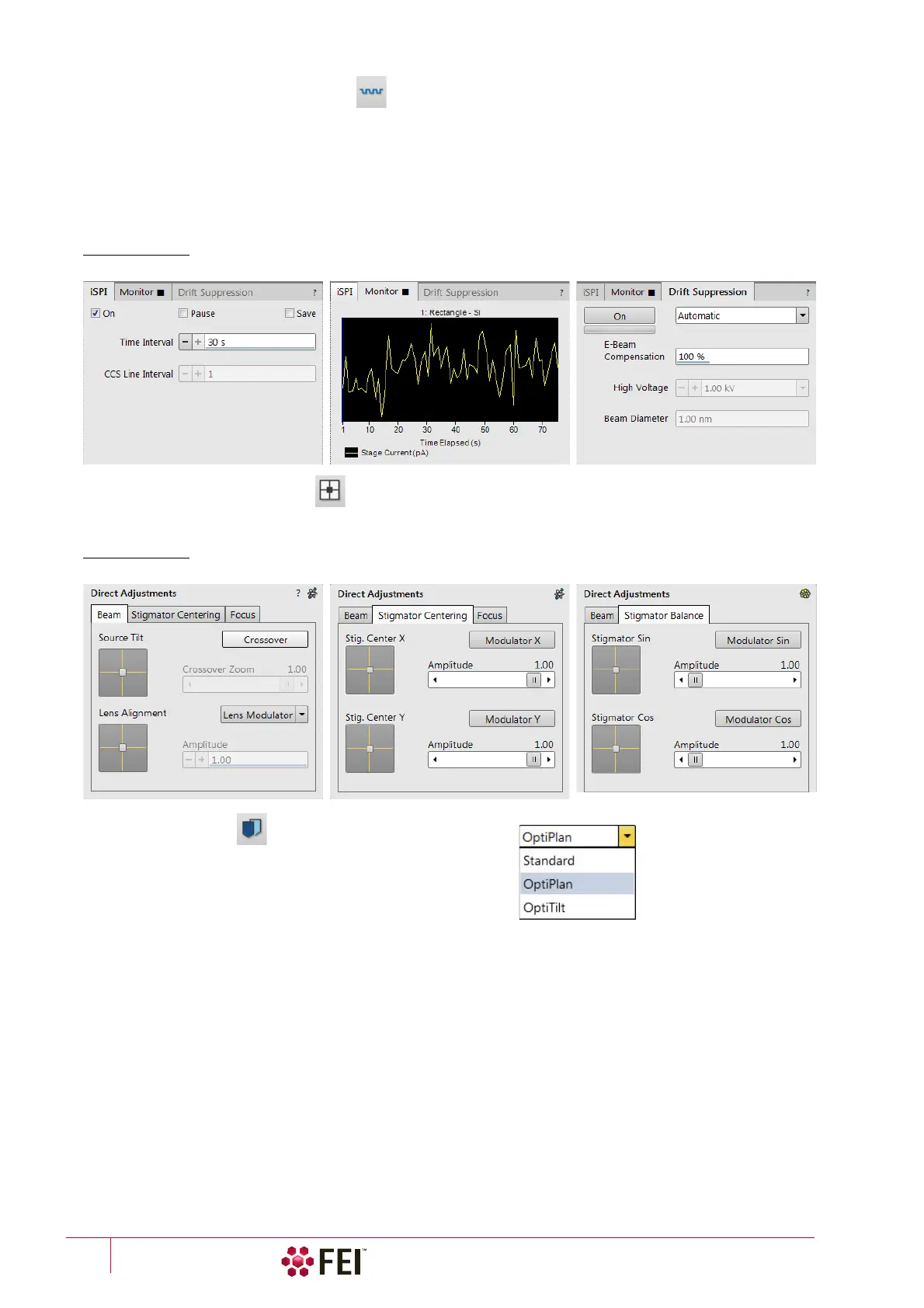
In this section it is possible to monitor a milling process in detail and to grab inspection images during the progress.
• iSPI tab module – it is possible to start and set the iSPI mode, in which the ion beam is paused during electron
imaging to minimize the interferences.
• Monitor tab module – illustrates the milling progress as a colored graphical display, showing the accuracy for
depth or material changes over the whole milled area.
• Drift Suppression tab module – enables to start a special electron beam mode used for ion beam imaging of non-
conductive samples.
FIGURE 3-17 Advanced Patterning Module
20. Direct Adjustments Module
This control page serves for fine-tuning of the beam geometry to achieve the best focus and brightness (see
Chapter 5).
FIGURE 3-18 Direct Adjustments Module
21. Use Case Module
Use the drop down list box to select desired Use case for specific
application (see Chapter 5).
Note
In addition to restoring factory Column presets, this function also sets
some other microscope parameters.



 To Next Page