54200
Users Manual
4-36
•
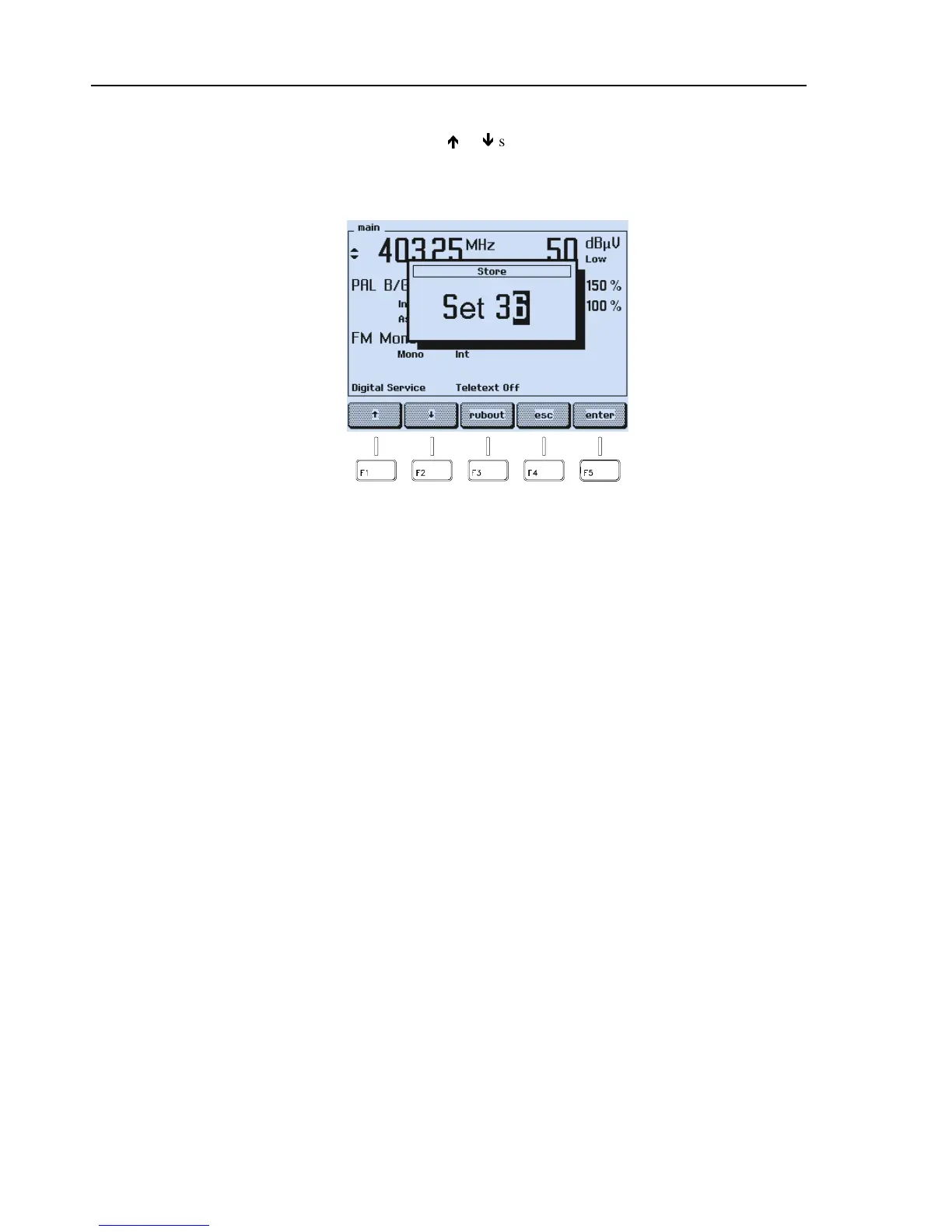
Key in the register number using the numerical keypad you want to store your
settings. You can also use the
é
or
ê
softkey (F1 or F2) to select the register
number. Note that the current memory contents will be overwritten.
•
Keyed in digits can be erased with the
rubout
softkey (F3).
Figure 4-59. Input of Memory Register Number
Remark: Already stored data in the register will be overwritten.
•
If you want to skip your input, press the
esc
softkey (F4).
•
Press the
enter
softkey (F5) to confirm your input.
The instrument settings are now stored under the selected register number.



 To Next Page