How to Use the Instrument
Operating via Keyboard
4
4-15
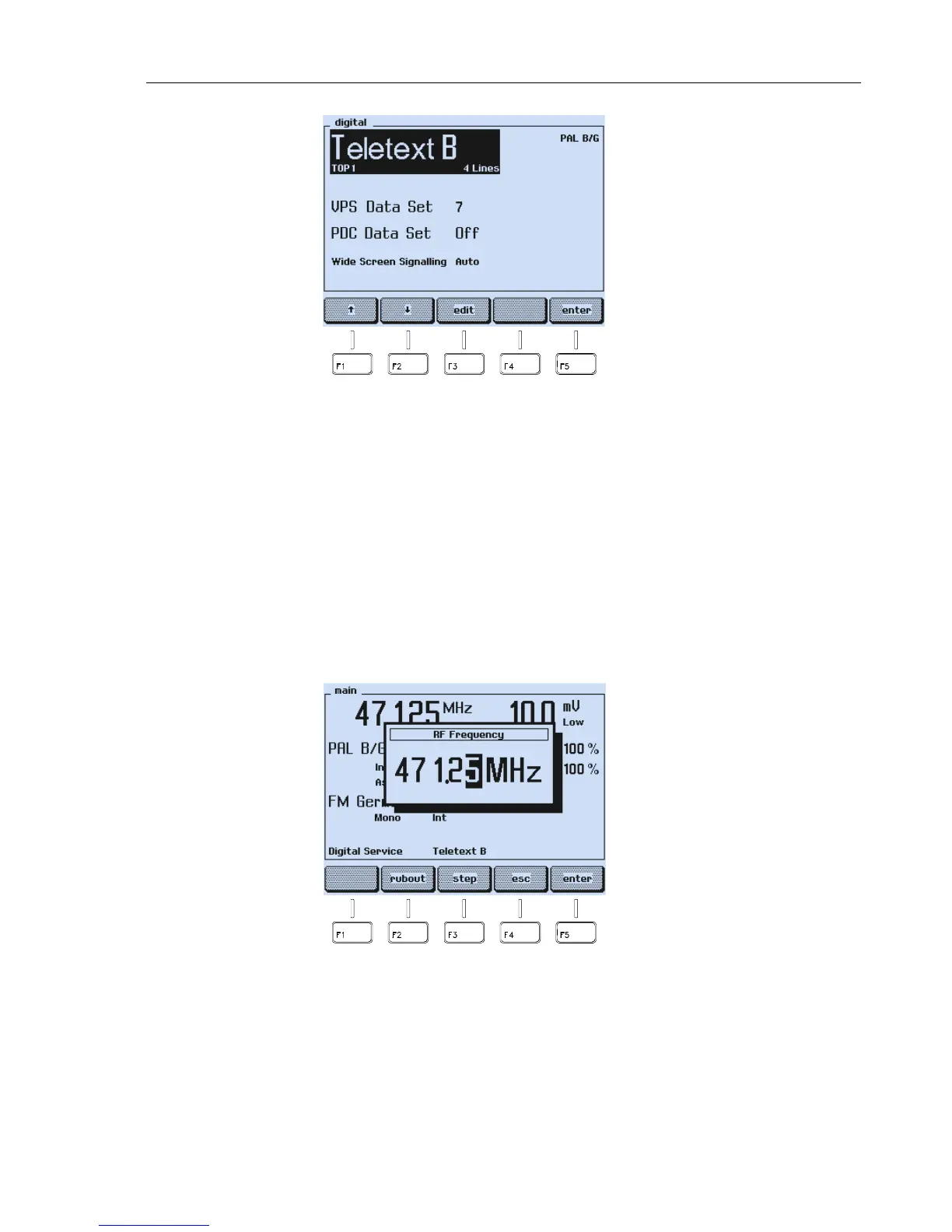
Figure 4-21. Selected Digital Services
How to program the VPS and PDC Data Sets, see Chapter 5, ‘PDC’ and ‘VPS.’
Vision Carrier Frequency Settings (RF Carrier)
You can directly key in a certain value for the carrier frequency using the numerical
keypad or you can change the frequency with
▲
and
▼
step keys, if the step function is
selected for the frequency, see Section ‘Step Function.’
Numerical Input
•
Press the
FREQ
key.
•
A popup menu for numerical input appears, showing the current frequency.
Figure 4-22. Carrier Frequency Input



 To Next Page