54200
Users Manual
4-30
Test Patterns
You can switch a test pattern on or off by briefly pressing the assigned key in the
PATTERN
field of the keyboard. The LED above the key indicates that the pattern is
switched on. Pressing a key longer than one second calls up a popup menu for parameter
or additional pattern selection.
The keys
CIRCLE
,
CHECKERBOARD
,
MULTIBURST
,
GREYSCALE
,
and
PLUGE
do
not call up a popup menu; these patterns can only be switched on or off. You can
combine up to four different single patterns. For details, see the topic ‘Combined Test
Patterns’ later in this chapter.
Pattern Selection
•
Select the appropriate TV standard and TV system for your TV set.
•
Connect the generator to the TV either using video or using RF.
•
If you connect using RF, select the same frequency for the TV and the generator. Set
the vision carrier level to approximately 60 dBµV respectively 1 mV. If your TV
requests a sound carrier to identify the TV system, set the generator to the
corresponding sound system.
•
If you connect using video, set the generator to the corresponding video output, for
example, Scart.
•
Check that the video and chroma amplitudes are set to a sufficient value, for
example, 100%.
•
Press the requested
PATTERN
key, for example, the
CHECKERBOARD
key.
•
The LED above the key lights up and the TV shows the pattern on the screen.
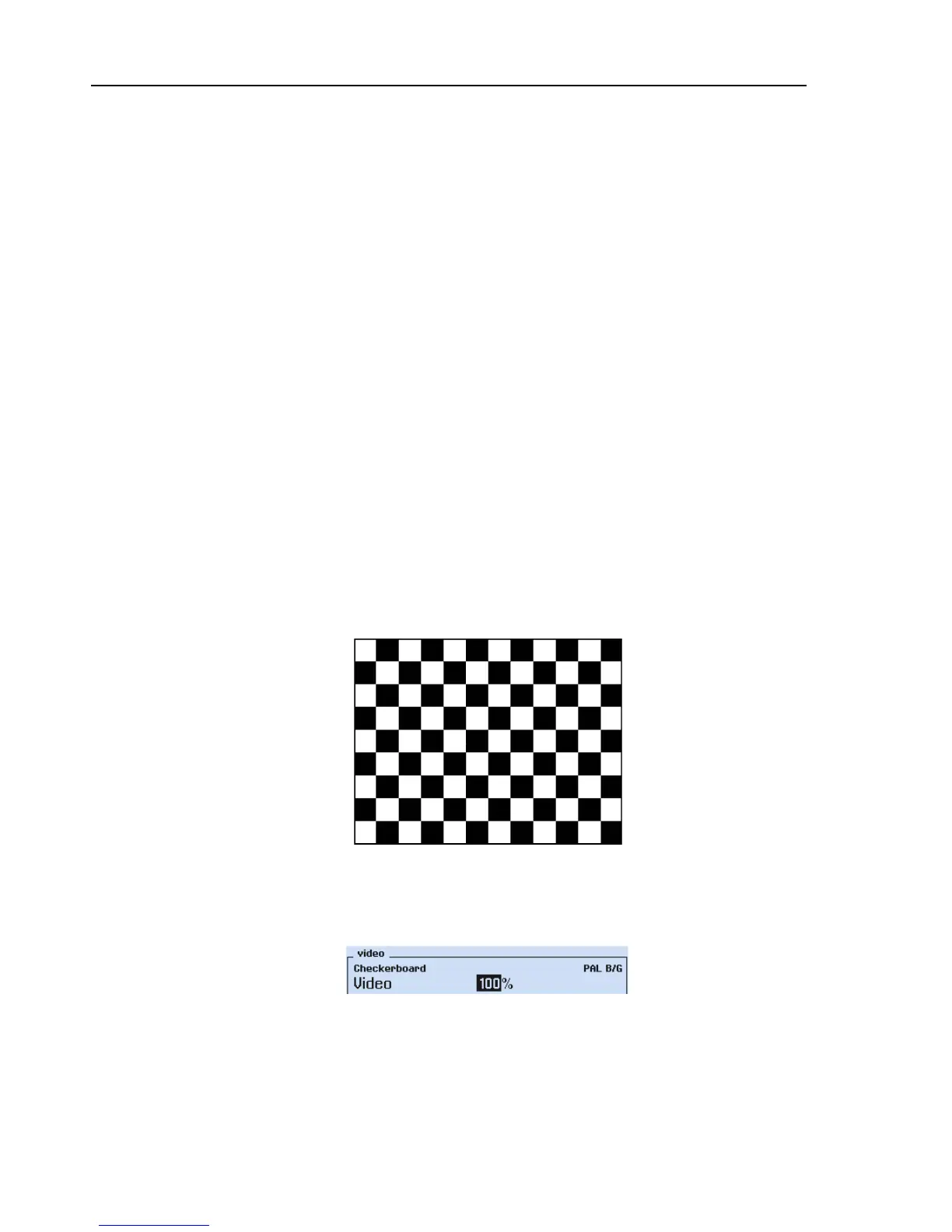
Figure 4-50. Checkerboard Test Pattern
The selected pattern is also indicated in the upper left corner of the
video
submenu
display.
Figure 4-51. Test Pattern Indication



 To Next Page