Brief Functional Test
Function Verification
8
8-5
Function Verification
TV Standard PAL
Video Part, using RF Connection
Procedure:
•
Connect the
RF OUT
of the TV Signal Generator to the antenna input of the TV. Use
an appropriate connection cable, for example, the attached cable BNC to TV.
•
Load the default settings of the generator with
RECALL 0
.
•
Press the
enter
softkey (F5) to return to the
main
screen.
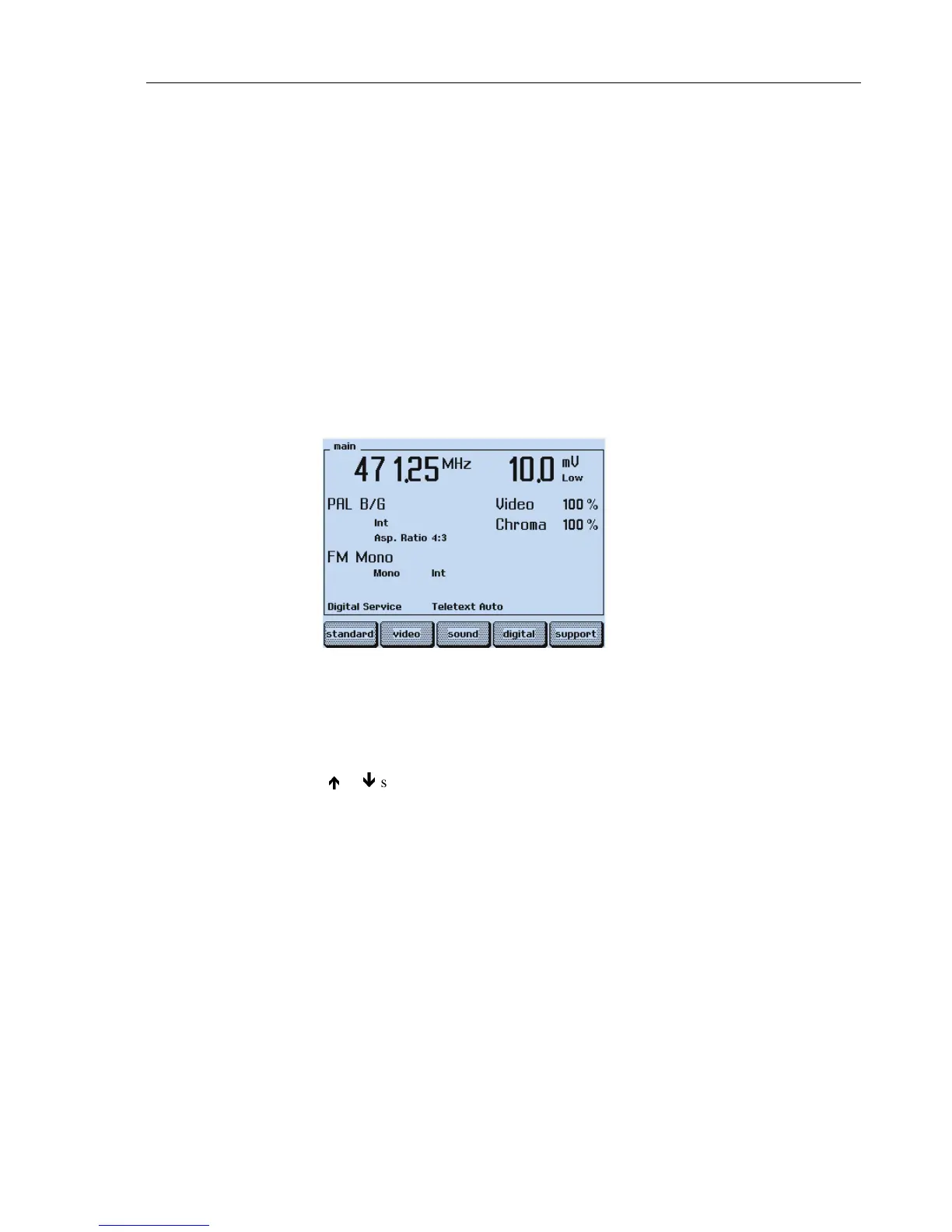
The display of the generator shows:
Figure 8-1. Generator Settings, PAL Standard
•
Set the TV to a vision carrier frequency of 471.25 MHz. If your TV does not support
this frequency, set the generator to an appropriate frequency.
•
Press the
COLOR BAR
key longer than one second.
•
Select with the
é
or
ê
softkey (F1 or F2)
COL_100_0
.
•
Press the
enter
softkey (F5) to confirm the setting.
•
Add the test patterns
GREYSCALE
,
MULTIBURST
,
CIRCLE
with the keys in the
PATTERN
field.



 To Next Page