54200
Users Manual
5-20
Programming the Real Time Clock
54200 offers a real time clock which is used for the Teletext B system and PDC
(Programme Delivery Control).
•
Select the
support
submenu to program the real-time clock.
•
Select the Date of the Real Time Clock by the
ê
softkey (F2).
•
Press the
edit
softkey (F3).
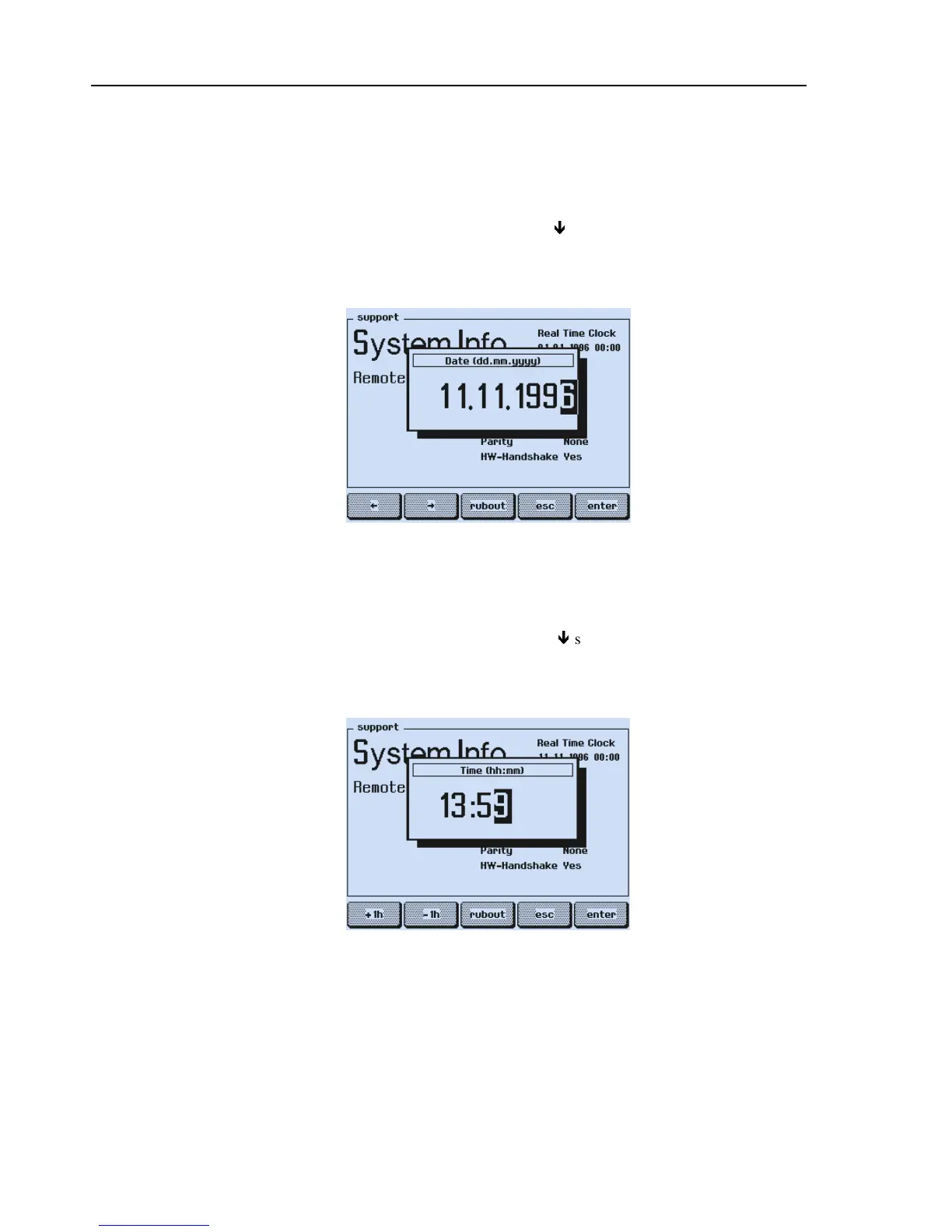
The
Date
popup menu for numerical input appears.
Figure 5-12. Timer Setting with Date
•
Key in day (dd), month (mm), and year (yyyy) using numerical keypad.
•
Press the
enter
softkey (F5) to confirm.
•
Select the Time of the Real Time Clock by the
ê
softkey (F2).
•
Press the
edit
softkey (F3).
The
Time
popup menu for numerical input appears.
Figure 5-13. Timer Setting with Time
•
Key in the actual or wanted time (hh:mm) using numerical keypad.
If you want to change the time for 1 hour (winter/summer time) preferable use the
+1h
or
-1h
softkeys (F1 or F2).



 To Next Page