How to Use the Instrument
Description and Applications of the Test Patterns
4
4-45
Dots
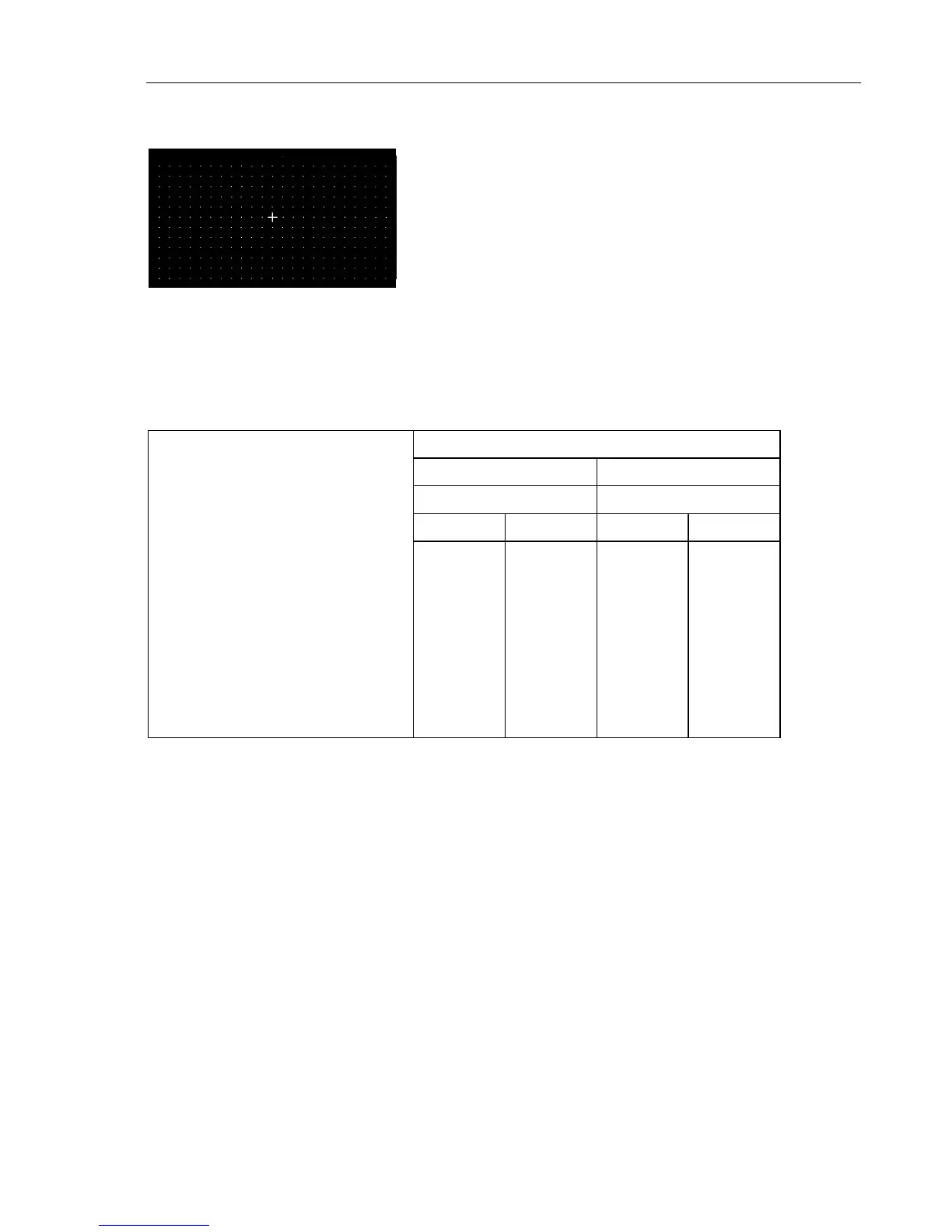
Figure 4-69. Dots, Aspect Ratio 16:9
Description:
Dots is a full field B/W pattern with white dots on a
black background with additional center indication.
For further details, see table below. The pattern can be
switched over to black dots on a white background by
selecting
Dots_Black
in the Dots popup menu.
Applications:
This pattern is used for checking and adjusting the
static convergence. The screen should contain pure
white dots. The presence of colored dots points to
faults in focusing and convergence. For checking
reflections select this pattern with a white background.
Table 4-3. Dots
Aspect Ratio
4 : 3 16 : 9
Line System Line System
625 525 625 525
Level Y
•
White
•
Black
100%
0%
100 IRE
7.5 IRE
100%
0%
100 IRE
7.5 IRE
Position of center indication
•
Vertical direction 1. field
2. field
line 167
line 479
line 142*
line 404*
line 167
line 479
line 142*
line 404*
•
Horizontal direction,
after start of line sync pulse 36.52
µ
s 35.63 µs 36.52
µ
s 35.63
µ
s
* subtract 3 lines for PAL M



 To Next Page