How to Use the Instrument
Operating via Keyboard
4
4-37
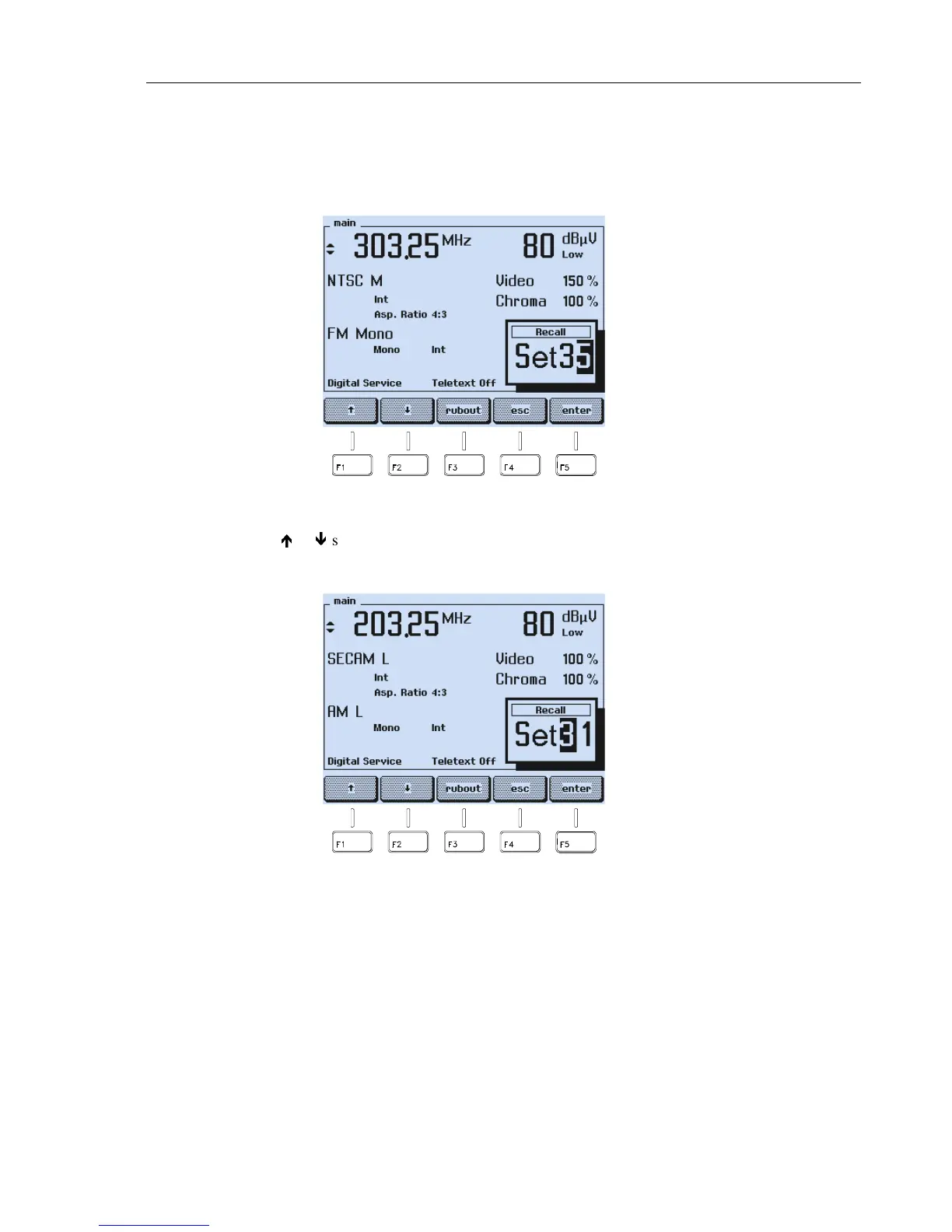
Recalling of Instrument Settings
•
To recall stored settings, press the
RECALL
key.
•
A popup menu appears, showing the last used register.
Figure 4-60. Memory Register of Stored Settings
•
Use the
é
or
ê
softkey (F1 or F2) to scroll through the register numbers. The
instrument shows the stored settings in the selected register on the display.
Figure 4-61. Memory Contents Scrolling



 To Next Page