54200
Users Manual
4-12
Sound Settings
•
Select the
sound
submenu.
•
Press the
é
or
ê
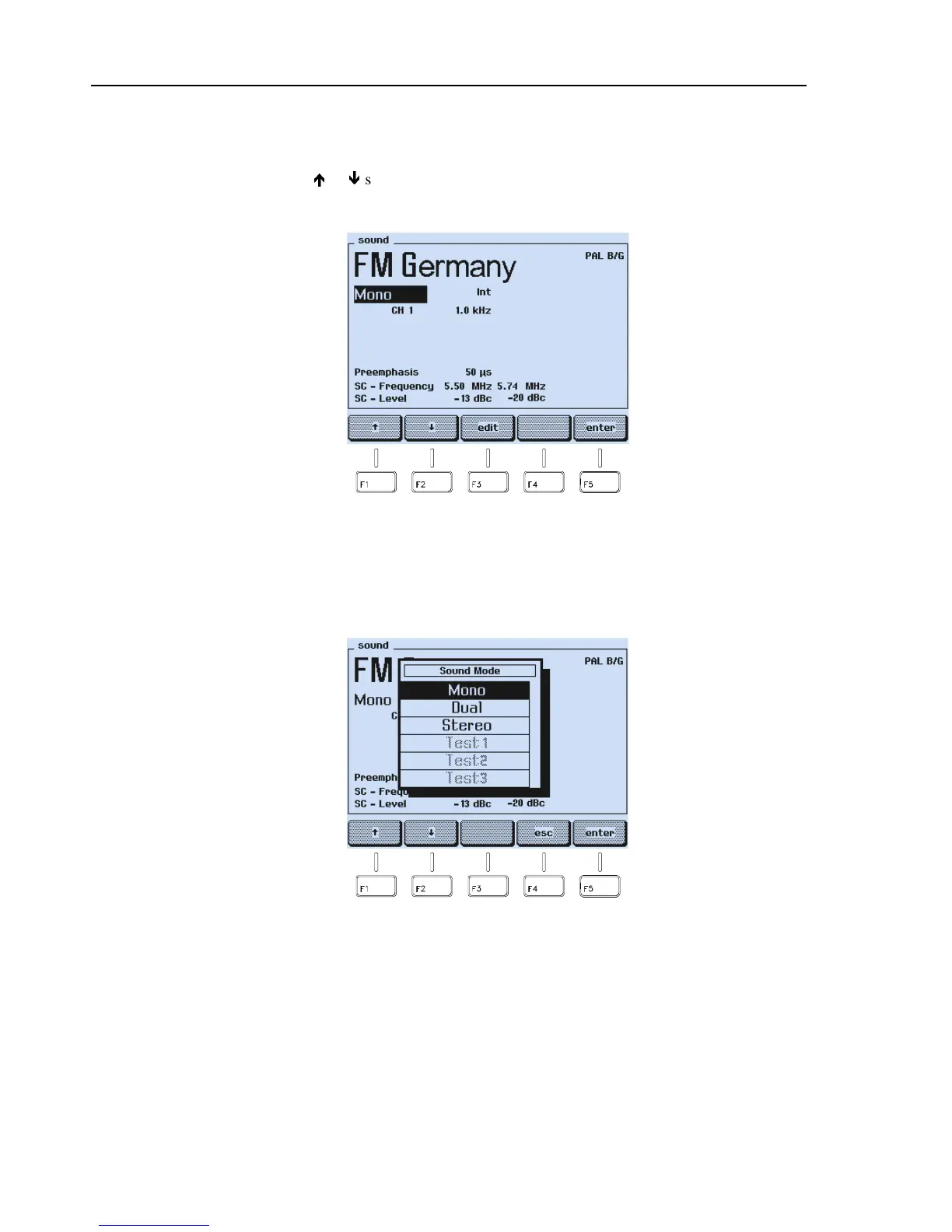
softkey (F1 or F2) in the
sound
submenu to select the setting you
want to change, for example, the sound mode
Mono
.
Figure 4-16. Sound Settings
•
Press the
edit
softkey (F3).
•
The display shows a popup menu with the selectable modes in black characters.
Modes that are not selectable are shown in grey characters.
Figure 4-17. Sound Mode Settings



 To Next Page