Brief Functional Test
Function Verification
8
8-17
•
Switch the TV and the generator to Aspect Ratio 4:3.
•
Press the
DIGITAL SCAN
key longer than one second.
•
Select with the
é
or
ê
softkey (F1 or F2)
DIGI_SCAN3_M
.
•
Press the
enter
softkey (F5) to confirm the setting.
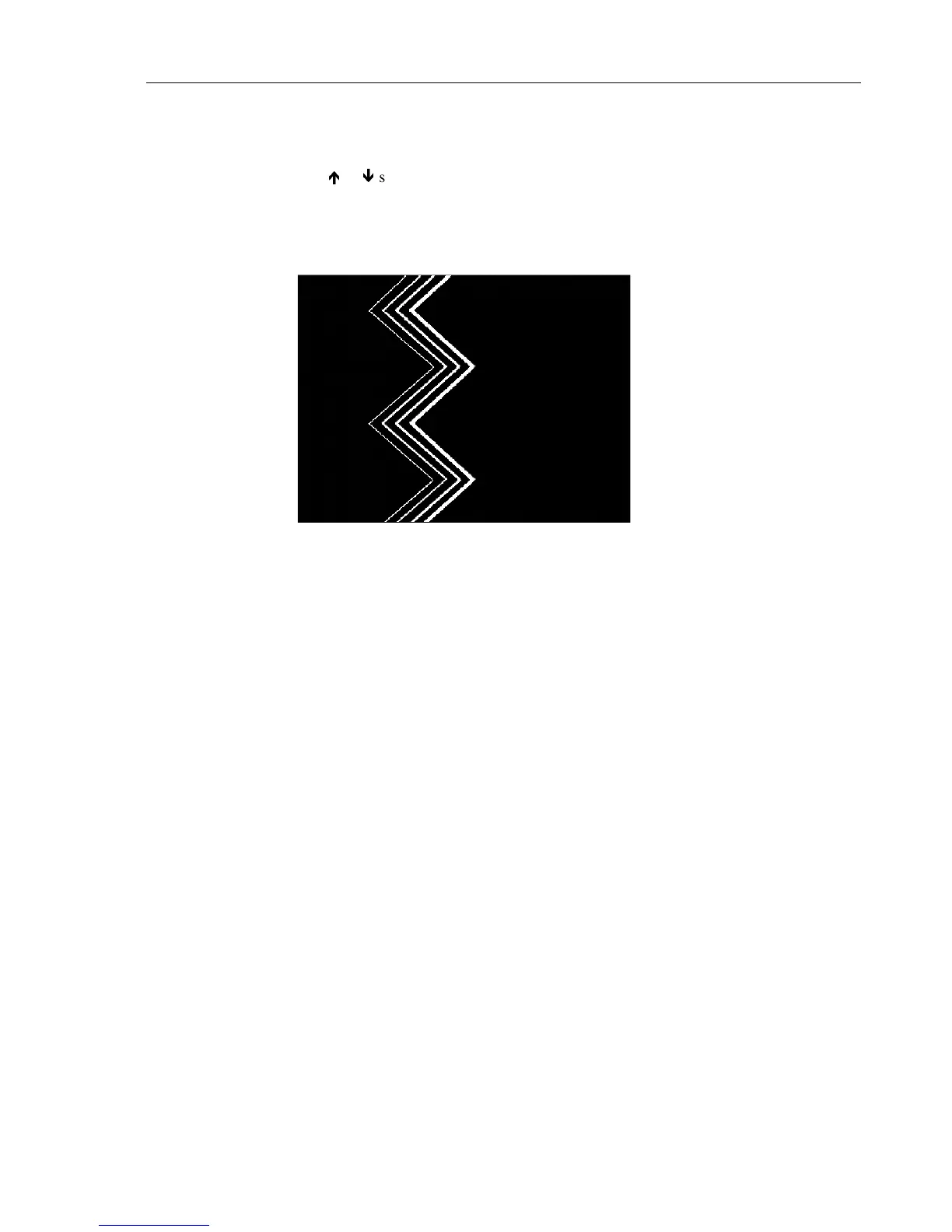
The TV shows the following pattern, moving from left to right. The three left lines
flicker.
Figure 8-14. Progressive Scan Check 3
•
Reduce the vision carrier amplitude to 0.01 mV.
The TV shows noise or a 'No Picture' indication.
Video Part, using Y/C Connection (S-VHS, Hi-8)
Procedure:
•
Set the generator with
RECALL 0
to its default settings.
•
Press the
enter
softkey (F5) to return to the
main
menu.
•
Press the
standard
softkey (F1).
•
Press the
edit
softkey (F3) and select country
USA
in the popup menu with the Pre-
defined Country List to set the instrument to
NTSC M
.
(Instruments without PAL are automatically set to
NTSC M
after
RECALL 0
).
•
Press the
enter
softkey (F5) to return to the
main
screen.
•
Remove the connection cable from the
RF OUT
of the generator and the antenna
input of the TV.
•
Connect the generator using
Y/C OUT
on the rear panel to the Y/C input of the TV.
Use the attached Y/C cable.
•
Set the TV to Y/C (S-VHS, Hi-8) input.
•
Select the combined test pattern as described Page 8-15.
Test Result Requirement:
The TV reproduces the test pattern shown in Figure 8-13, without sound.



 To Next Page