54200
Users Manual
4-14
Teletext, VPS, PDC, CC, and WSS
(Digital Services)
Select the
digital
menu.
Press the
é
or
ê
softkey (F1 or F2) in the
digital
submenu to select the setting you want
to change, for example, the field
Teletext
Auto
.
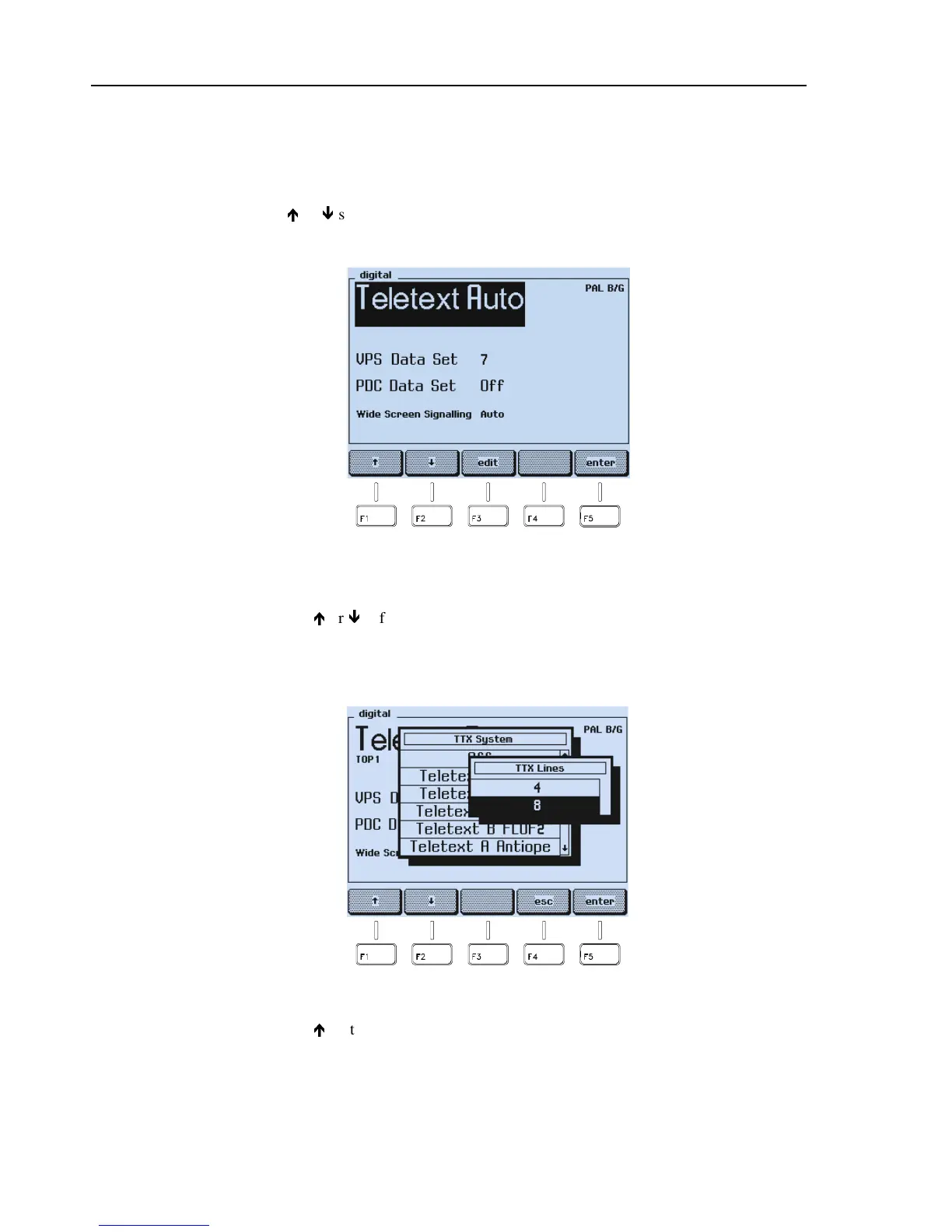
Figure 4-19. Digital Services
•
Press the
edit
softkey (F3).
•
Press the
é
or
ê
softkey (F1 or F2) to select, for example,
Teletext B Top 1
.
•
Press the
enter
softkey (F5).
•
An additional popup menu appears.
Figure 4-20. Teletext Line Selection
•
Press the
é
softkey (F1) to select, for example, four lines per frame mode.
•
Press the
enter
softkey (F5) to confirm your selection.



 To Next Page