Remote Control
Introduction
6
6-3
Introduction
This chapter contains information about how to control Fluke 54200 by a Personal
Computer or Controller using the IEEE-488 or RS-232 Interface.
All instrument functions can be controlled using the IEEE-488 or RS-232 Interface. You
can connect the RS-232 cable and additional the IEEE-488 cable to the instrument, but
you cannot control the instrument using RS-232 and IEEE-488 at the same time.
Before learning the remote interface command set, first get acquainted with the functions
of the instrument, parameters, settings, and limits. A detailed description with examples
is in the Chapters 2 to 5 of this manual.
If you already use a program for the PM5415/18 Color TV Signal Generator, you can
find a conversion table for the commands at the end of this chapter.
IEEE-488 Interface
Instrument Address
The following sections describe the functions of the IEEE-488 bus interface.
For commands, queries, syntax, and terminators, see Section "Remote Control
Commands" in this Chapter.
Remote IF Message
Syntax and Data Structure
Common Commands and Queries
Device-Specific Messages
BUS *
DC BA A BC D
Controller
nstrument
IEEE-488.2
Standard
IEEE-488.2
Standard
IEEE-488.1 Standard
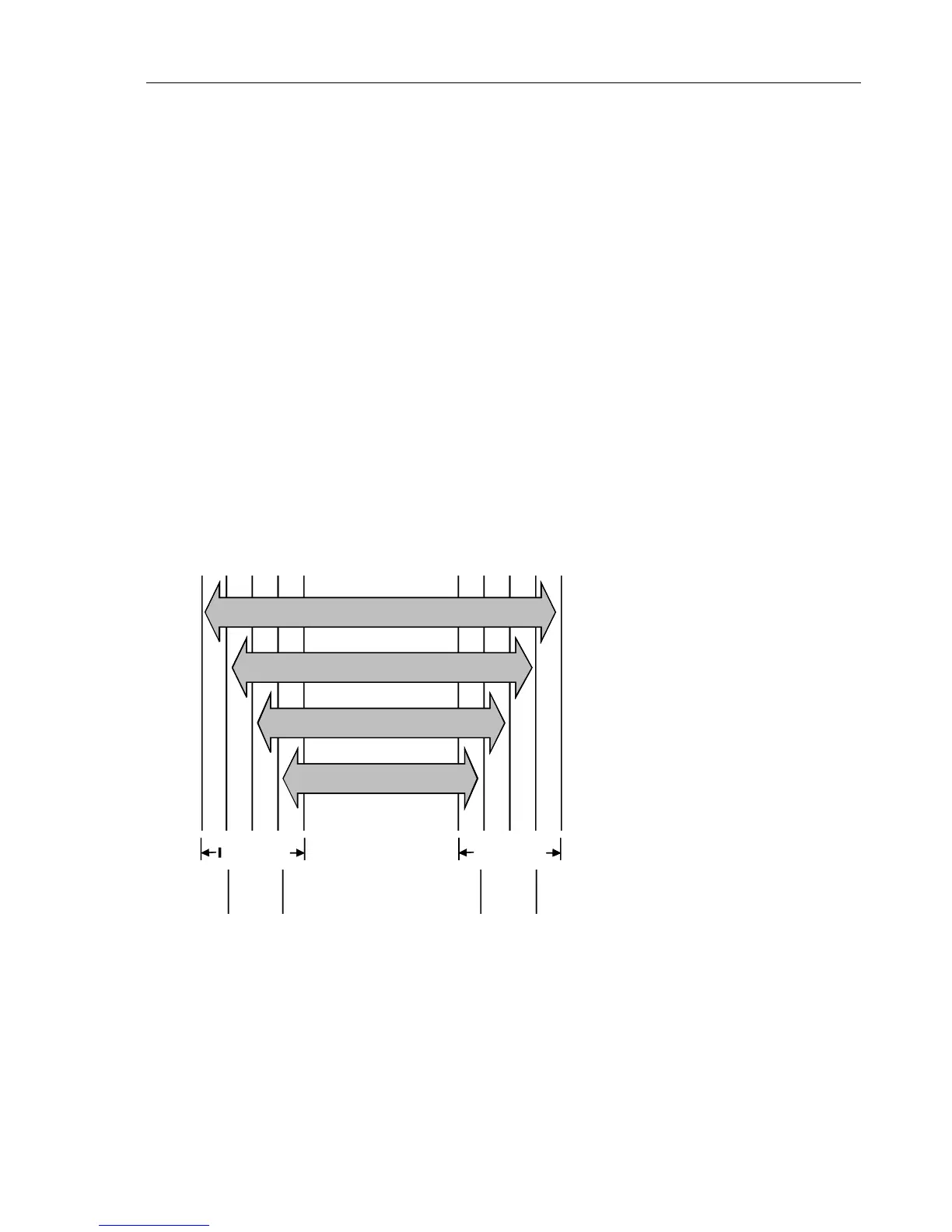
A = Interface functions
B = Message communication functions
C = Common system functions
D = Device functions
* This figure is in accordance with 'IEEE-488 Standard Codes, Formats, Protocols and
Common Commands' (ANSI/IEEE-488 Std 488.2-1987).



 To Next Page