54200
Users Manual
4-18
You can select the stepping function for the:
−
Vision carrier frequency
−
Vision carrier level / amplitude
−
Video amplitude
−
Chroma amplitude
You cannot select more than one parameter for the stepping function at the same time.
Vision Carrier Level Setting (RF Level)
You can directly key in a certain value for the carrier level in dBµV or in mV for the
amplitude using the numerical keypad or you can change the value stepwise with the
▲
and
▼
step keys, if the step function is selected for the level or amplitude, see Section
‘Step Function.’
Numerical Input
•
Press the
LEVEL
key.
•
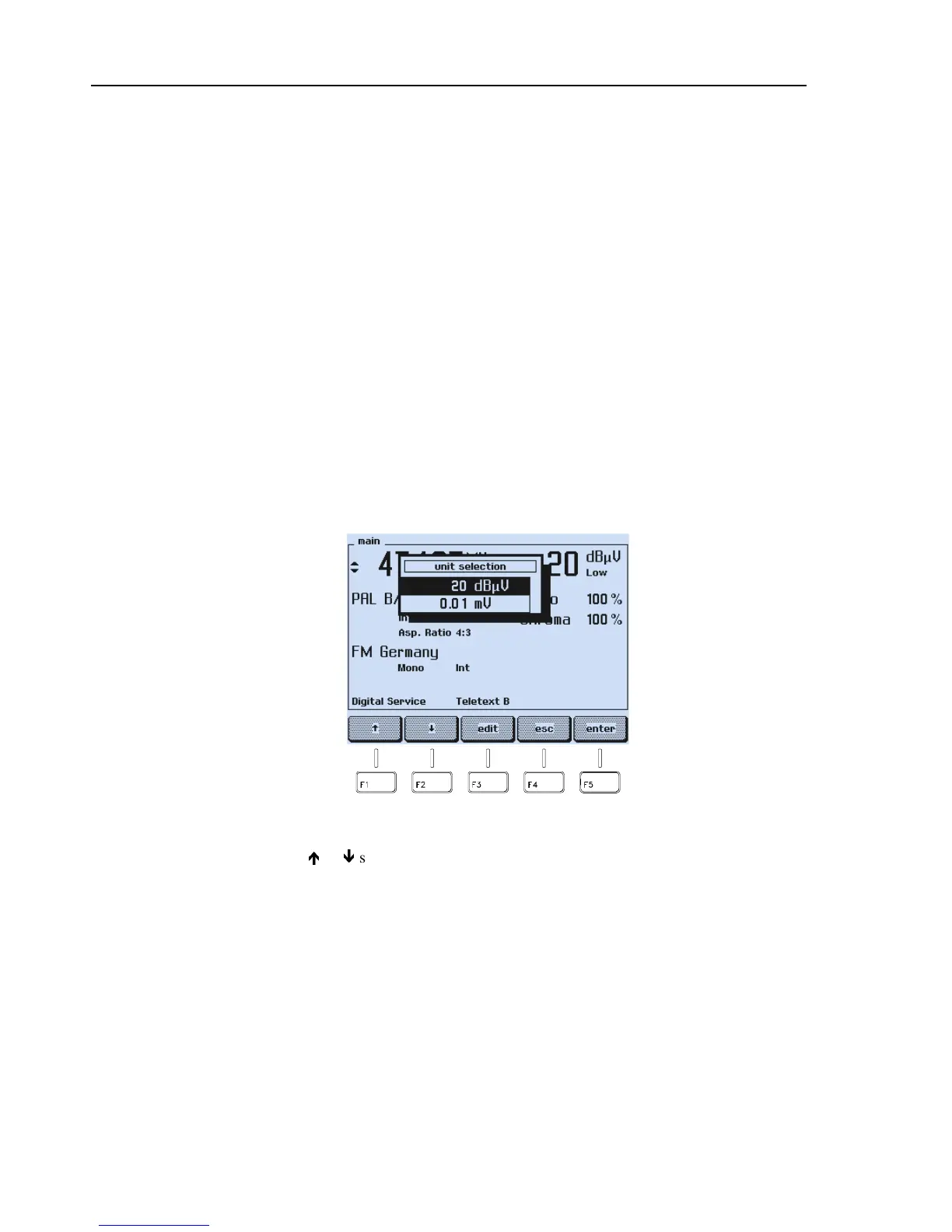
A popup menu for the
unit
selection
mV or dBµV appears, showing the current unit
and the value.
Figure 4-28. Unit Selection
•
Press the
é
or
ê
softkey (F1 or F2) to select: mV for amplitude or dBµV for level
inputs.



 To Next Page