Function Reference
External Modulation
5
5-63
Operating
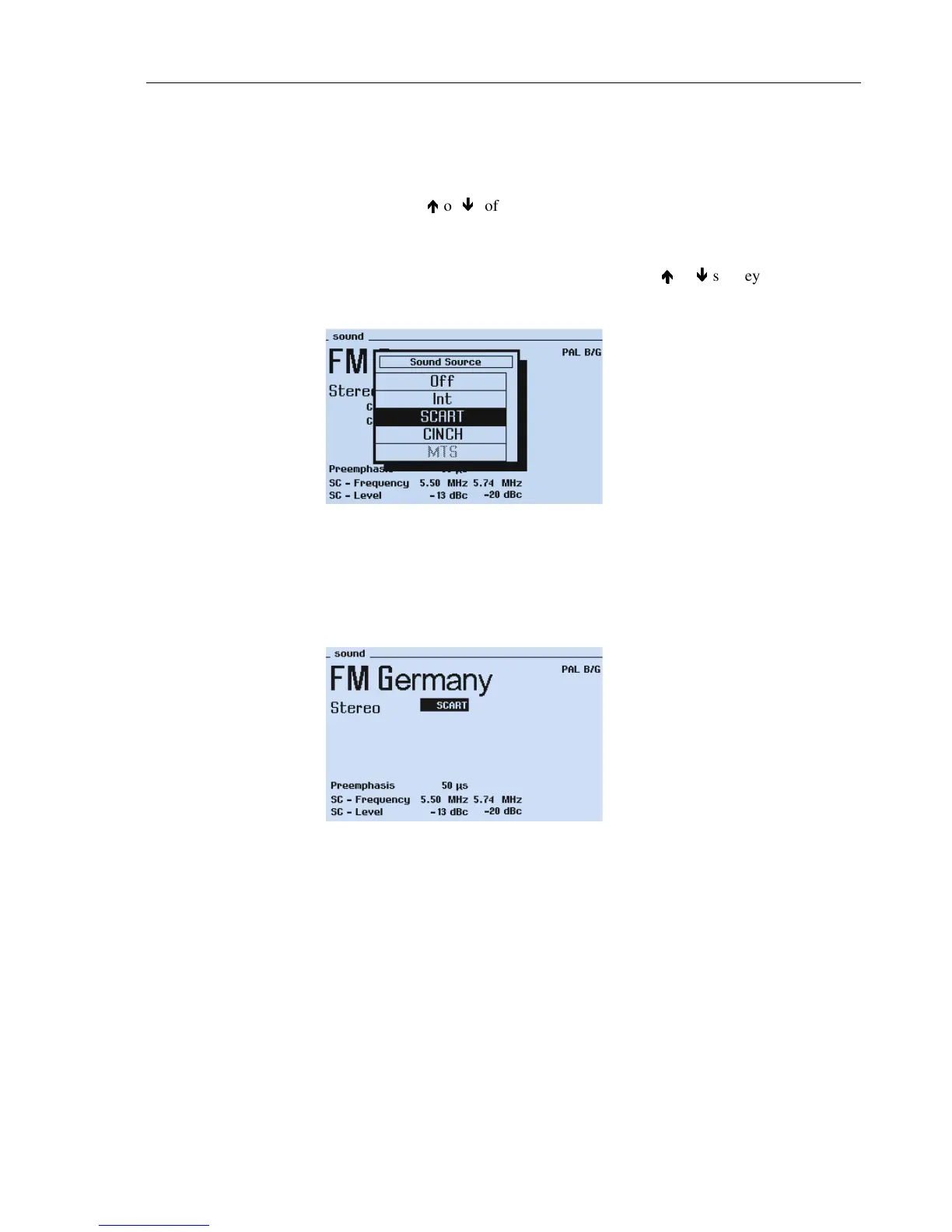
Selecting external sound modulation:
•
Select the
sound
submenu.
•
Select sound source
Int
by the
é
é
or
ê
ê
softkeys (F1 or F2).
•
Press the
edit
softkey (F3).
The
Sound Source
popup appears.
•
Select the wanted sound input connector
SCART
or
CINCH
by the
é
é
or
ê
ê
softkeys
(F1 or F2), for example,
SCART
.
The MTS input is only selectable for BTSC sound.
Figure 5-40. Sound Source Selection
•
Apply the external audio signal to the
EURO AV IN (SCART)
connector.
For connector pins, see Chapter 3, Table 3-1.
•
Press the
enter
softkey (F5) to confirm your selection.
Figure 5-41. External Sound Modulation



 To Next Page